Audit log
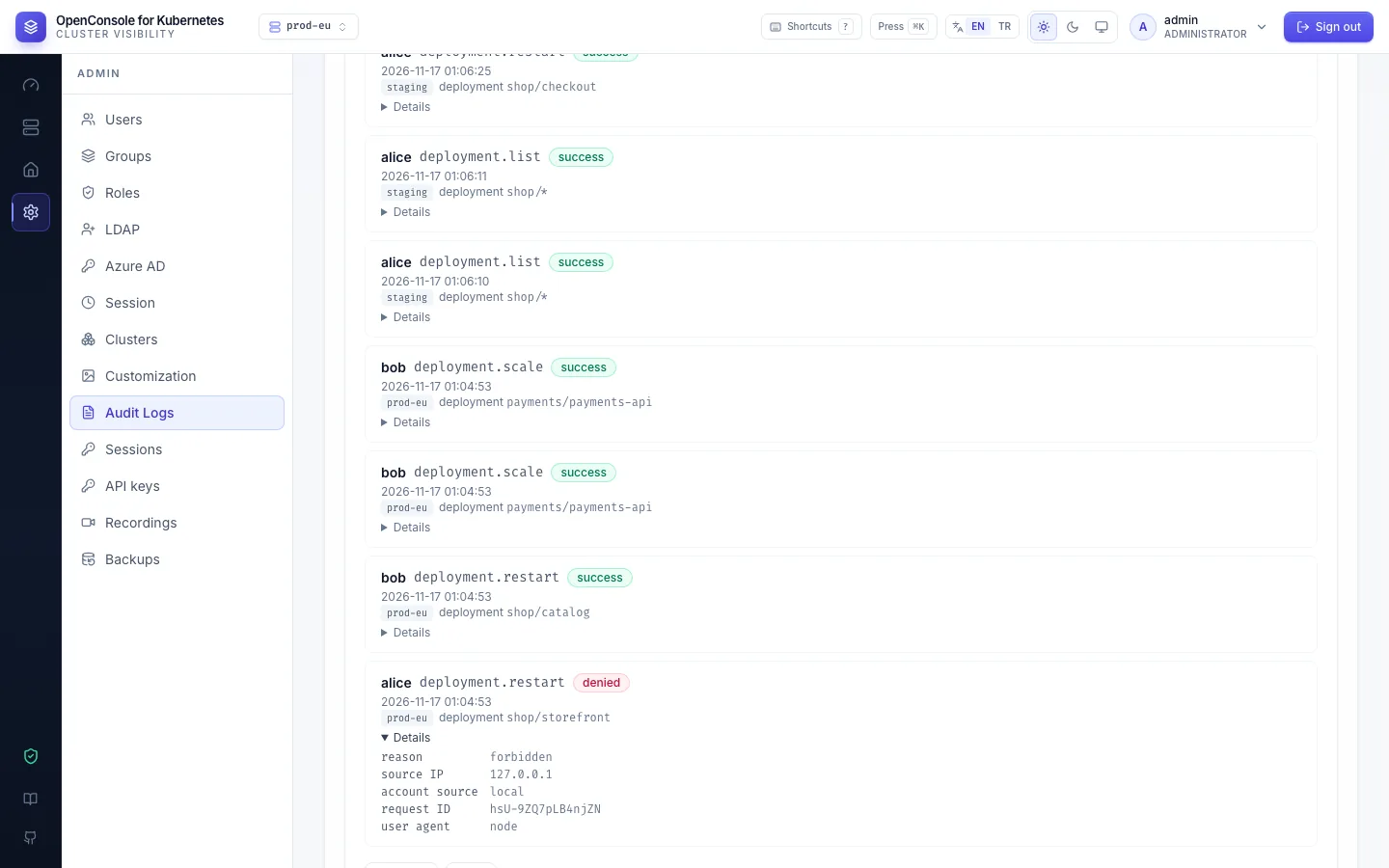
You want to: answer "who restarted this, when, and was anyone refused?".
Every action and every read is one event: who, from where, what, on which cluster, namespace and object, and the
outcome. Events are in Admin → Audit Logs for LOG_RETENTION_DAYS (30 days by default; successful reads made with
API keys for API_KEY_READ_RETENTION_DAYS, 7) and on stdout as one JSON line each, for your log platform
(Elastic).
Filters
- User, Action and Namespace suggest the values that occur as you type; typed text matches anywhere.
Picking an action matches it exactly; a family such as
pod.*ordeployment.*takes all of its actions. - Outcome (
success,denied,failed,rate_limited,locked), Verb (list,restart,exec, …), Resource type, Cluster, Source (web or API key, and the key's name), and a date range. - Everything refused: Outcome =
denied. Every secret value read: Action =secret.reveal.
Reading an event
| Field | Example | Meaning |
|---|---|---|
| action | deployment.restart | <resource type>.<verb> |
| outcome, reason | denied, forbidden | what happened, and why it was refused or failed (forbidden, feature_disabled, admin_only, k8s_forbidden, not_found, conflict, invalid, api_access_policy, …) |
| user, account source | alice, local | who, and where the account signs in |
| cluster, namespace, resource | prod-eu, shop, deployment storefront | the target; the cluster is the one the action ran on |
| details | replicas_from: 3, replicas_to: 2 | typed facts of the action; never a secret value or a YAML body |
| source IP, user agent, request ID | 10.0.0.5, curl/8.7.1, oFvL68… | from where |
| API key | claude-code | set when the action was taken with an API key |
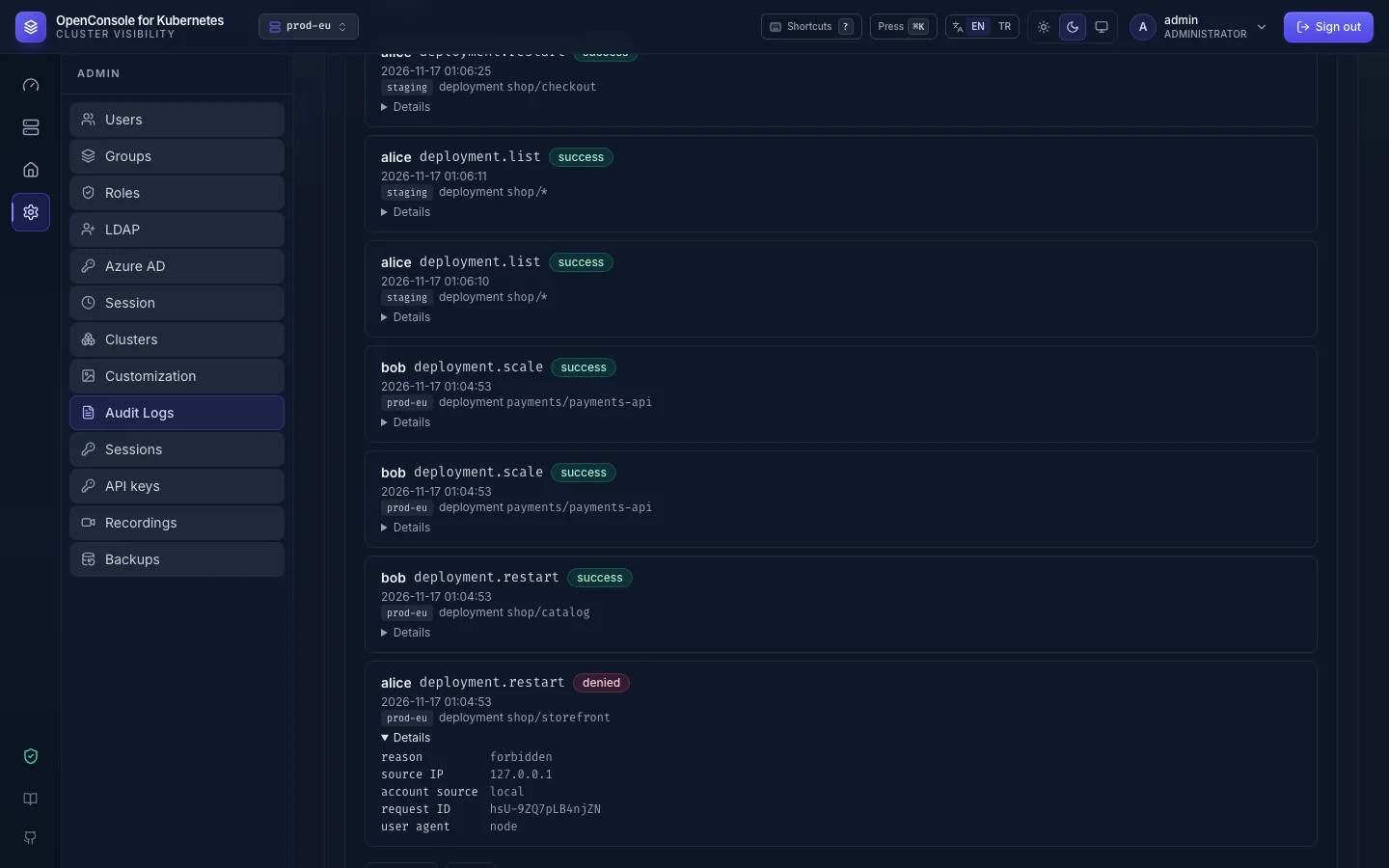
Details on a row shows them. Every field and every detail key: Audit events.
Admin changes to users, groups, roles, role permissions and the LDAP, Azure AD, session and logo settings write one
event for every answer: success, denied (a non-admin, reason admin_only) or failed, with the answer's code
as the reason (not_found, invalid_id, weak_password, …), so a refused or broken change is in the log too.
A change to the cluster refused because the request itself is wrong (a replica count out of range, YAML that doesn't
parse or names another object, an empty command, a secret.reveal without a key name) is failed with reason invalid.
Opening an object's YAML is a read (pod.get, deployment.get, configmap.get, …). A request refused because the
account must still change its password is denied.
What is not audited: lists the UI fetches on its own (the Dashboard's 10-second refresh, and the namespace list behind
the command palette and the role editor; they send X-OpenConsole-Refresh: auto, which is ignored with an API key, so
every read with a key is audited); calls that read no cluster resource (/api/auth/me, /api/features, …). The request log on stdout still has every request.
From an event to the request log
Every HTTP response carries an X-Request-Id header. The same ID is the event's request ID and appears on the
http.request line in OpenConsole's stdout (and trace_id too when tracing is on). Search your log platform for it
to see the HTTP status, duration and the other lines of the same request.
CSV
Export CSV exports what the filters show, newest first, up to 50 000 rows, one column per field (details as JSON,
plus api_key_name); narrow the filters for older ones. Each export is audited too. For access reviews, add the CSV of Users and Groups (Users and groups).
The audit log is admin-only; see Recipes → Auditors for giving it to non-admins.