Azure AD (Entra ID)
You want to: let people sign in with their Microsoft work account.
1. Register the app
Azure portal → Microsoft Entra ID → App registrations → New registration:
- Supported account types: accounts in this organizational directory only (single tenant).
- Redirect URI, platform Web:
https://<your OpenConsole host>/api/auth/azure/callback. - Certificates & secrets → New client secret; copy its value.
- No API permissions are needed; OpenConsole asks only for
openid profile email.
Note the Directory (tenant) ID and Application (client) ID on the app's overview page.
2. Configure OpenConsole
Admin → Azure AD (example values):
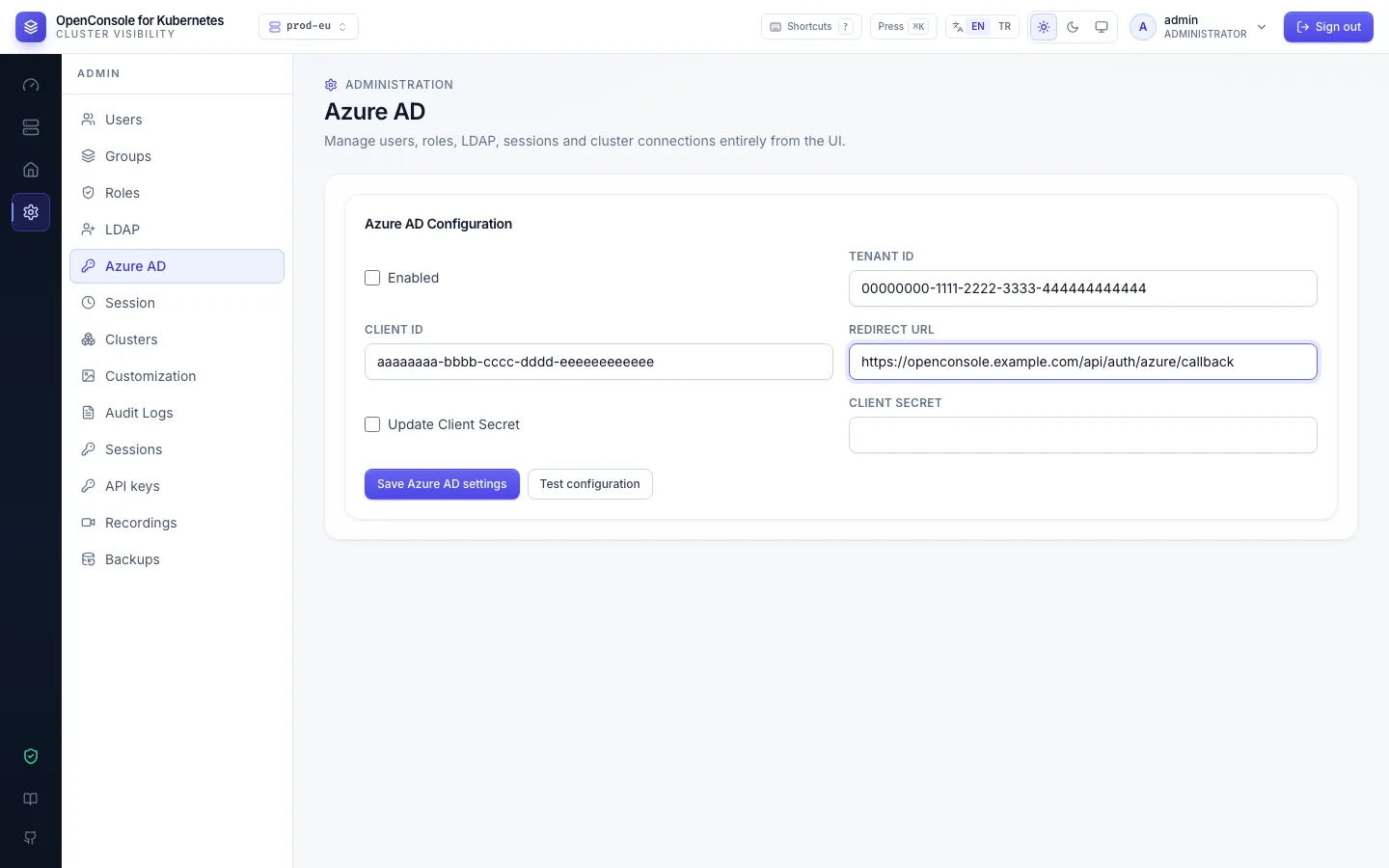
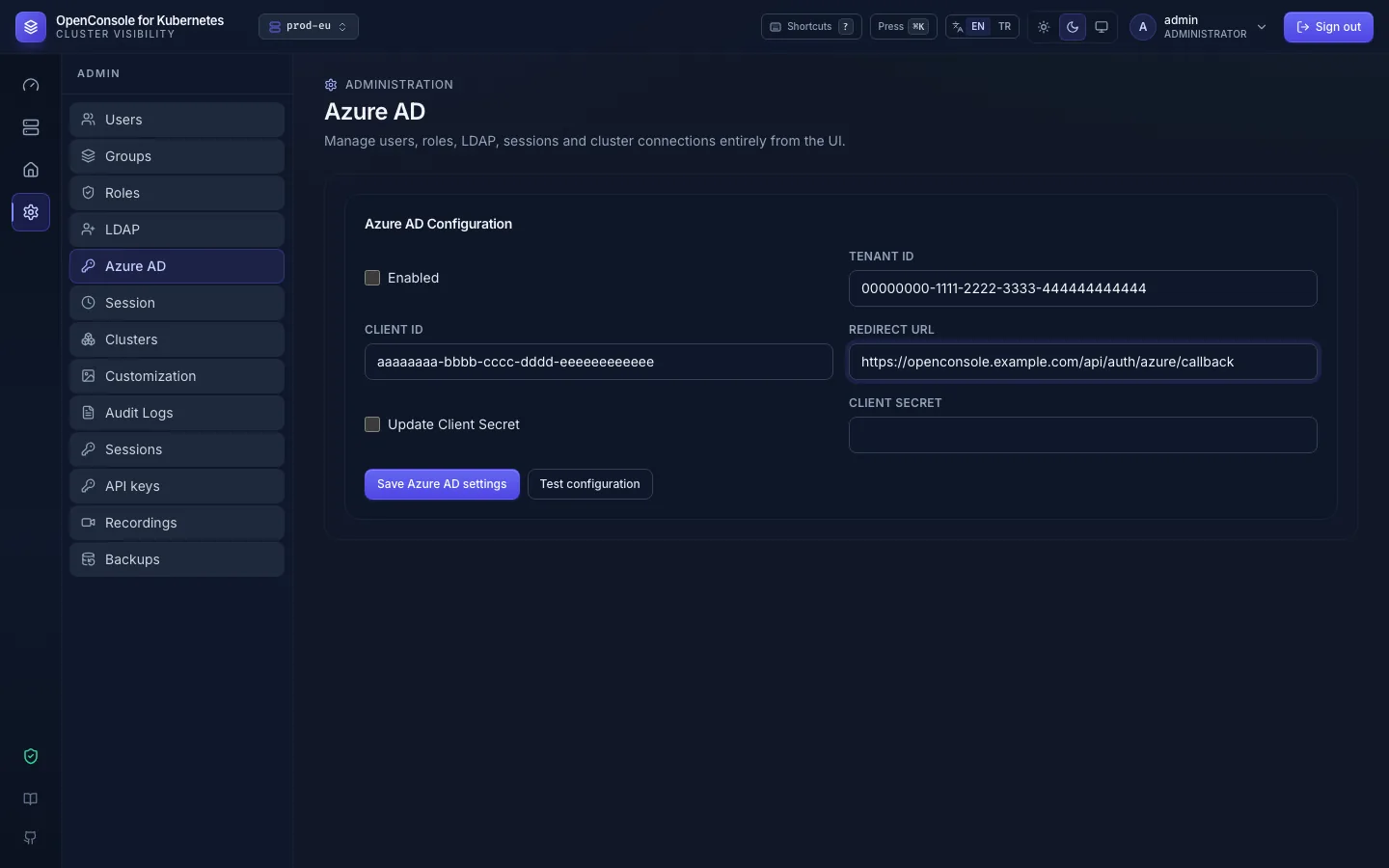
Enabled, Tenant ID, Client ID, Client secret (stored encrypted; tick Update Client Secret to change it), Redirect URL (exactly the URI registered above). Save, then Test configuration. The sign-in page now shows Sign in with Microsoft.
For US Government or China clouds set AZURE_AD_AUTHORITY (Environment variables).
3. Give people access
Either let them sign in once (the account is created with source Azure AD, in no group, named after the token's
preferred_username, or email / upn when that is missing) and then add them to groups,
or, better, pre-create them: Admin → Users → New user → Azure AD user, their UPN or e-mail
(jane@example.com) and their groups. Their first Microsoft sign-in uses that account and they see their namespaces
at once.
How the account is found
- By the token's
preferred_username, usually the UPN. - Otherwise, a pre-created Azure AD account nobody has signed in to yet whose name matches
preferred_usernamein another letter case, or the token'semailorupn(a pre-createdjane.doe@corp.comis found when the UPN isjdoe@corp.onmicrosoft.com). - No account at all: one is created (see above).
Only Azure AD accounts sign in with Microsoft. A local or LDAP account with the same name is never taken over: the
sign-in is refused (403 sign_in_failed, detail this account can't sign in with this Microsoft account; audit user.login, outcome
failed, reason not_azure_account). Up to 2.23.0 such an account was switched to Azure AD; to move someone from a
local account to Azure AD, delete it and pre-create an Azure AD account. The user.login event notes when an account
was claimed (linked_by, signed_in_as). Azure AD accounts never accept a password.
An account belongs to the Microsoft account that first signs in to it, by its Entra object ID (oid in the
token), not by its name. Someone else who later has the same name (a deleted and re-created, or renamed, Entra user)
is refused the same way, reason azure_oid_mismatch. To hand the name to the new person, delete the OpenConsole
account and pre-create it again. Accounts that signed in before this check existed are bound at their next sign-in.
Signing out of OpenConsole doesn't sign the person out of Microsoft. To stop someone, disable their OpenConsole account or block them in Entra ID.