Clusters
You want to: connect a cluster, choose where people start, or replace a token.
Admin → Clusters lists the connections and has the form to add one.
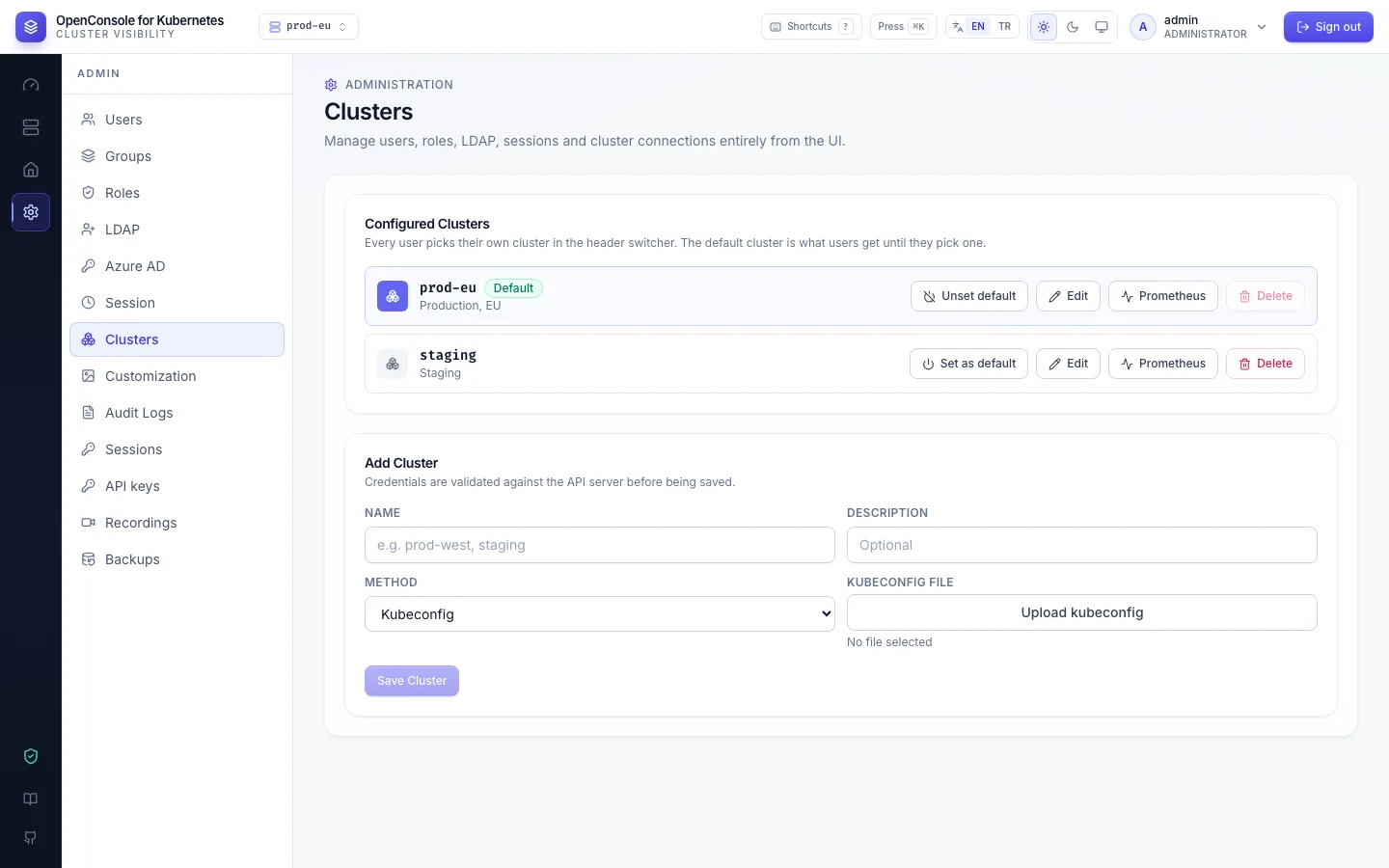
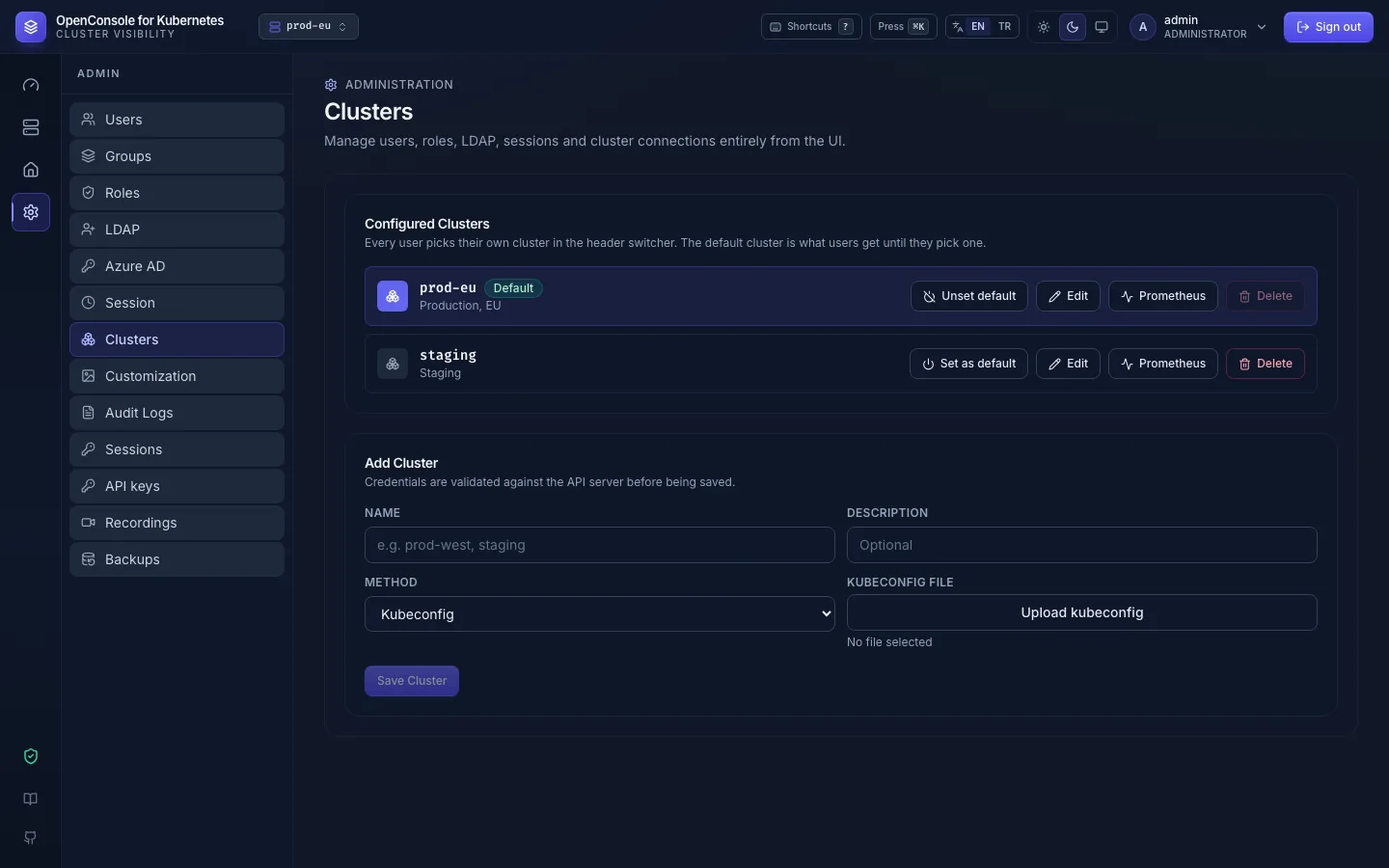
Add a cluster
Name (it appears in the switcher and in every audit event), an optional description, and the credentials:
ServiceAccount Token (API server + token + CA) or Kubeconfig (the form opens on Kubeconfig). Save Cluster
checks the connection with a real namespace list and only then stores it, encrypted. A kubeconfig must carry its
credentials inline; one with an exec plugin, auth-provider or a file path is refused (kubeconfig_unsupported). How
to create the ServiceAccount and read its token: Connect a cluster.
The same cluster can be added twice under two names with two different identities, e.g. a read-only one for most people. Permissions are per cluster entry.
The default cluster and each user's cluster
- Set as default marks the cluster everyone starts on until they pick another.
- Each user picks their own cluster in the header (or with
c); the choice is stored per user. The switcher lists only the clusters their permissions cover; admins see all. Every browser tab sends the cluster it shows with each request, so a pick in one tab never moves another tab's actions. - Picking a cluster, or setting it as default, asks the cluster once: one whose API server can't be reached or
refuses the token fails there with
cannot connect to cluster: …. - If a user's cluster is deleted, or they lose every permission on it, they are moved to the default.
- Every audit event records the cluster the action ran on.
Edit, replace credentials, delete
- Edit: name and description; tick Replace credentials to paste a new token or upload a new kubeconfig. Needed after a token rotation. Leave CA Cert empty to keep the stored CA; tick Remove the stored CA only when the API server now has a publicly trusted certificate. When the new credentials don't work, the error shows in the dialog, which stays open.
- Delete removes the connection. Users who had it selected move to the default cluster.
Prometheus
Prometheus on a cluster sets where longer usage history comes from (up to 7 days instead of 24 hours in memory), either through the Kubernetes API server or a direct URL; Test connection says which step fails. See Prometheus.
What OpenConsole needs from each cluster
OpenConsole connects to every cluster at start-up and keeps it in an in-memory cache (informers), so lists don't poll
the API server. The ClusterRole of the connection decides what works: the table in
Connect a cluster lists each rule, what it
enables and what disappears without it. GET /metrics reports openconsole_cluster_connected{cluster} per cluster.