Customization and feature flags
Logo
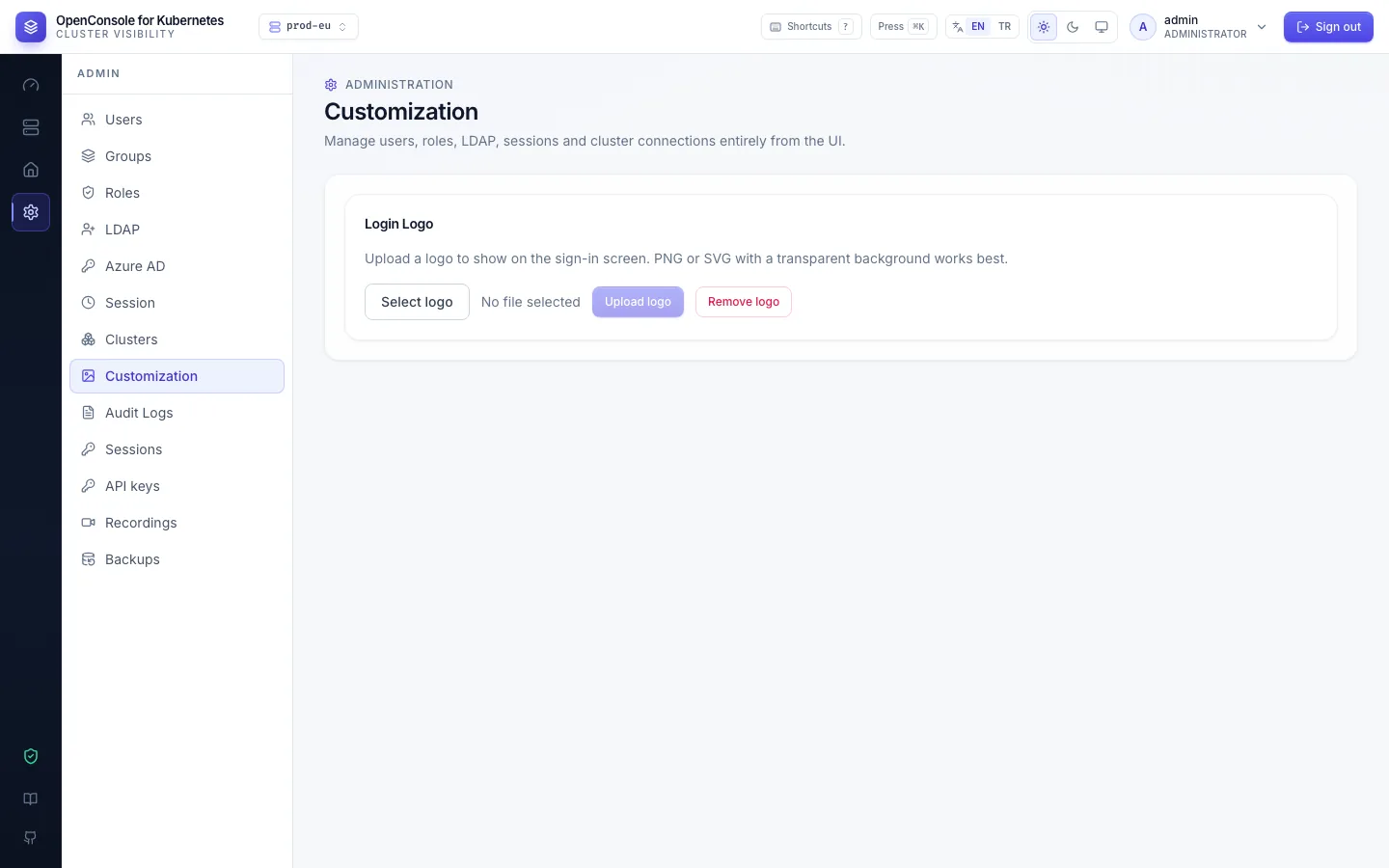
Admin → Customization: Select logo, then Upload logo (PNG or SVG, up to 5 MB). It is shown on the sign-in page. Remove logo goes back to the default.
Feature flags
You want to: keep a capability closed for everyone for a while, for example no pod shells in production until a review is done, whatever the roles say.
Set the variable to false (or 0 / no) in the Deployment and restart the pod; unset or anything else leaves it on.
| Variable | Turns off, for everyone including admins |
|---|---|
FEATURE_POD_EXEC | pod shell and one-command exec (pods:exec) |
FEATURE_YAML_EDIT | YAML edit / apply on every kind except Secrets ({kind}:edit) |
FEATURE_WORKLOAD_ACTIONS | Deployment restart and scale, StatefulSet scale |
FEATURE_SECRETS | the whole Secrets tab (every secrets:*) |
FEATURE_SECRET_REVEAL | showing secret values (secrets:reveal) |
FEATURE_SECRET_EDIT | editing Secrets (secrets:edit) |
FEATURE_API_KEYS | API keys: the page, their endpoints, and signing in with a key (401) |
A switched-off capability disappears from the UI; its endpoints answer 403 feature_disabled and write a denied
audit event. GET /api/features shows the current state, and the start-up log lists what is off.
In the kustomization of Install on Kubernetes, add it to the env: list of the patch:
env:
  - name: FEATURE_POD_EXEC
    value: "false"
Flags are the blunt tool. To close something for some people only, use roles; to limit scripts and agents, the API access policy.