Recipes: who gets what
Each recipe is a role, a group and the users in it. Each was built exactly like this on a test installation and
checked by signing in as the user: what they may do works, what they may not answers 403 and appears in the audit
log as denied. The screens are explained in Roles and permissions and
Users and groups.
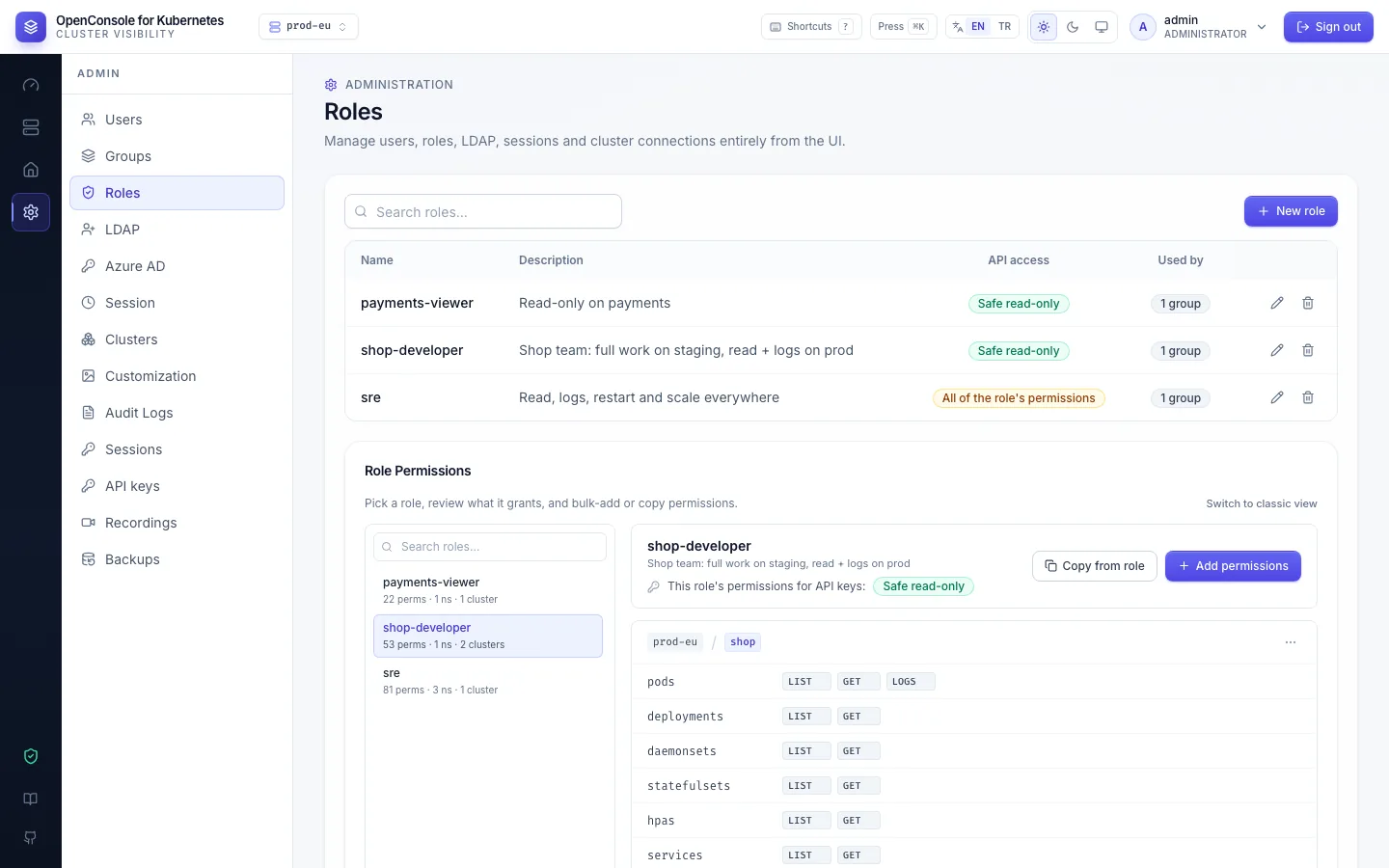
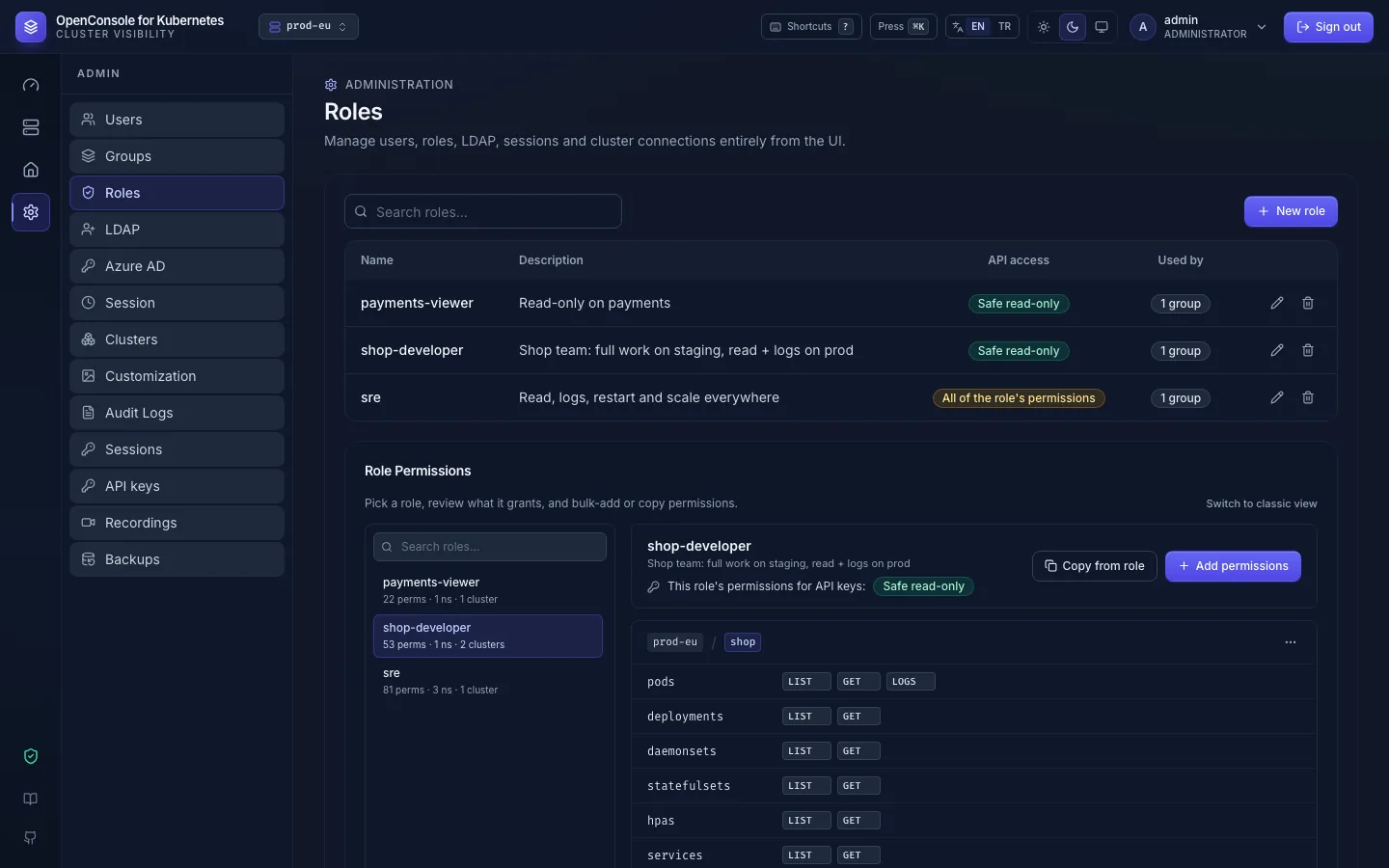
A developer team: free on staging, read-only on production
The shop team works on shop: on staging they read logs, open shells, restart and scale; on production they look
and read logs.
- Admin → Roles → New role
shop-developer. - Add permissions, cluster
staging, namespaceshop, template Developer (list, get, logs, restart, scale), then tickpods:exec. - Add permissions again, cluster
prod-eu, namespaceshop, template Viewer, then tickpods:logs. - Admin → Groups → New group
shop-team, Edit → Roles →shop-developer. - Add the developers to
shop-team(Admin → Users → Edit → Groups, or import them from LDAP straight into it).
What they get: only shop in the namespace list; on staging shell and restart work; on production a restart
answers 403 and the audit log shows deployment.restart denied with reason forbidden.
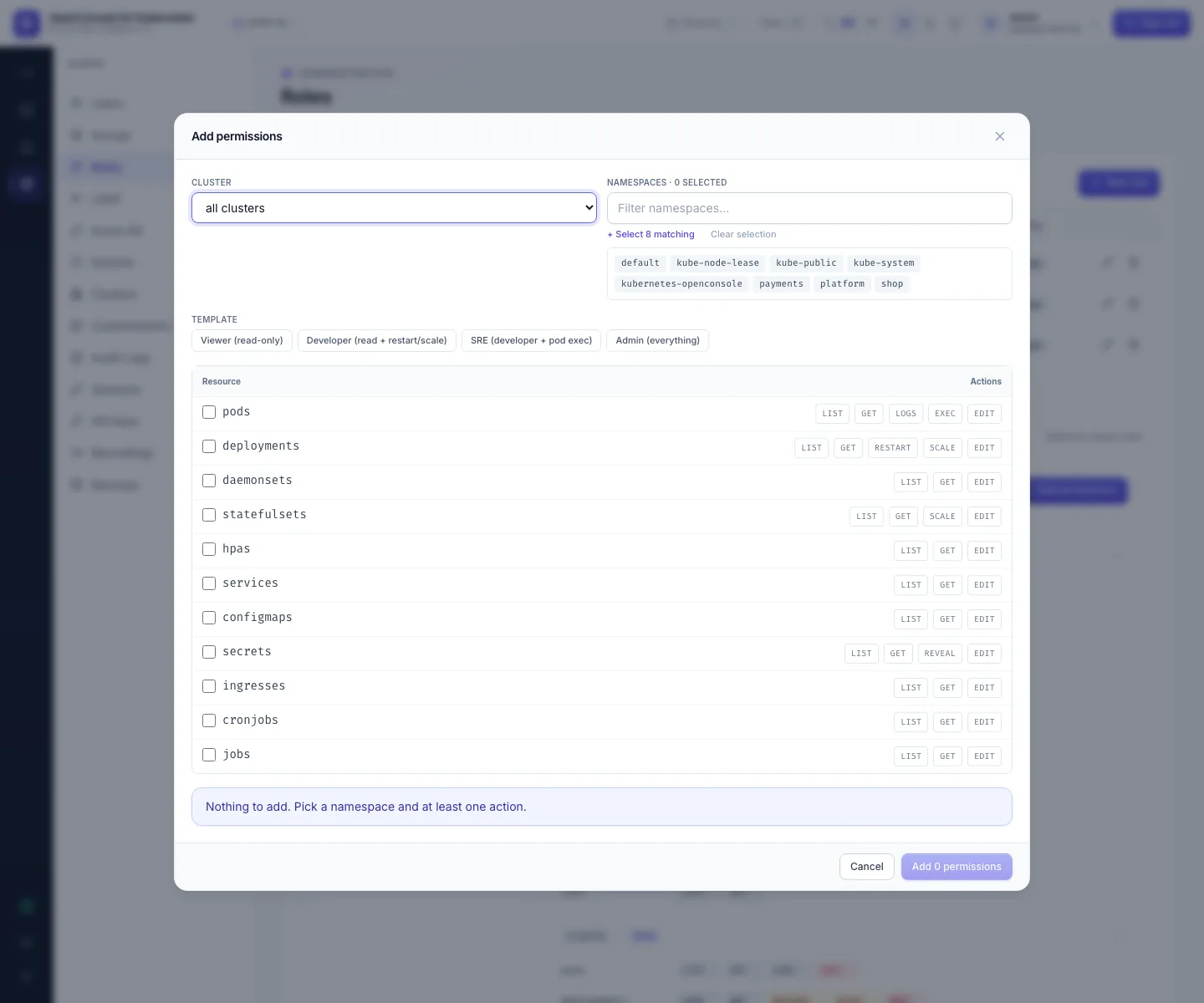
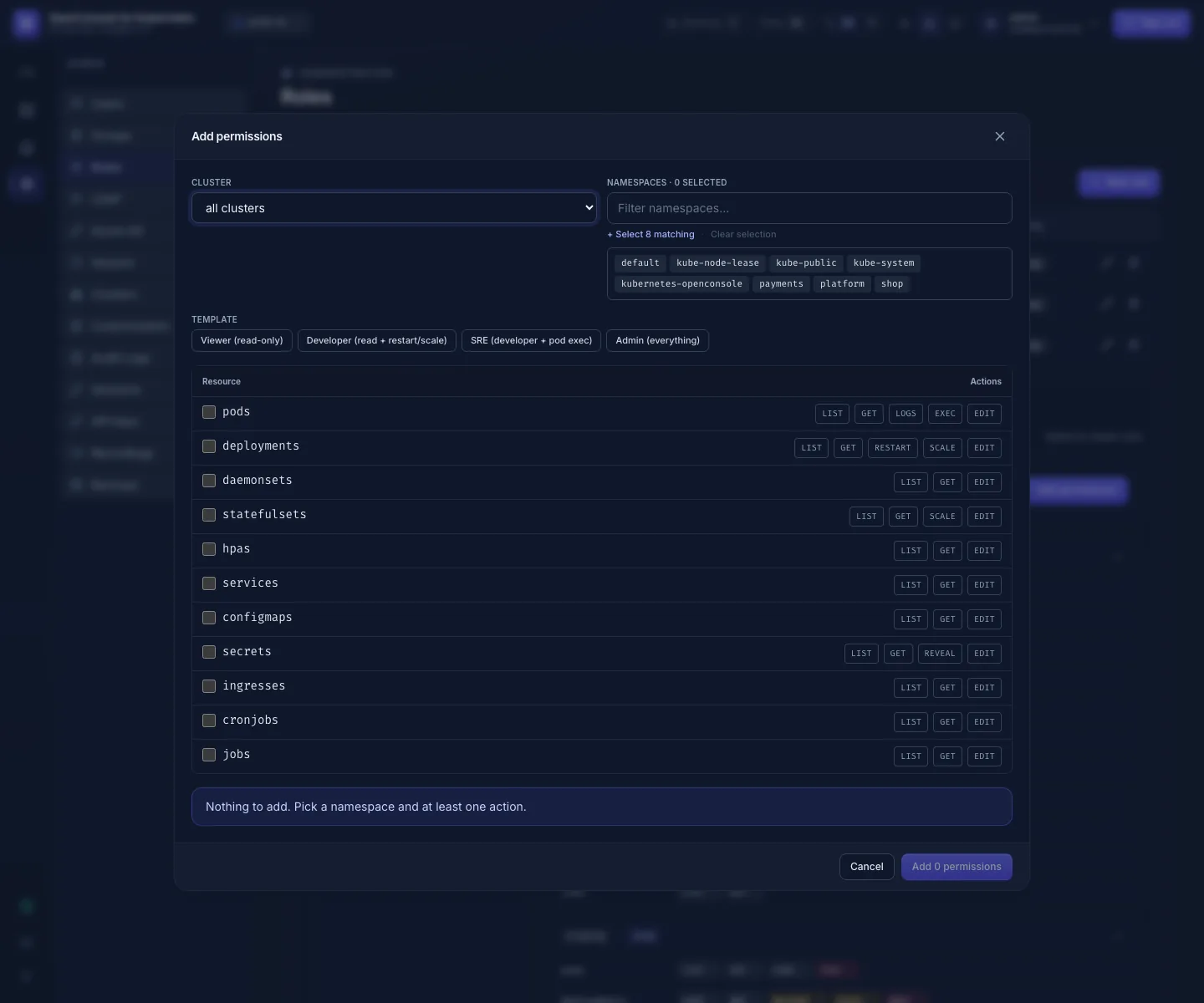
SREs: everywhere, restart and scale, no secret values
The on-call team reads every workload namespace on every cluster, restarts and scales; secret values and shells stay closed.
- Role
sre, Add permissions with cluster all clusters, the workload namespaces (shop,payments,platform; the filter and Select N matching help), template Developer (list, get, logs, restart, scale). - Leave
secrets:reveal,secrets:editandpods:execoff. The Developer template already does. - Group
srewith that role; add the SREs.
What they get: restart and scale on every cluster; the Secrets tab lists names and keys, but Show answers 403
(secret.reveal denied); system namespaces such as kube-system stay invisible.
All clusters covers clusters added later; namespaces don't: add a new namespace to the role when it appears.
Auditors: read-only, no secrets, audit from outside
Internal audit reviews what runs where and who did what.
- Role
auditor: all clusters, every namespace in scope, template Viewer, then untick thesecretsrow. - Group
auditors; add them. - The audit log itself is admin-only (Admin → Audit Logs and its API answer 403
admin_onlyto others). Give auditors the audit trail from outside OpenConsole:- an admin exports it: Admin → Audit Logs, filter, Export CSV; and Users / Groups → Export CSV for who has which access;
- or, better for continuous review, ship the audit lines to your log platform and give auditors access there (Elastic).
What they get: lists and details everywhere in scope; logs, secrets, shells and changes answer 403.
An external contractor: one namespace, recorded, with an end date
A contractor needs shell access to shop on staging for three weeks.
- Make sure shell recording is on (Admin → Recordings → Recording settings).
- Role
contractor-shop: clusterstaging, namespaceshop, template Viewer without thesecretsrow, pluspods:logsandpods:exec. - Group
contractors; New user (a local account, or their directory account) in that group. Tell them to change the password you set. - On the end date, disable the account (Admin → Users → Edit → untick Active). Prefer this to deleting: it can be turned back on for a follow-up job, and with LDAP accounts on first sign-in a deleted account would simply be created again at the next sign-in. The audit log and recordings stay either way.
OpenConsole has no expiry date for accounts or memberships: put the end date in your calendar. For an LDAP account,
the directory's own account expiry also stops the sign-in. A disabled user is refused on their very next request
(401) and can't sign in again; the audit log shows user.update with is_active: false.
What they get: logs and a shell in shop on staging, every command recorded with their name (Admin → Recordings);
secrets and other namespaces answer 403.
Temporary access, then take it back
Someone needs SRE rights for tonight's incident.
- Admin → Users → Edit the user → add the group
sre→ Save. It works on their next click. - When it's over, remove the group again. Their next request is refused; nothing else is needed.
The audit log keeps both changes (user.update with changed: groups; the user's row in Admin → Users shows the
groups) and everything they did in between.