Session recording
You want to: know what was done in a pod shell, or keep recordings from filling the disk.
Every pod shell session, and every single command run through POST …/pods/{name}/exec, is recorded as an asciicast v2 file and can be replayed by admins. Recording lives entirely inside OpenConsole — no extra ClusterRole permissions.
What is recorded
- Everything the container writes to the terminal (stdout + stderr — merged, since the shell runs on a TTY), with timing, plus terminal resizes.
- Keystrokes are not recorded as input events. Anything the shell echoes back (typed commands, for example) is part of the output and therefore in the recording; input at hidden prompts (
sudo,read -s) is not echoed and is not recorded. - Escape sequences from full-screen programs (
vim,less,top) are kept as-is, so they replay faithfully. - Metadata per session: user, cluster, namespace, pod, container, start / end, size, truncated flag, and the
request_idof the exec request.
Privacy. If someone prints a secret (cat of a mounted secret, env, kubectl get secret -o yaml), that secret is now in the recording. The shell shows a red "This session is being recorded" banner that says so. The banner only appears when the server confirms that the session is actually being recorded. Recordings are admin-only, and every view or download is audited. Treat the recordings volume like the audit database.
Playback (Admin → Recordings)
- Filter by user, namespace, pod, source (web / API key, key name) and date range. The table shows duration, size, in progress / truncated badges, the key name for a shell opened with an API key, and a command badge for a single command (
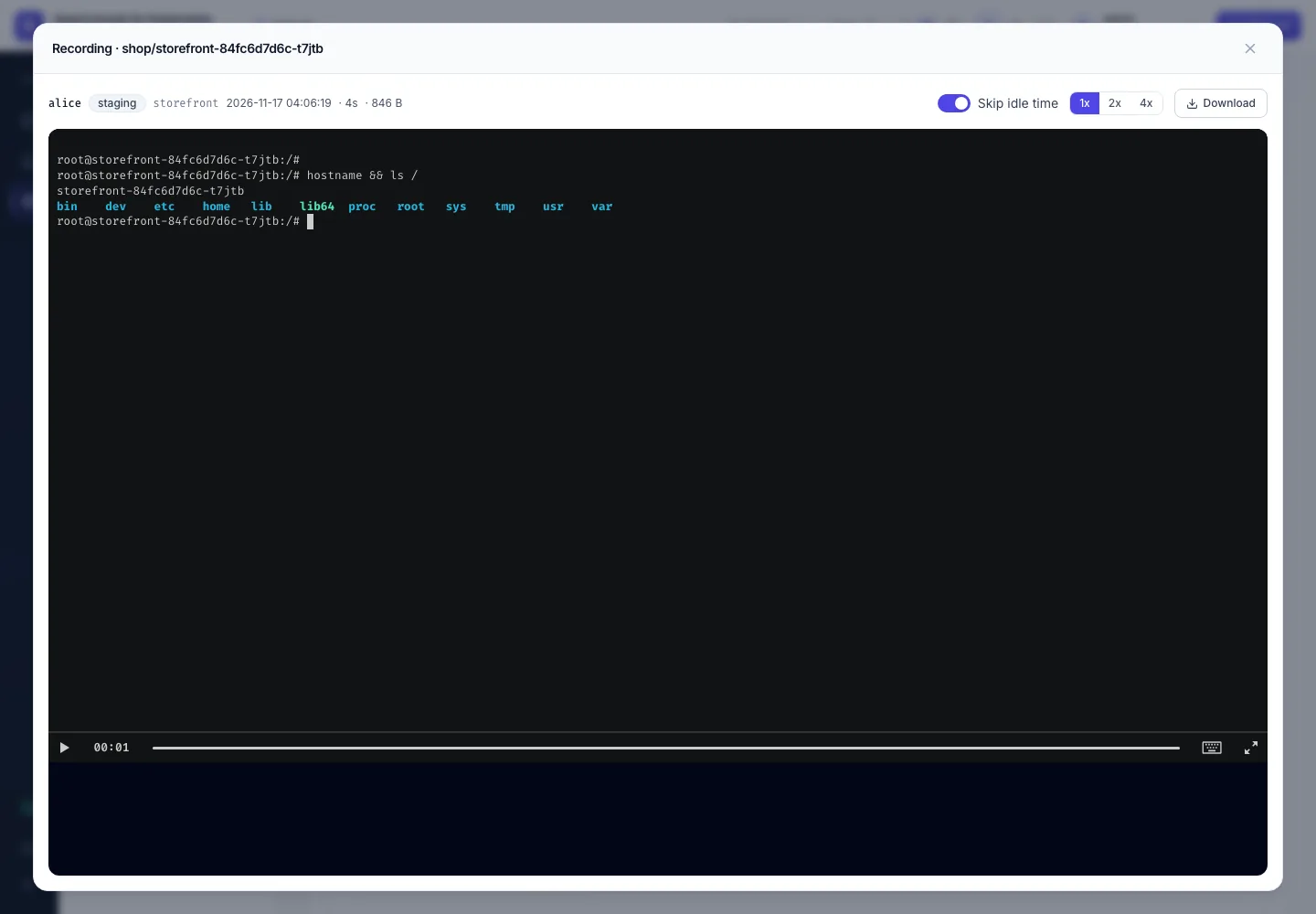
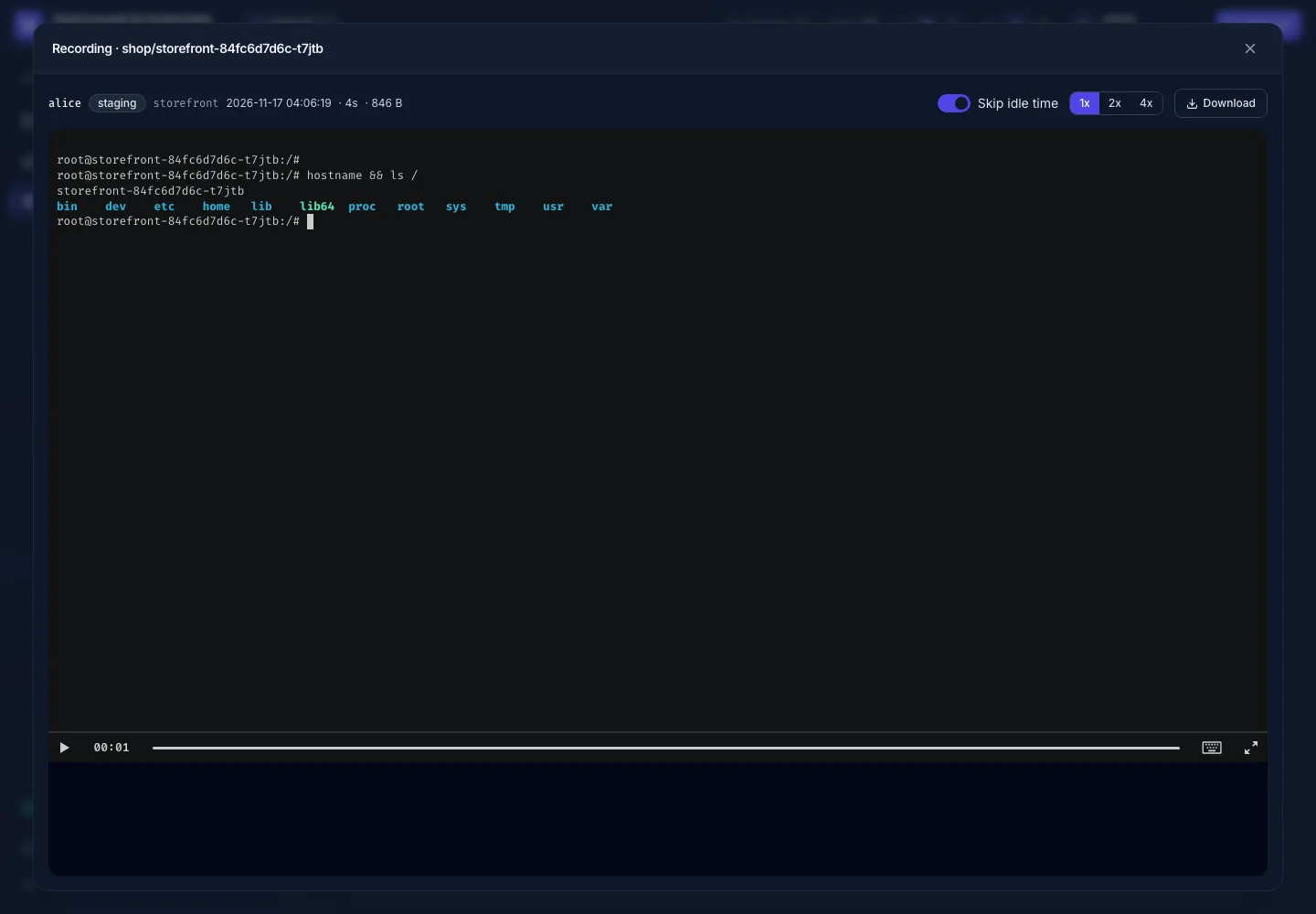
POST …/exec). - ▶ opens an in-browser player: play / pause, timeline seek, 1x / 2x / 4x, and "skip idle time" (squeezes pauses longer than 2 s).
- ⬇ downloads the
.castfile, after a confirmation that warns the file may contain secrets and must not be shared in tickets / chat / email. It plays in theasciinemaCLI too:asciinema play file.cast. - 🗑 deletes the file and its row. A recording whose session is still running can't be deleted.
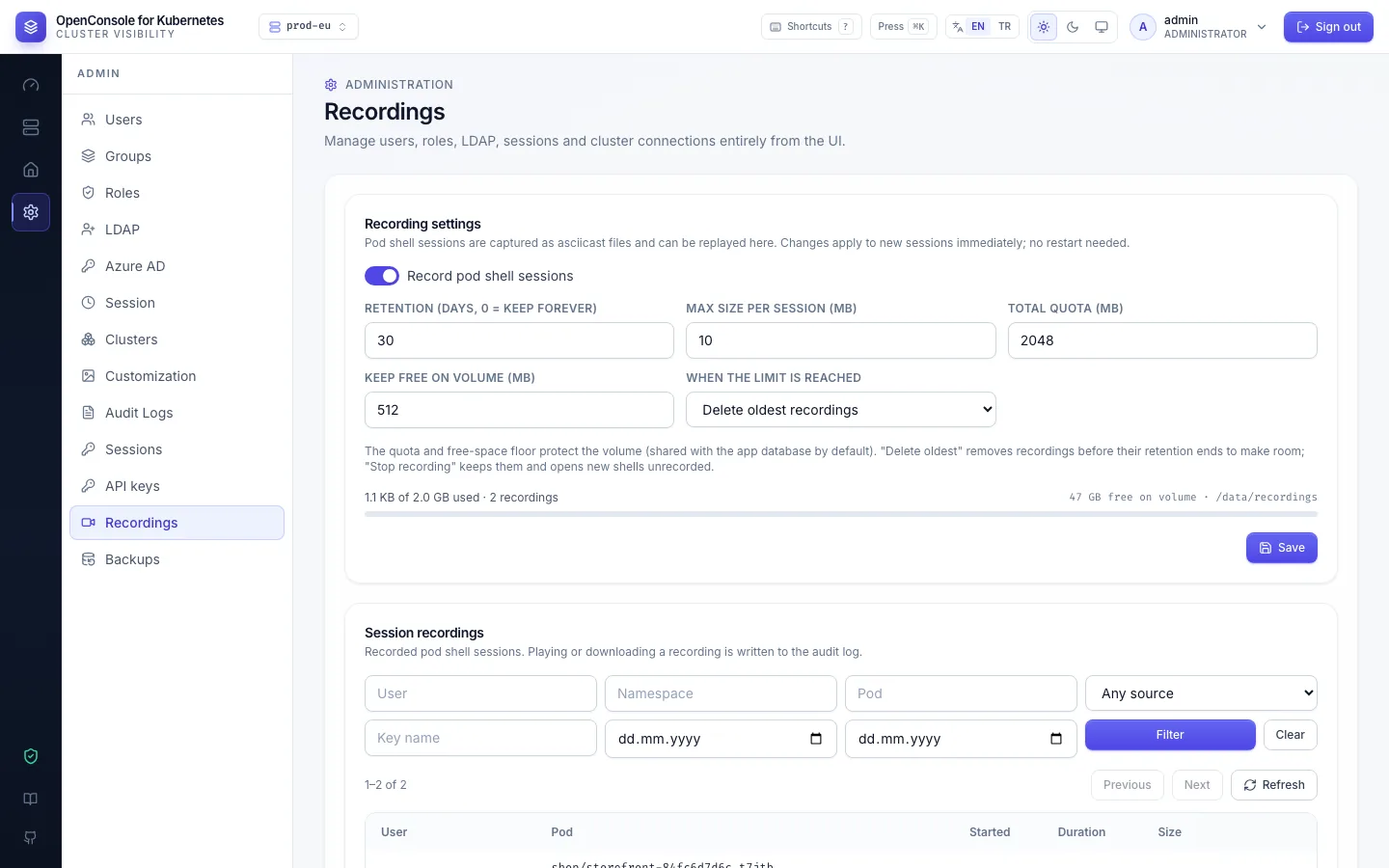
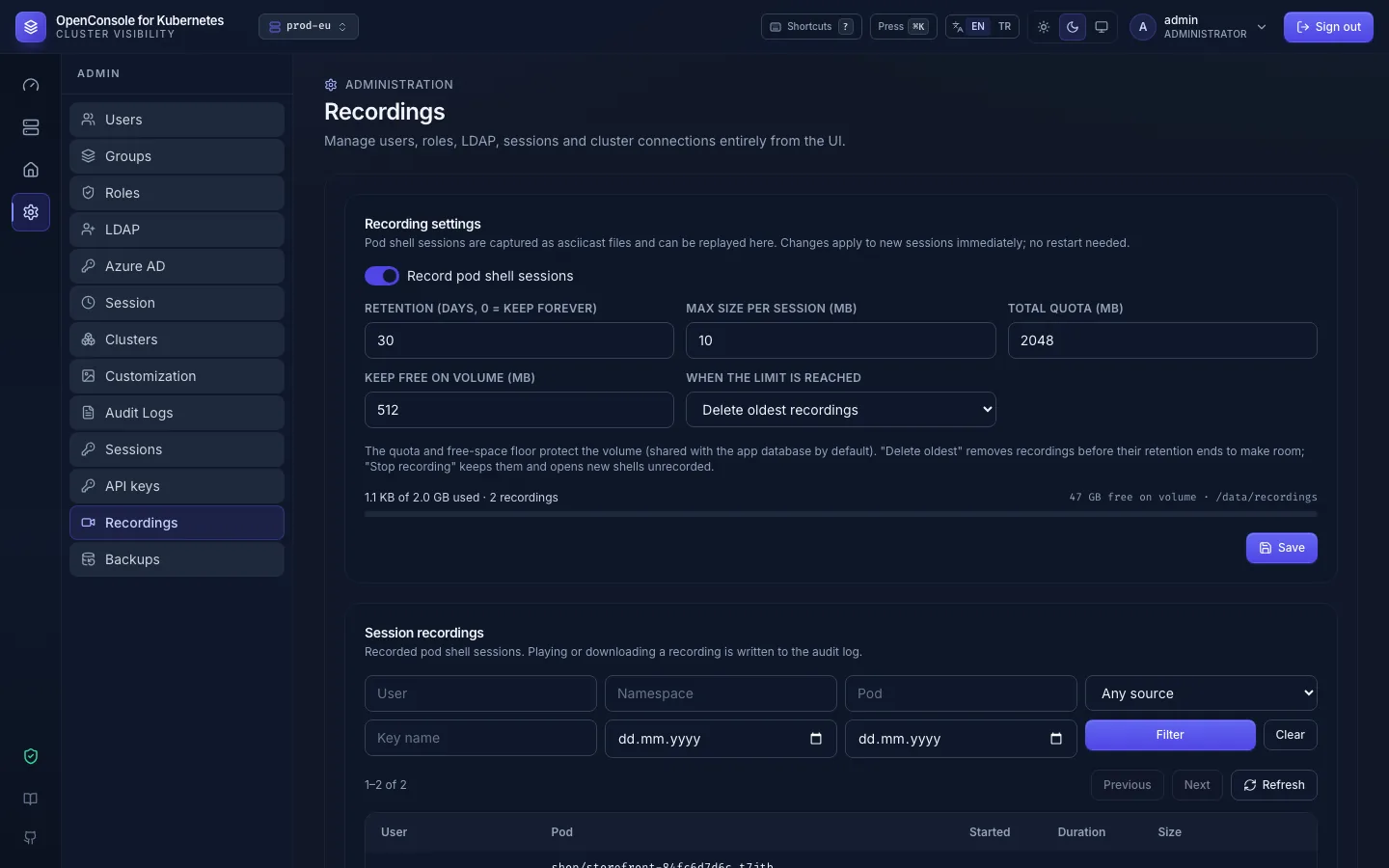
Settings (Admin → Recordings → Recording settings). On/off, retention, per-session cap, total quota, free-space floor and disk policy. Changes apply to new sessions immediately, with no restart; a running session keeps the limits it started with. Lowering the retention triggers a purge right away.
Disk protection. By default recordings share the PVC with app.db. If that volume filled up, SQLite could no longer write, and login and audit would break with it. Two limits prevent this. Both are checked before every new session and every 30 s while sessions are running:
| Limit | Default | Meaning |
|---|---|---|
| Total quota | 2048 MB | All recordings together, plus room for one more full-size session |
| Free-space floor | 512 MB | Always left free on the recordings volume |
When a limit would be crossed, the disk policy decides what happens:
evict_oldest(default) — the oldest finished recordings are deleted, even before their retention ends, until the next session fits. Each eviction is audited asrecording.evict(usersystem, reasonquota/low_disk). When deleting every finished recording still wouldn't make room (the volume is full because of something else, such as the database, or the live sessions alone are over the quota), nothing is deleted: the new session is not recorded, as withstop, and the 30-second check stops running recordings the same way.stop— existing recordings are kept. New shells still open but are not recorded (recording.createfailed, reasondisk_quota), and running recordings stop with a truncation marker. The admin screen shows a warning until space is freed.
The shell itself is never blocked by recording: a disabled, full or broken recorder only means the session isn't recorded. The exception is a shell opened with an API key: it is recorded even when recording is switched off, and refused (503, pod.exec failed, reason recording_unavailable) when it can't be. For full isolation, give recordings their own PVC; deploy/pvc.yaml and deploy/deployment.yaml contain a commented example. Then set SESSION_RECORDING_DIR=/recordings.
Retention. A background job runs one minute after start and then daily. It deletes recordings older than the retention period (row and file, audited as recording.purge with count) and removes stray .cast files that have no database row. If the process crashes mid-session, the next start closes the open row using the file's size and modification time.
Audit events
| Event | When |
|---|---|
recording.create success | Session end — the session id as the resource, pod, container, size_bytes, duration_ms, truncate_reason; same request_id as the pod.exec events |
recording.create failed | Not recorded: reason disk_quota (disk policy stop, or evict_oldest when eviction can't make room) or error (e.g. directory not writable) |
recording.view / recording.download | An admin played or downloaded a recording |
recording.delete (success / denied / failed) | Delete from the UI / API — records the recording's owner, started_at, size_bytes, pod, container and cluster, since the row and file are gone afterwards |
settings.update on recording | Settings change |
recording.evict / recording.purge | Disk-policy eviction / retention purge (user system) |
API (admin only)
GET /api/admin/recordings?user=&namespace=&pod=&cluster=&from=&to=&limit=&offset=→{items, total}GET /api/admin/recordings/{id}— metadataGET /api/admin/recordings/{id}/cast—application/x-asciicast(?download=1for an attachment)DELETE /api/admin/recordings/{id}GET/PUT /api/admin/recordings/settings— settings (+ disk usage on GET)