Roles and permissions
You want to: define what a group of people may do, per cluster and namespace.
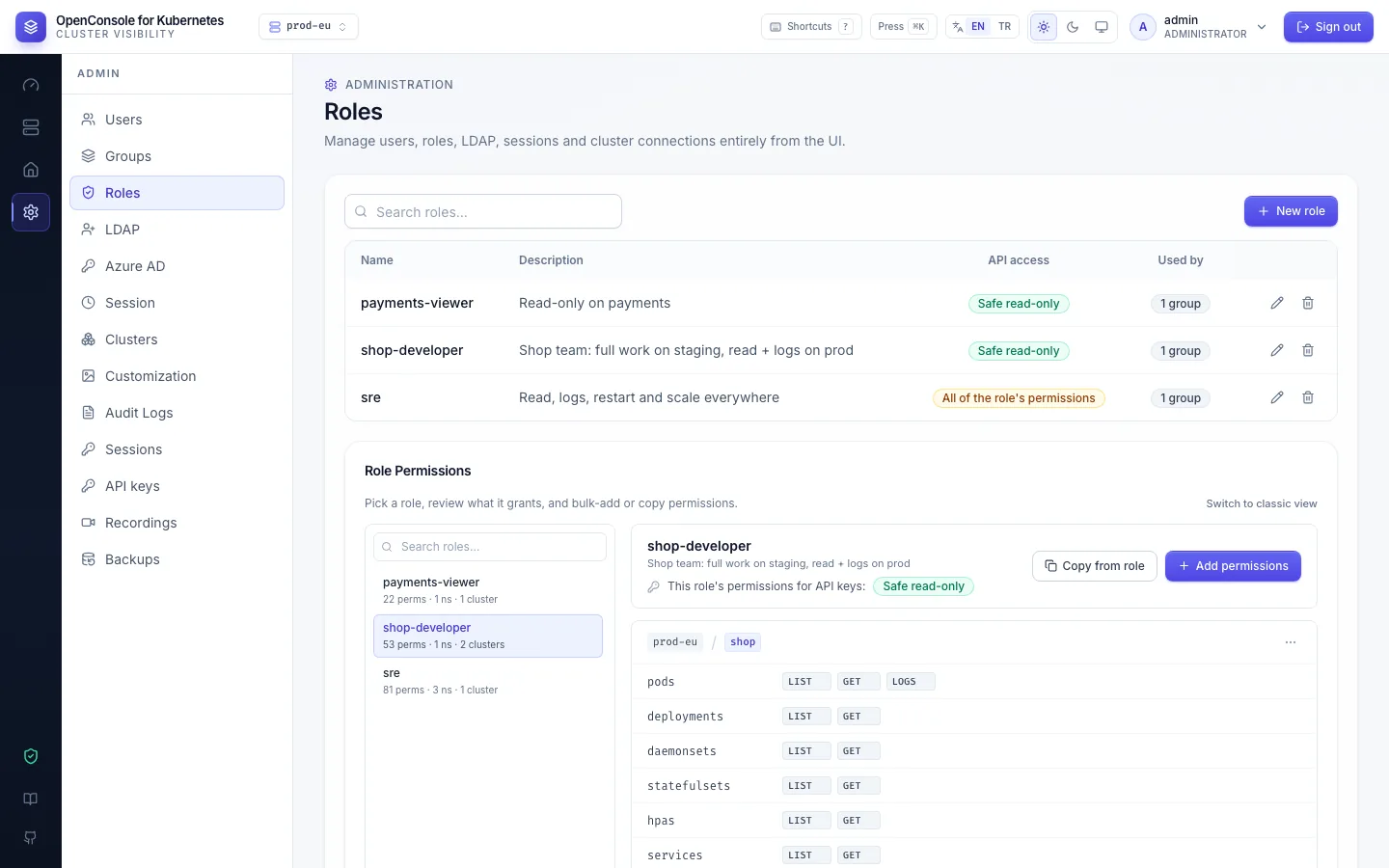
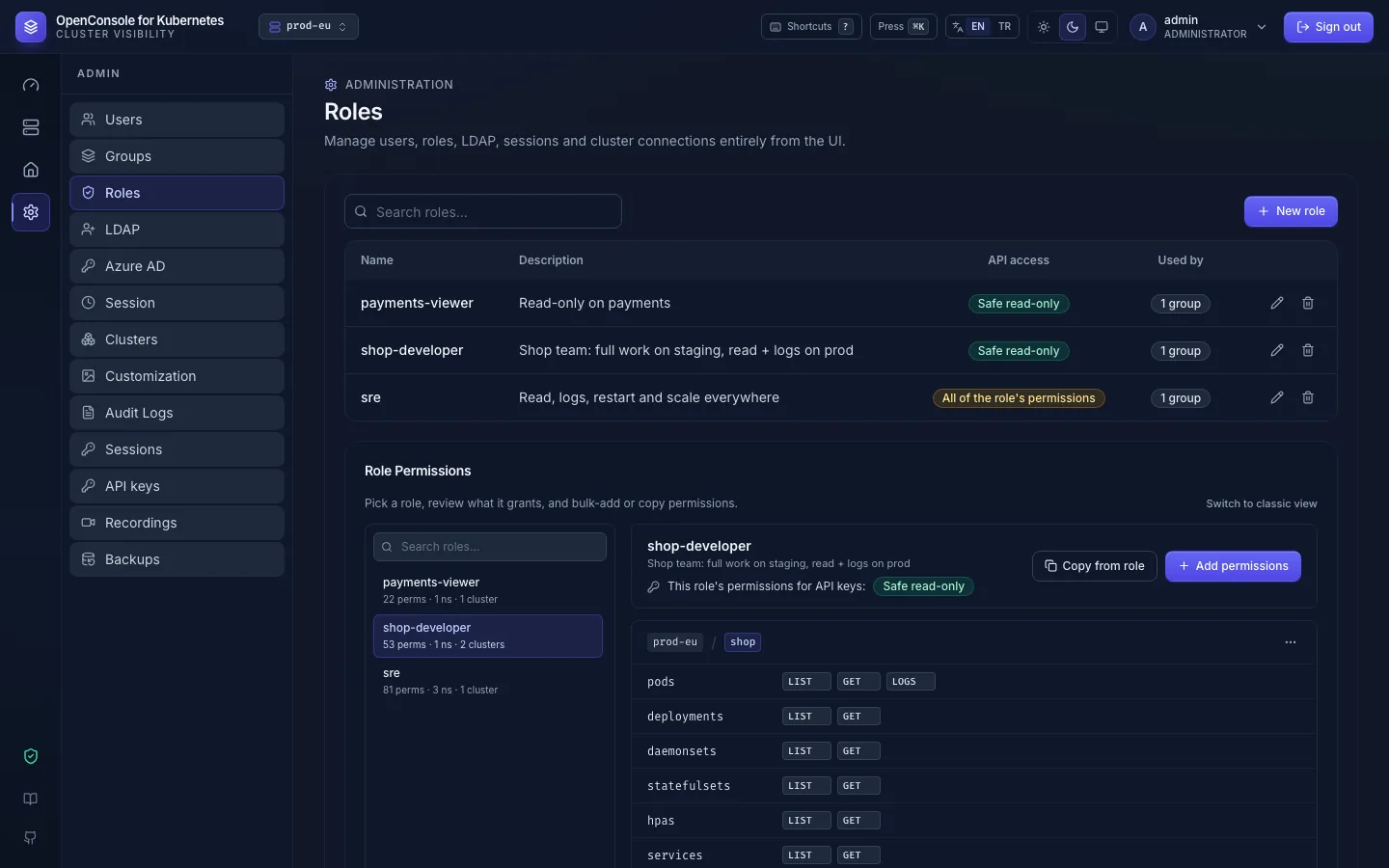
Admin → Roles lists the roles with their API access and how many groups use them. Below it, Role Permissions shows what the selected role grants.
Create a role
- New role: a name, an optional description, and the API access for keys (default Safe read-only).
- Select it in Role Permissions and click Add permissions.
Add permissions
-
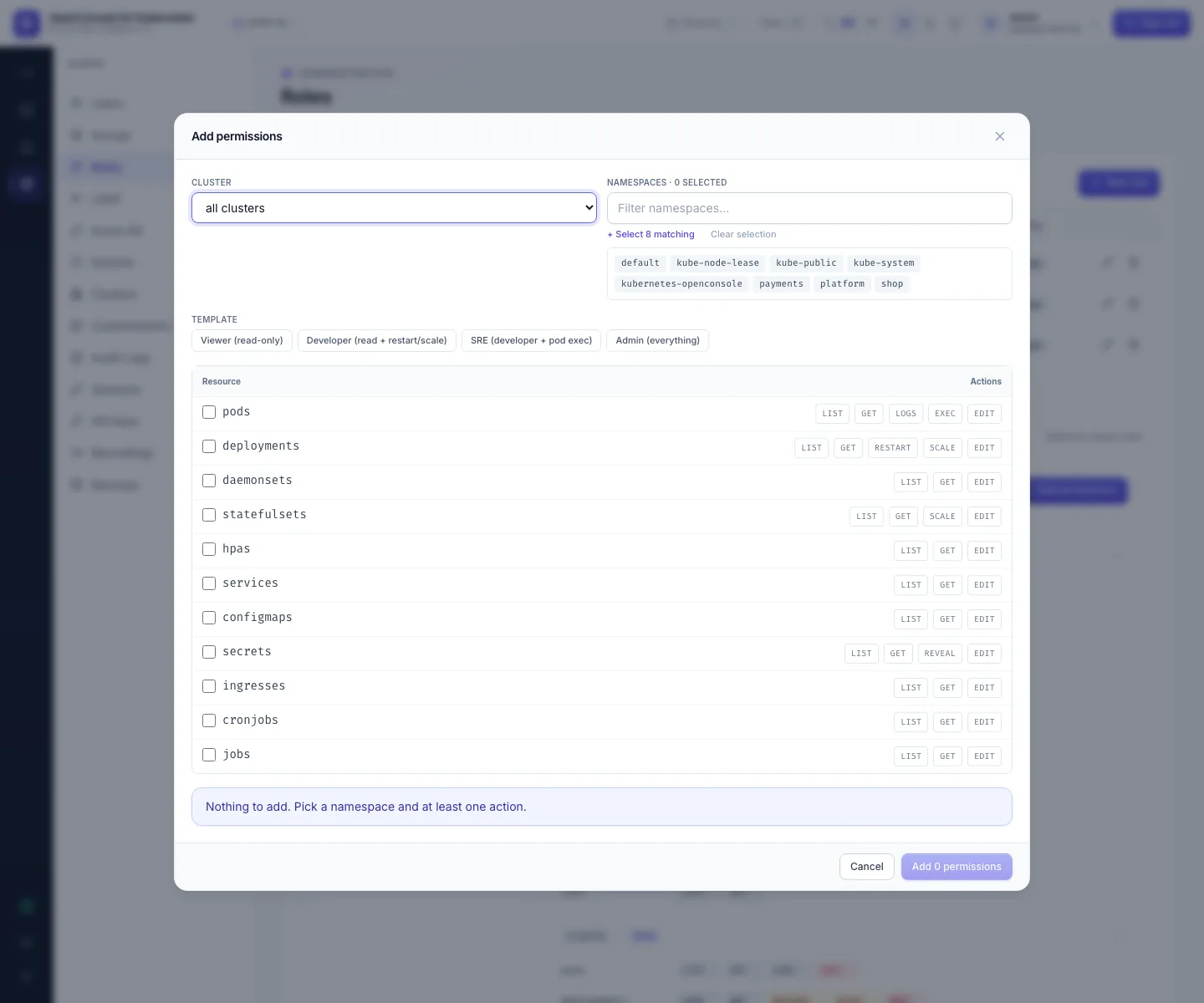
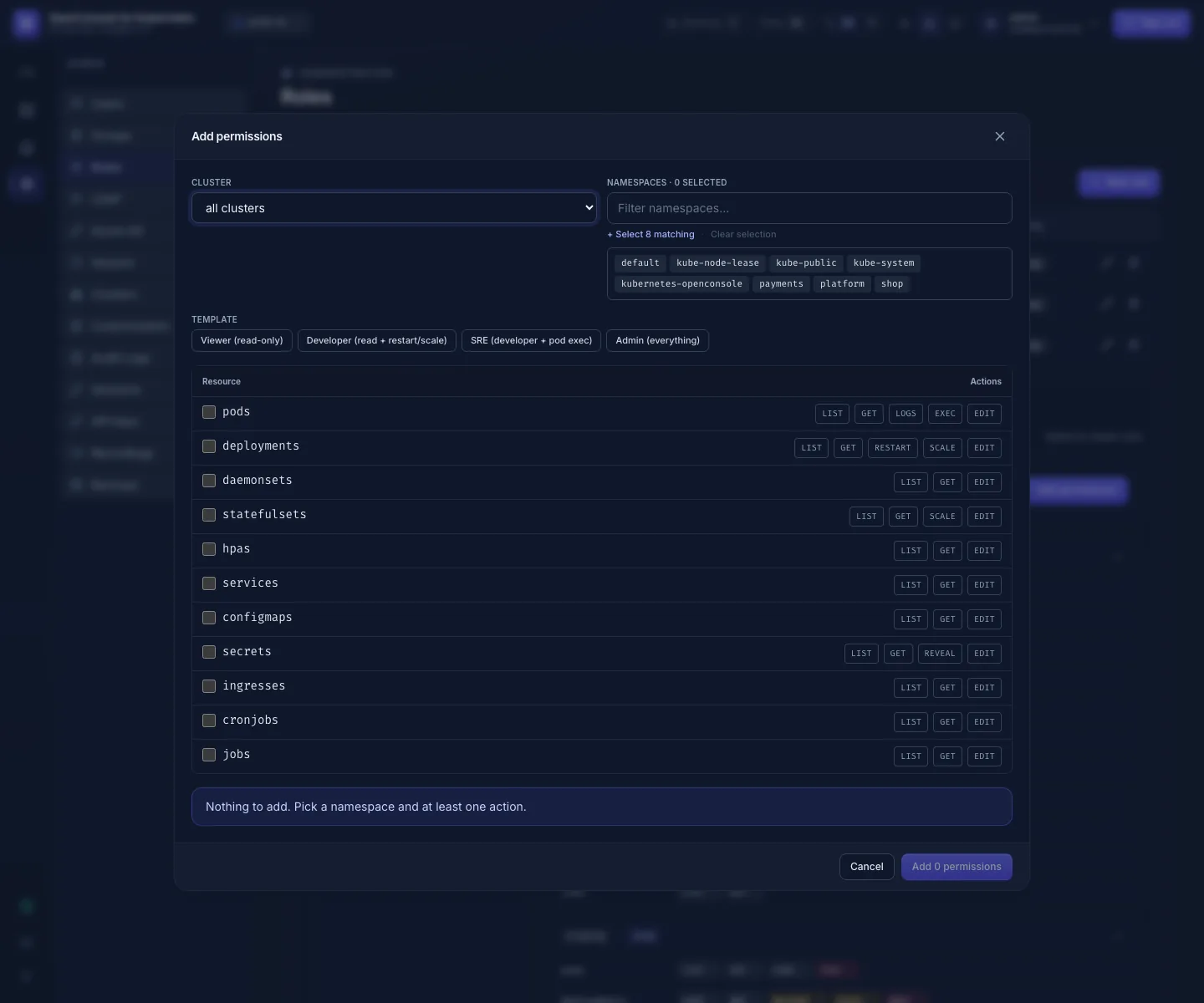
Cluster: one cluster, or all clusters (also those added later).
-
Namespaces: one or many; type to filter, Select N matching picks every namespace the filter shows. There is no "all namespaces": namespaces created later must be added.
-
Template, or tick single cells:
Template Gives Viewer (read-only) listandgeton every kind, Secret metadata included; no logsDeveloper Viewer + pods:logs,deployments:restart,deployments:scale,statefulsets:scaleSRE Developer + pods:exec, andediton Deployments, StatefulSets and ConfigMapsAdmin (everything) every action, including secrets:reveal,secrets:editandediton every kindThe Admin template doesn't make anyone an admin; it grants every action in the chosen namespaces.
-
Add N permissions adds one permission per cluster × namespace × ticked cell. Existing ones are skipped.
The full list of actions: Application permissions.
Change a role
- Grants are shown as cards; namespaces with identical grants share a card. Edit a card in place, or remove it.
- Copy from role copies another role's grants into this one: a quick way to make payments-developer from shop-developer and then change the namespace.
- Changes apply to every member on their next click. Each change is in the audit log (
permission.create,permission.delete, with the grant).
Attach it to people
Roles are given to groups, never to single users: Admin → Groups → Edit → Roles. See Users and groups.