Sessions
Active sessions
You want to: see who is signed in, or end someone's sessions now.
Admin → Sessions lists every sign-in token with the user, its status, address and browser, when it was issued and last used, and when it expires if nothing more happens. Only active sessions hides expired and revoked ones.
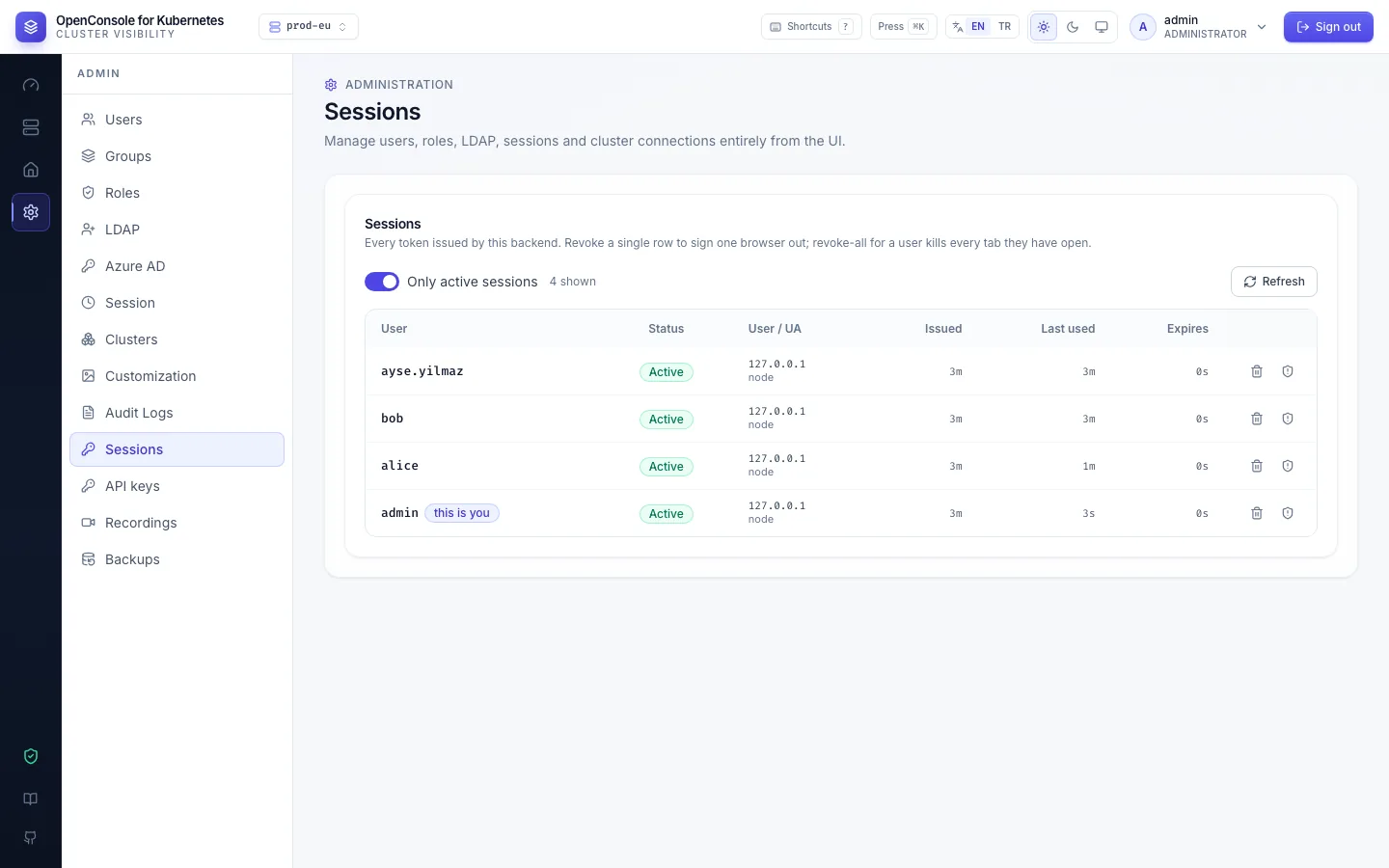
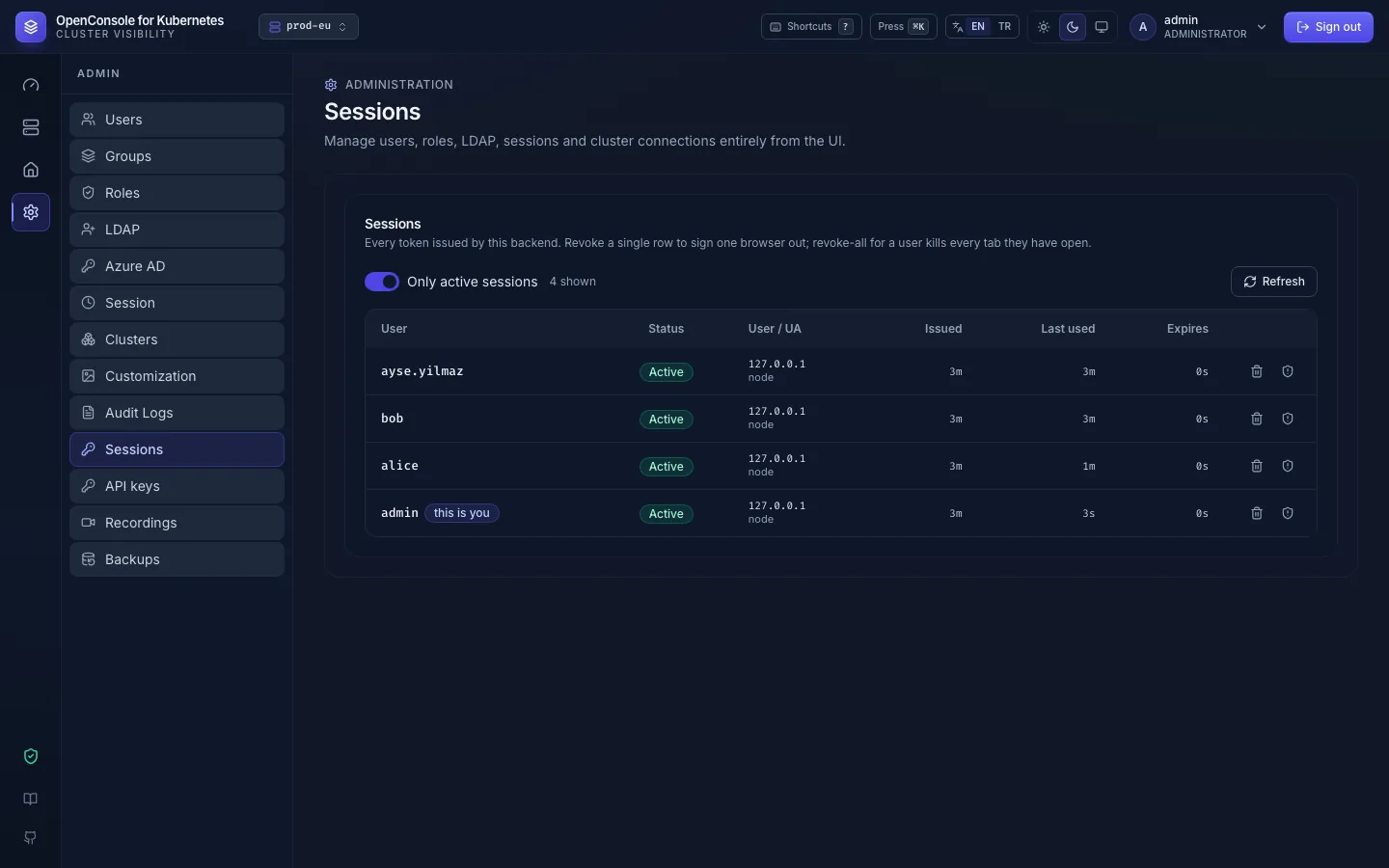
- The bin on a row signs out that one session; the other button signs out every session of that user.
- A user changing their password, or an admin resetting it, signs out every session of that user too.
- Each revocation is audited (
session.revoke,all: truefor every session of a user).
Revoking sessions doesn't stop a user's API keys; revoke those separately, or disable the user.
Session lifetime and API key expiry
Admin → Session:
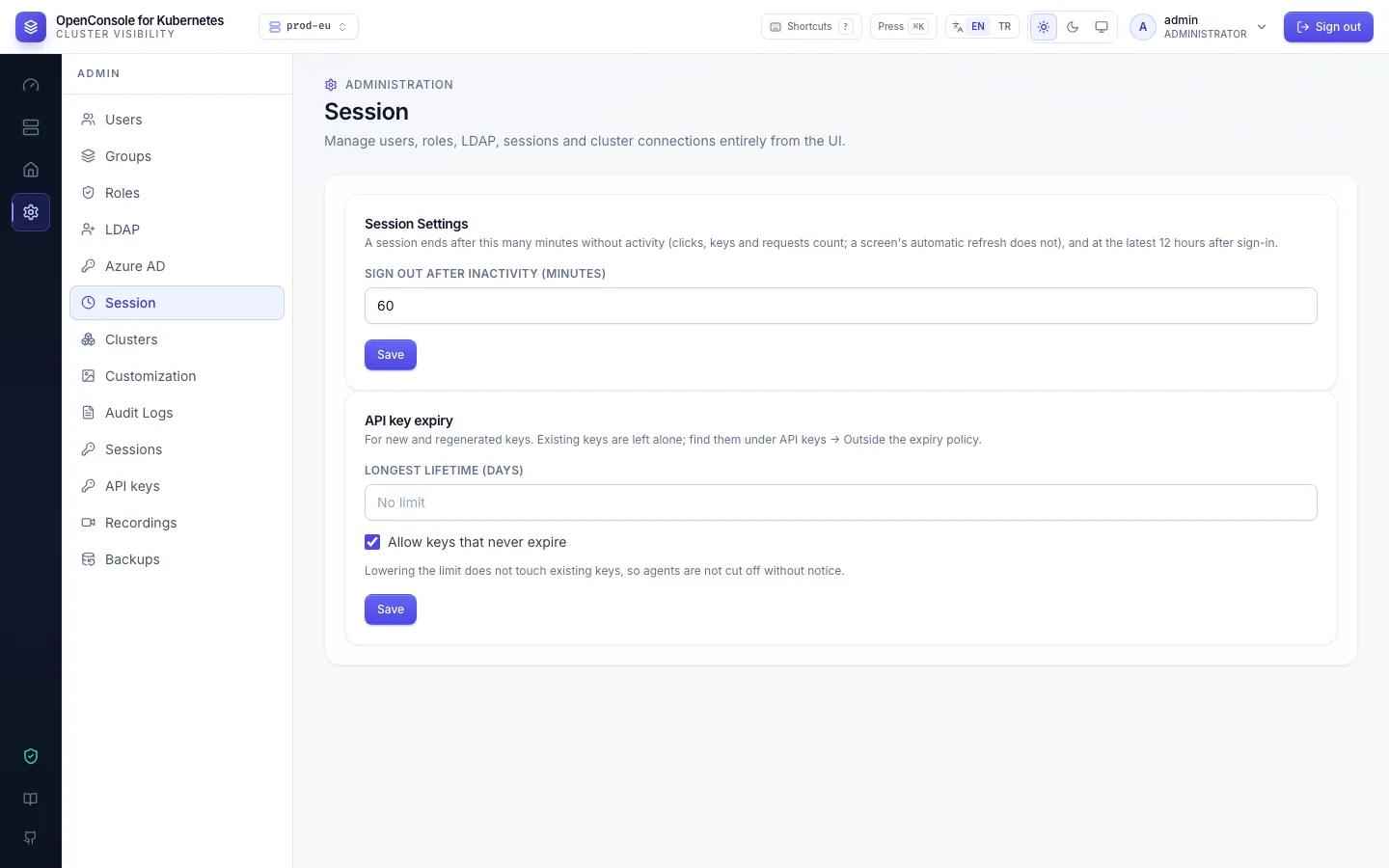
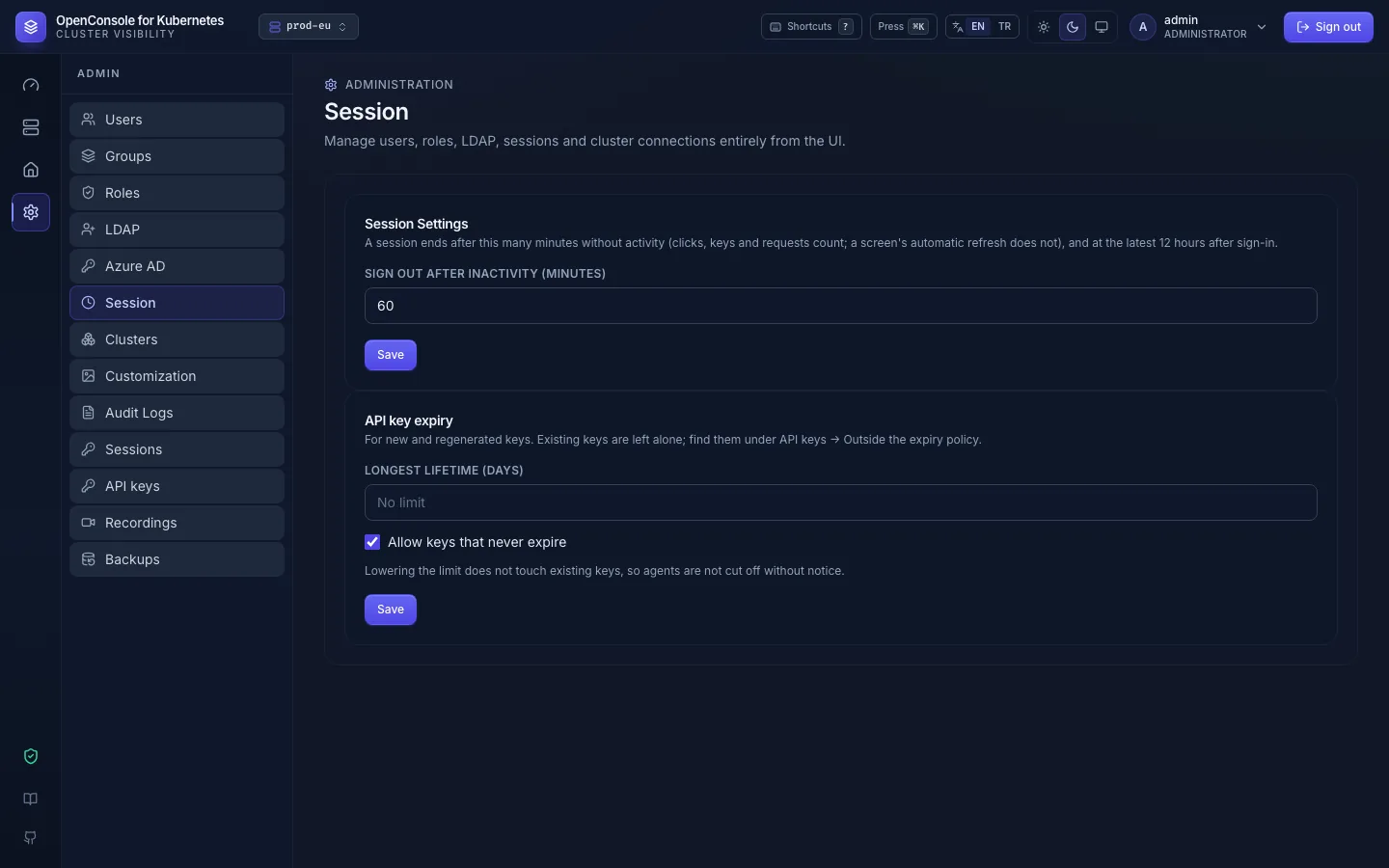
- Sign out after inactivity: minutes without activity after which a session ends (default 60). Clicks, key presses and the requests they cause count as activity, in any tab; a screen's own automatic refresh doesn't, so a tab left open still ends. A session ends at the latest 12 hours after sign-in (or after the inactivity time, if you set it longer), then the user signs in again. A change applies to every session from its next activity on.
- API key expiry: the longest lifetime a new or regenerated key may get, and whether keys without an expiry are allowed (API access policy).