Users and groups
Users
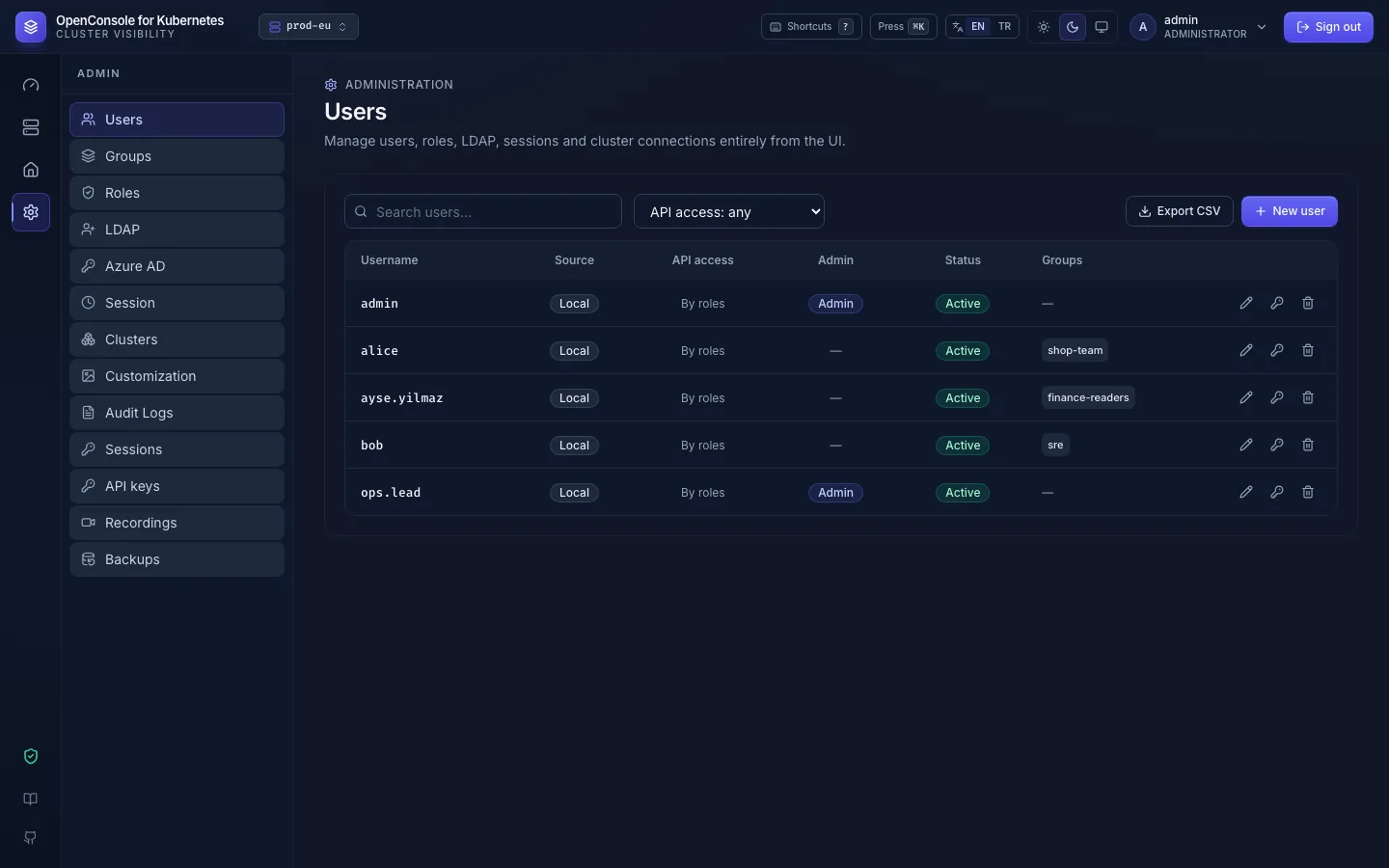
Admin → Users lists every account with its source, API access, admin flag, status and groups.
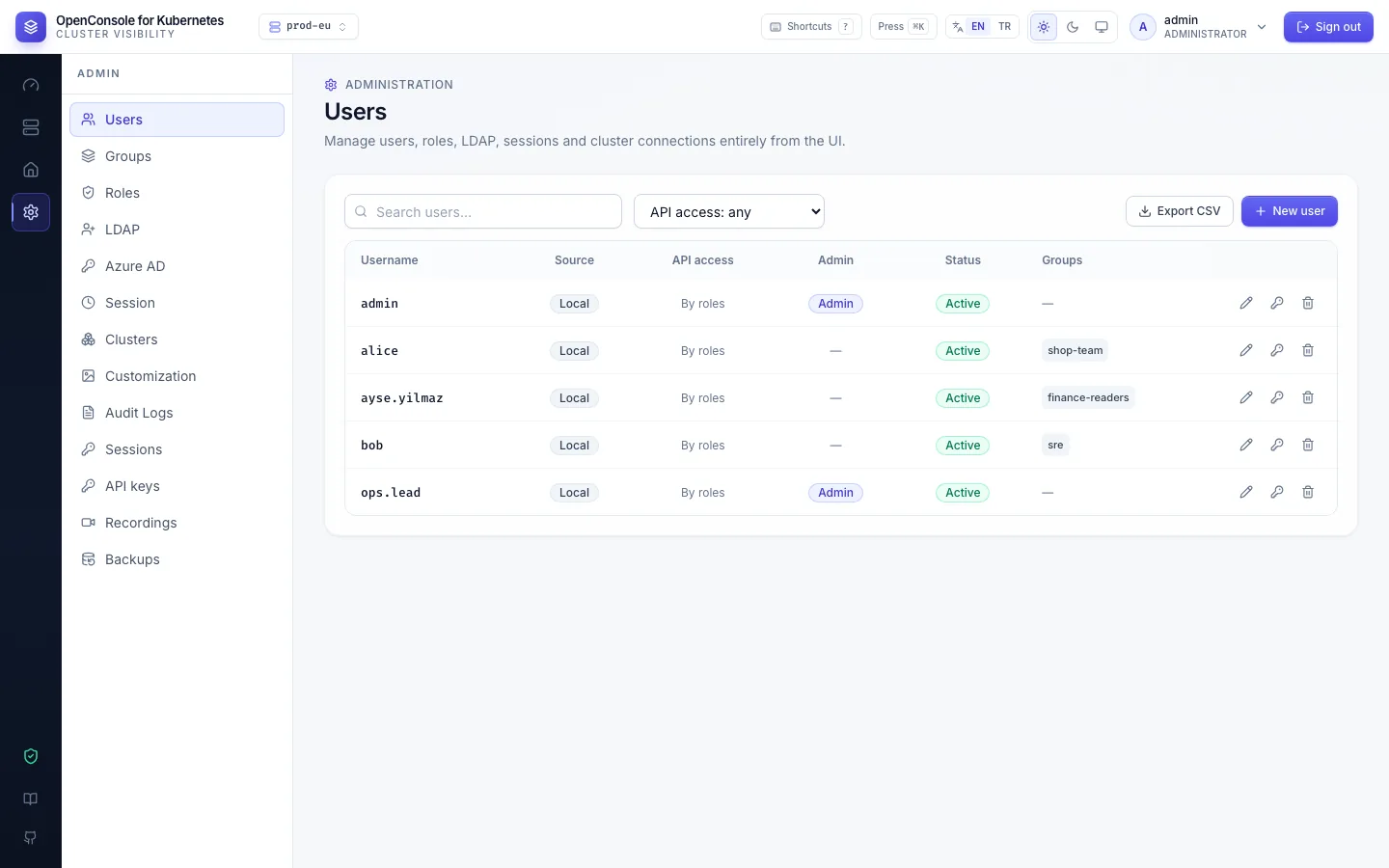
| Source | Signs in with | Password lives in |
|---|---|---|
| Local | username + password | OpenConsole (bcrypt) |
| LDAP | directory username + password | the directory |
| Azure AD | Sign in with Microsoft | Entra ID |
The source decides how a password is checked: LDAP accounts only against the directory, Azure AD accounts never by
password. A failed sign-in always gets the same answer, so the form doesn't reveal whether an account exists; the
audit event user.login records the real reason.
Create
New user creates a local account: username, first password, groups, and Grant admin privileges for an admin. With LDAP or Azure AD turned on, the arrow next to it opens a menu:
- Local user: as above.
- Import from LDAP…: search the directory and import people straight into groups (LDAP).
- Azure AD user: pre-create an account by UPN or e-mail (
jane@example.com) with its groups, so the person sees something on their first Microsoft sign-in (Azure AD).
New accounts, created or imported, are listed first with a New badge for a moment. A user in no group sees no namespaces. A local user is not forced to change the password you set; tell them to.
Edit, reset, disable, delete
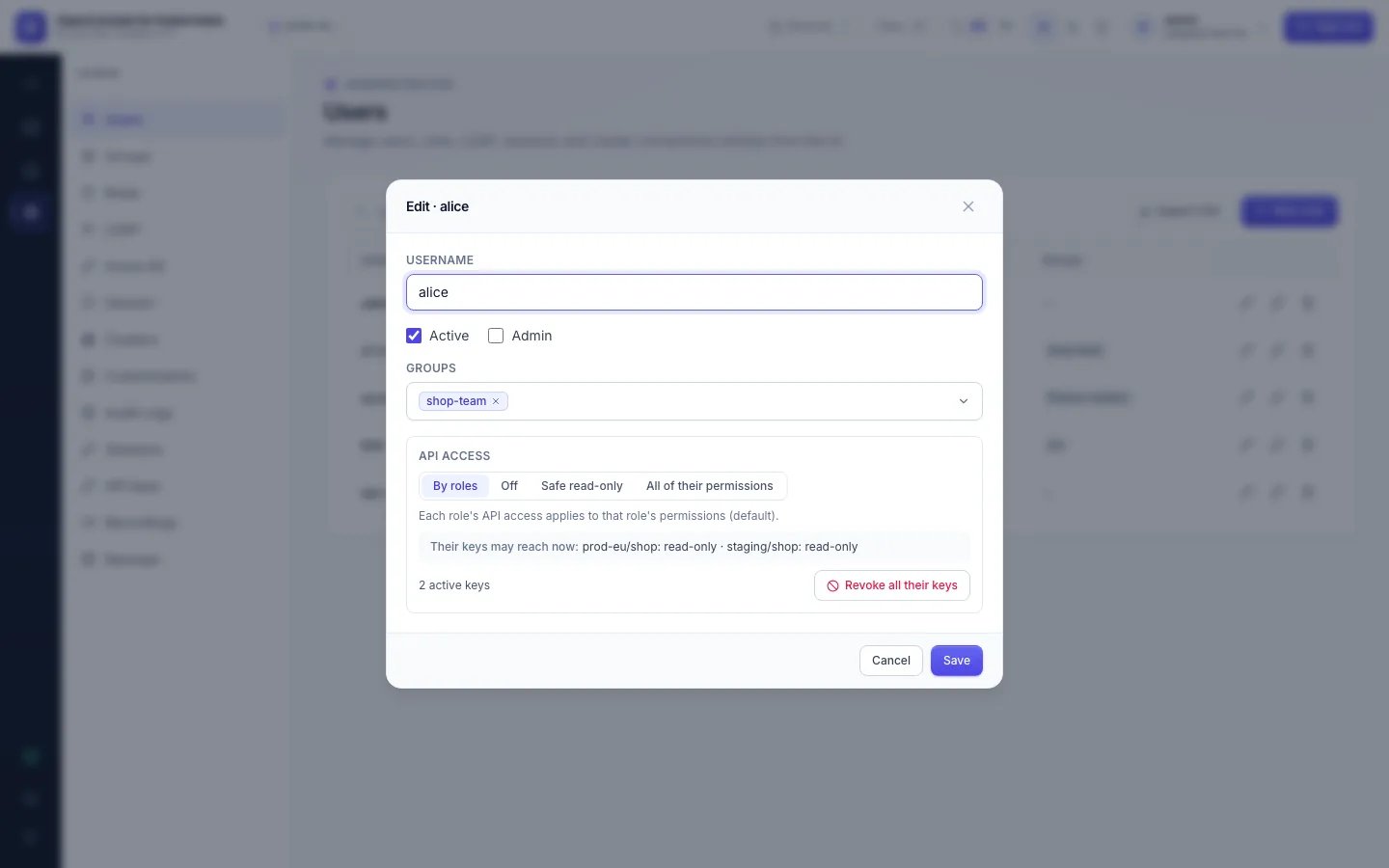
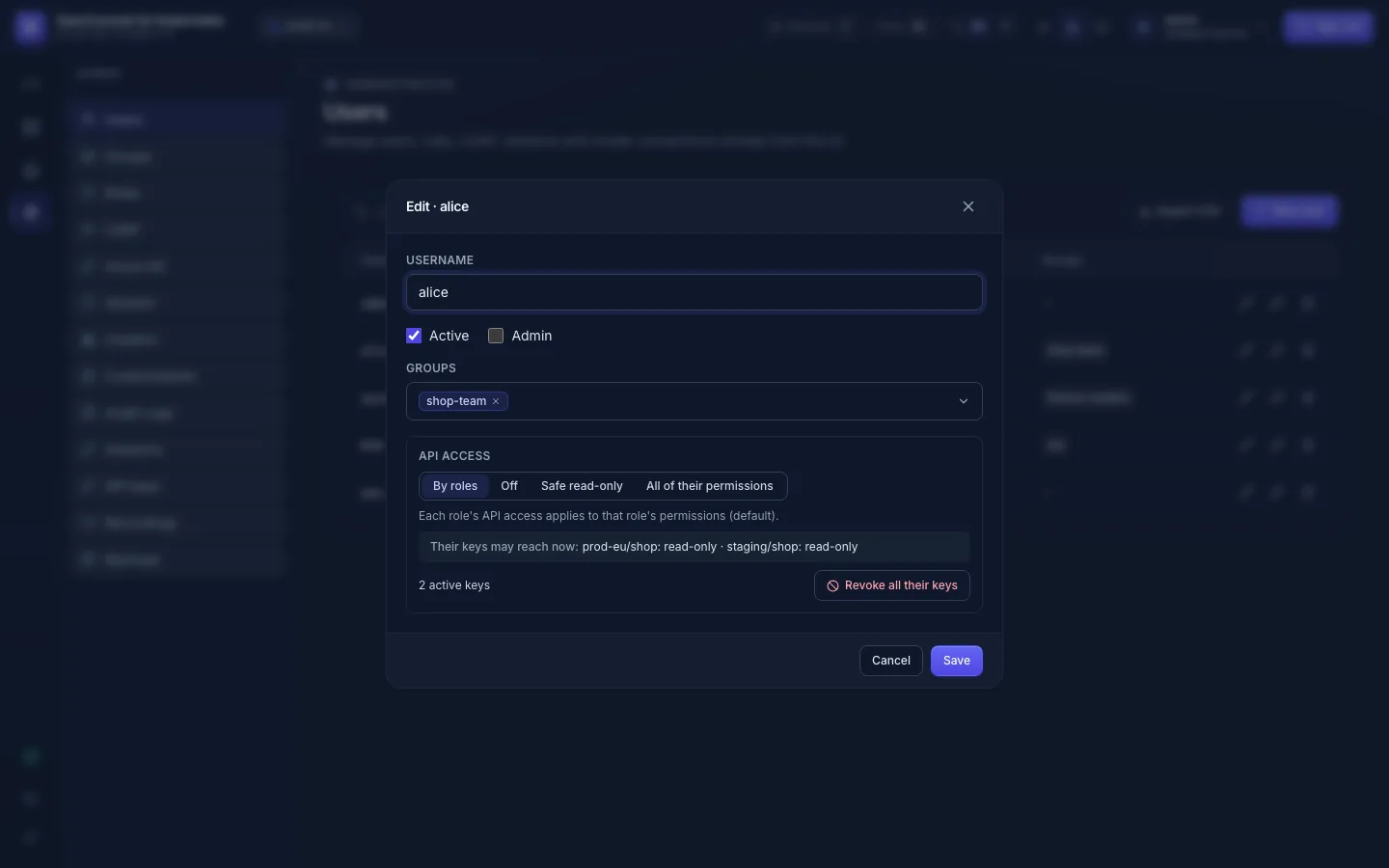
- Edit (pencil): active, admin, groups, and the user's API access.
- Reset password (key icon, local accounts only): sets a new password, by default to be changed at the next sign-in,
and signs the user out everywhere (
user.reset_password). - Disable (untick Active): their sessions are revoked at once, and every request is refused, API keys included; no new shell or log stream opens (one already open runs until it closes). Prefer it to deleting.
- Delete (bin): removes the account and its memberships; the audit log keeps what it did.
- The last active admin can't be disabled, demoted or deleted.
Groups
Admin → Groups: a group is a set of users that gets roles.
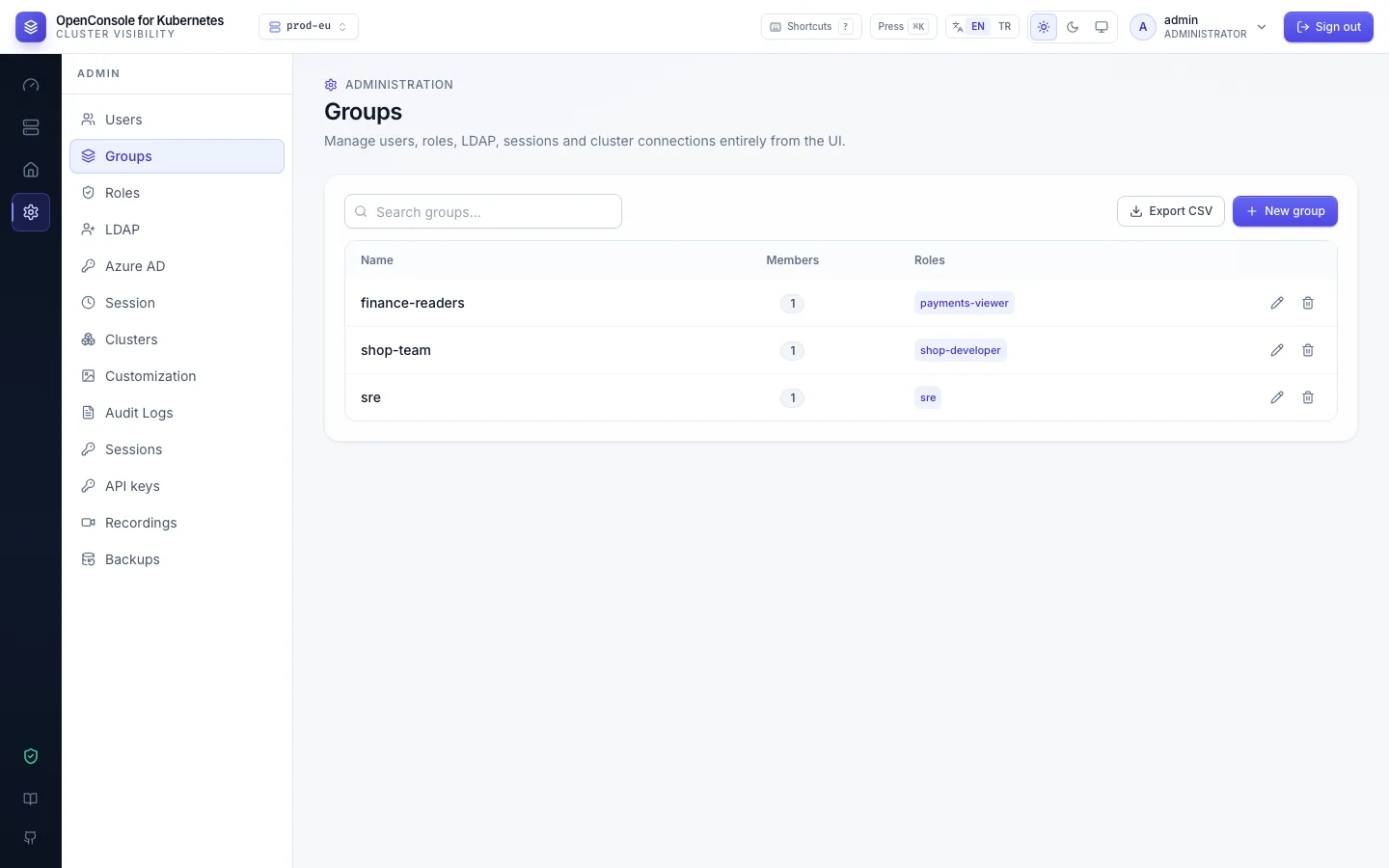
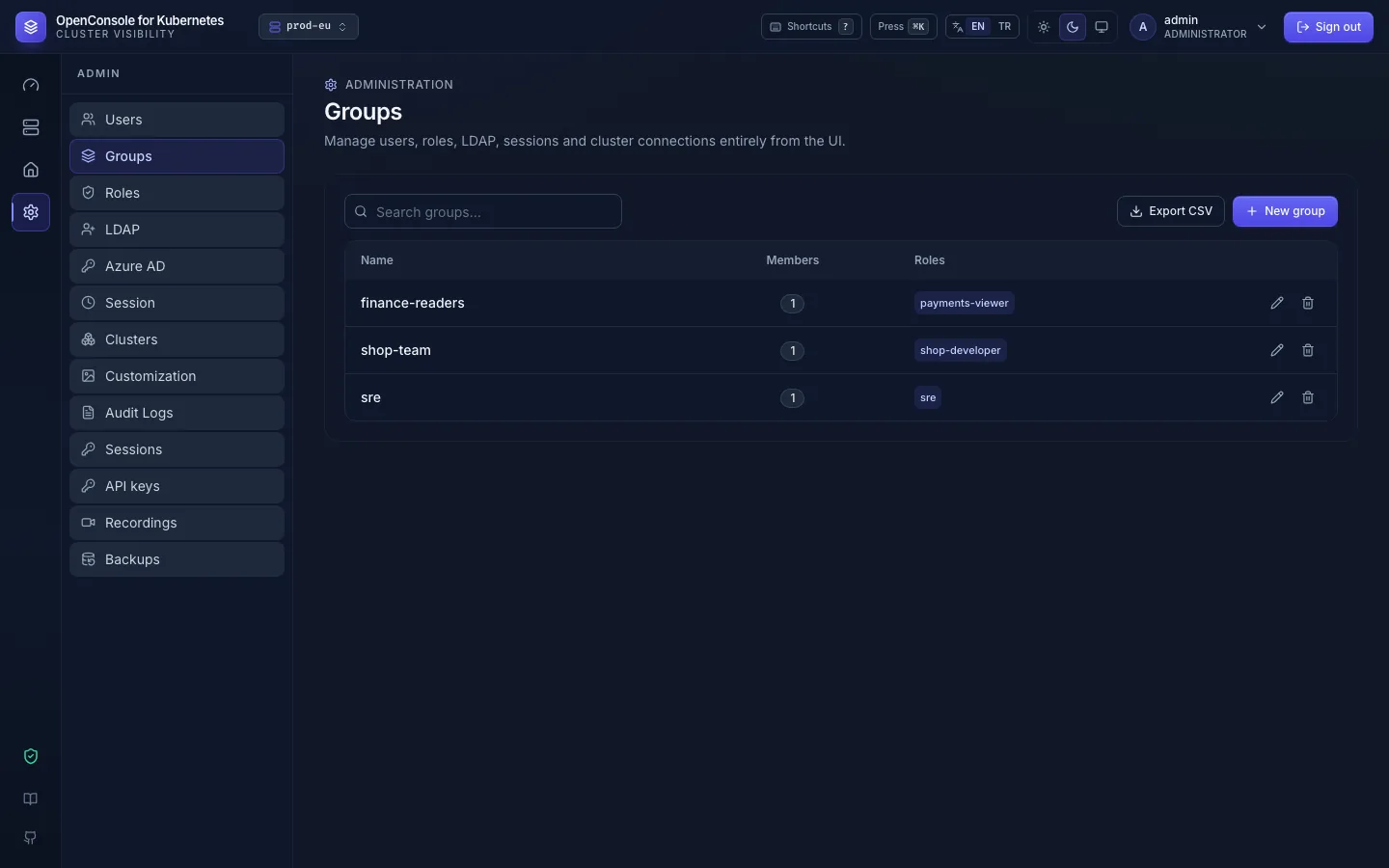
New group asks for a name; then Edit (pencil) → Assign roles… and members. You can also set a user's groups from Admin → Users → Edit, or pick groups while importing from LDAP.
Access reviews
Export CSV on Users and on Groups: users with source, admin and active flags and groups; groups with members and
roles. Each export is audited (user.export, group.export). Together with the roles' grants this answers "who can do what, and
through which group".