Your API keys
You want to: let a script or an AI agent (Claude Code, Cursor) use OpenConsole in your name, with less than you may do yourself.
Account menu (your name, top right) → API keys, or ⌘K → Go to API keys.
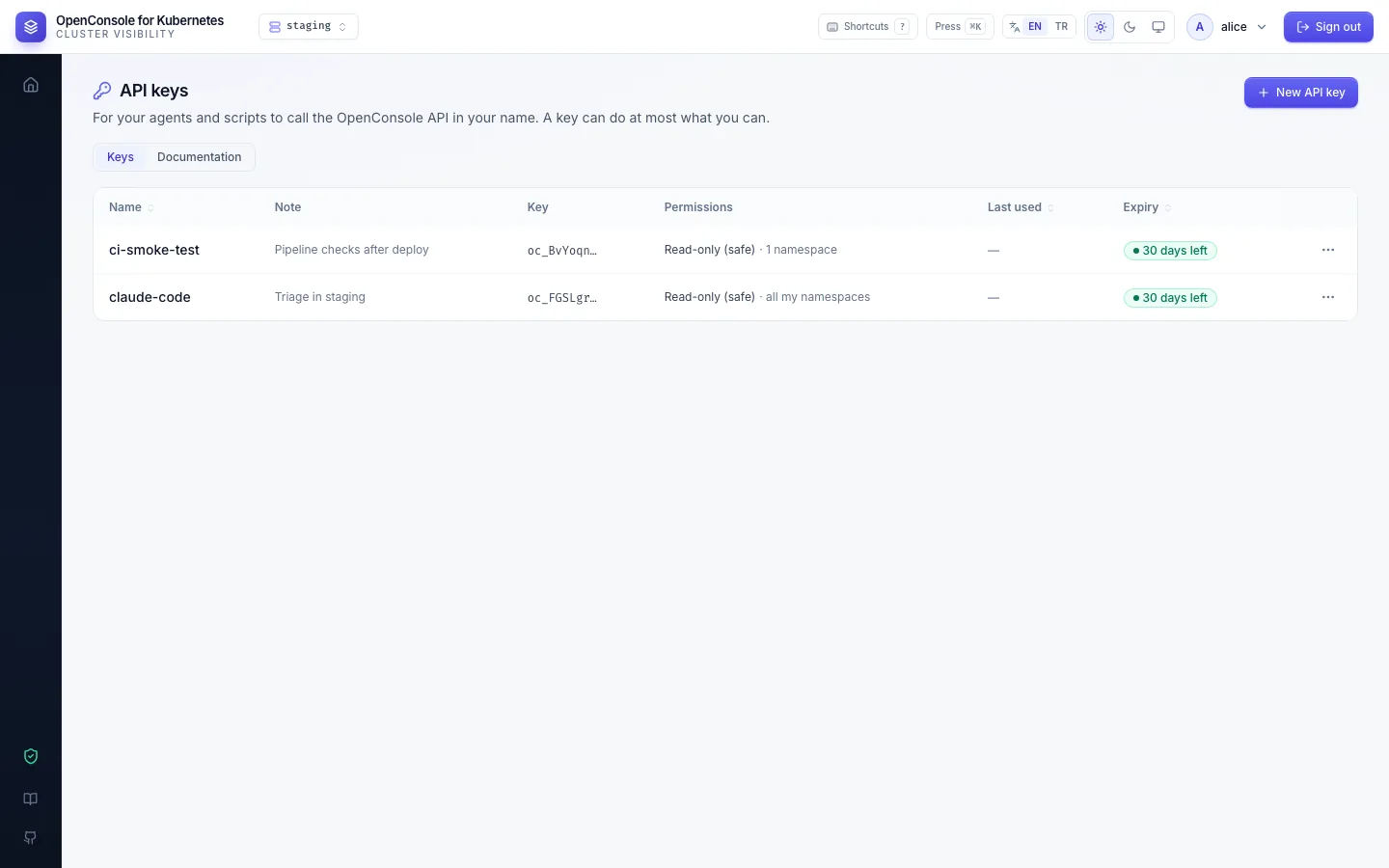
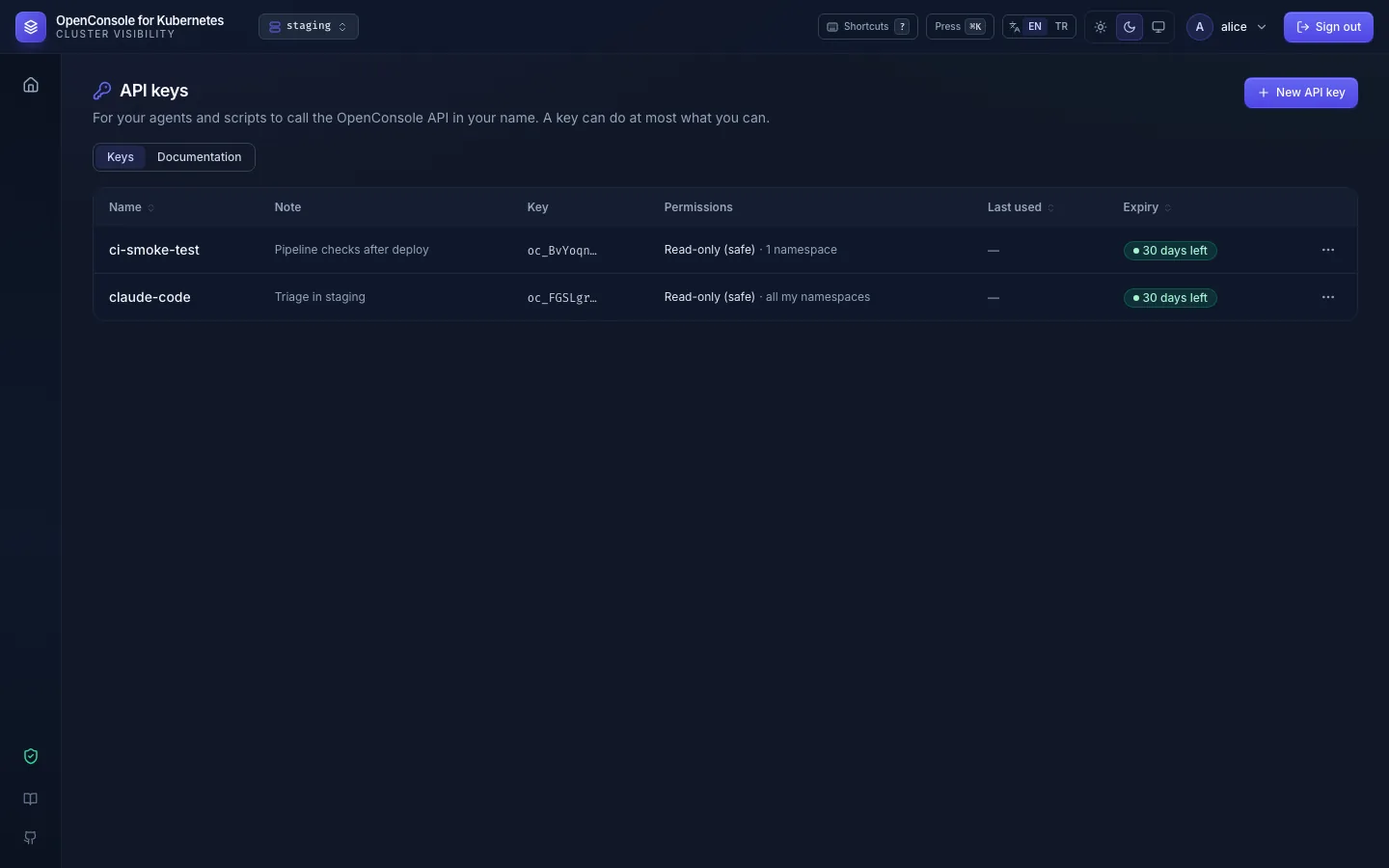
Create one
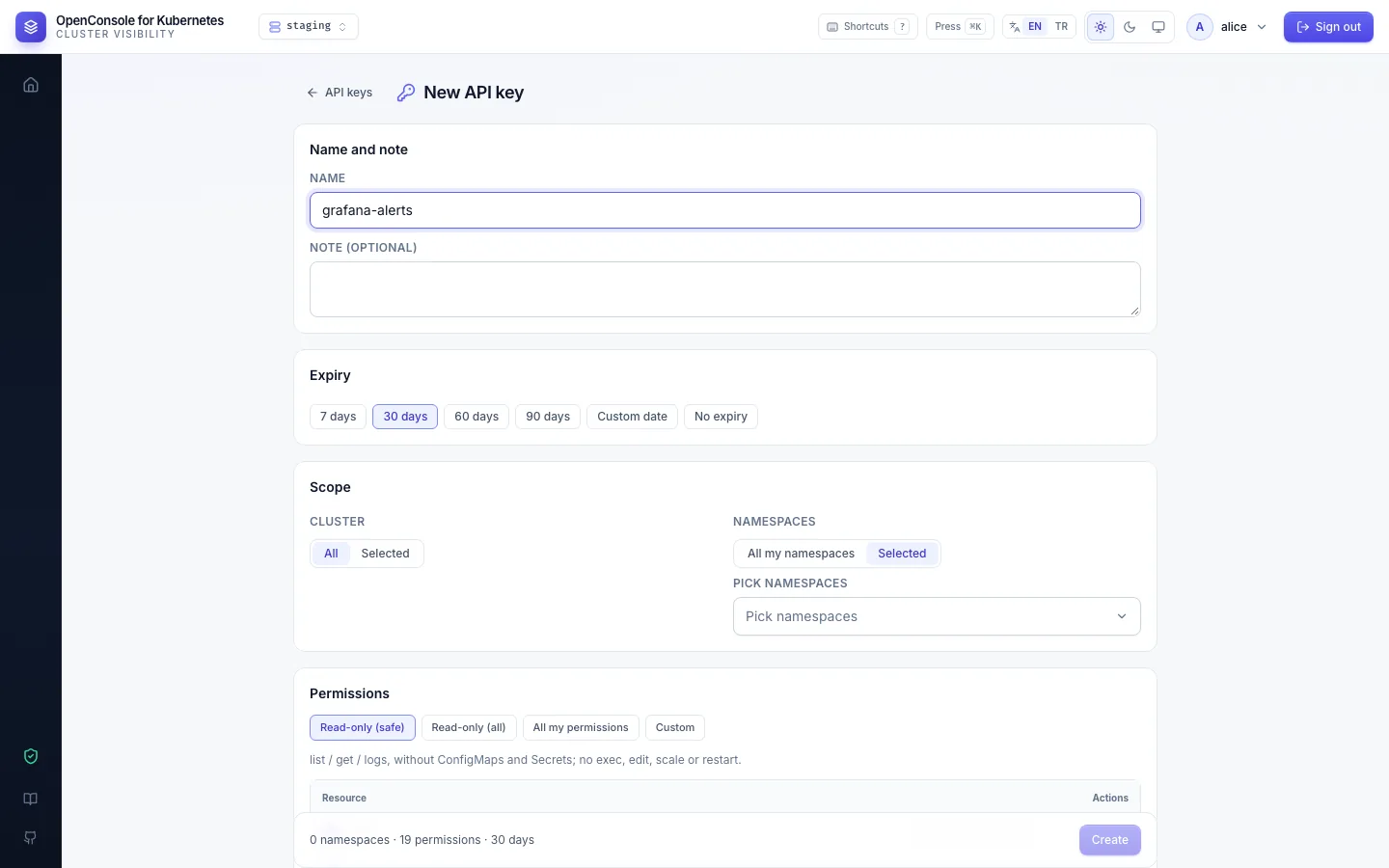
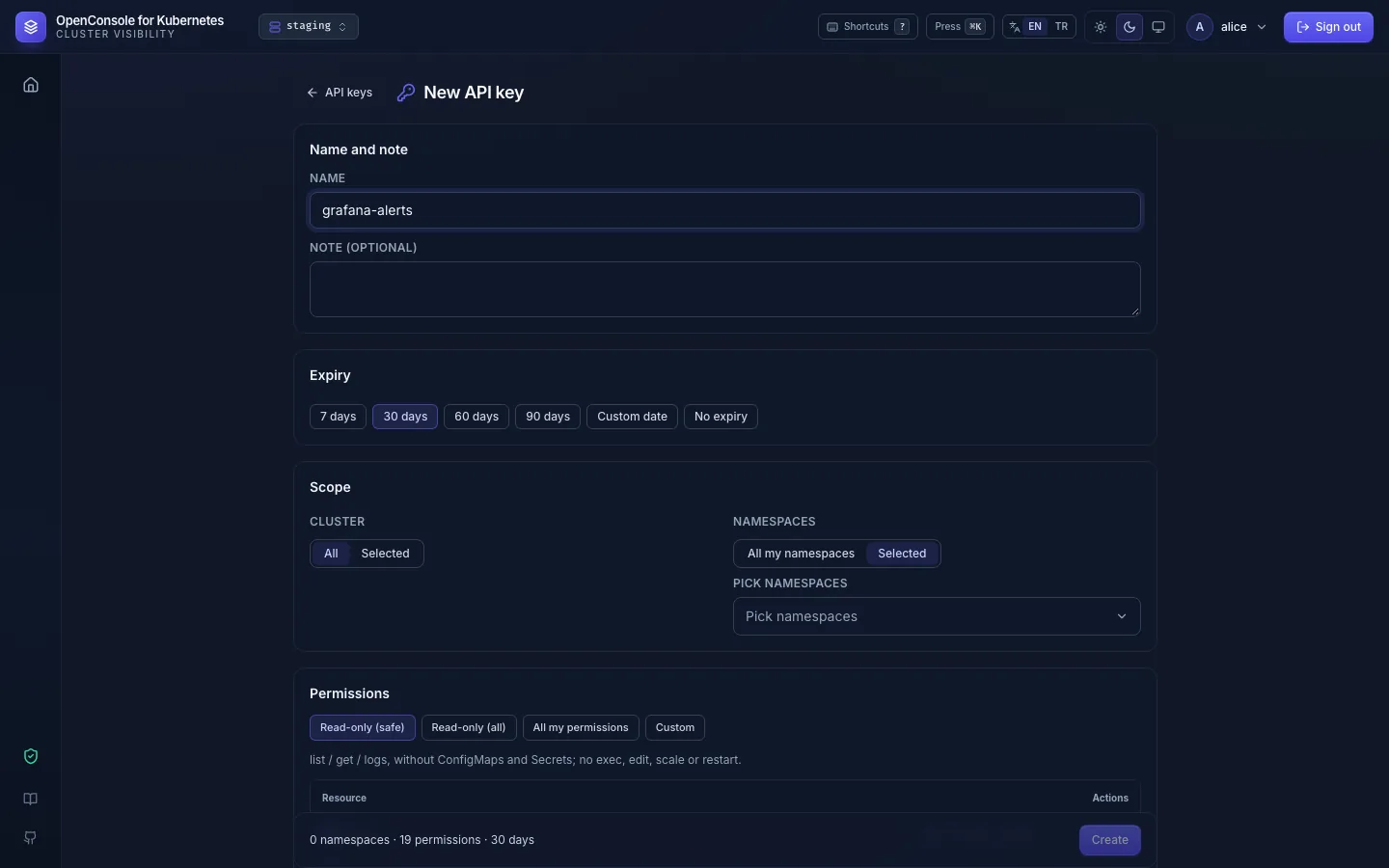
New API key, then:
-
Name and note: the name appears in the audit log next to everything the key does.
-
Expiry: 7, 30, 60 or 90 days, a date, or none (your admin may limit this).
-
Scope: all clusters or one; all your namespaces (including ones you get later) or a selection.
-
Permissions: a template or single cells.
- Read-only (safe): list, get and logs, no ConfigMaps or Secrets, nothing that changes anything.
- Read-only (all): list, get and logs everywhere, ConfigMap data and secret values included.
- All my permissions or Custom.
Cells you don't hold yourself (You do not have this permission), or that your admin's policy doesn't allow for keys (The admin's API access policy does not allow it), are closed. A cell you hold in only some of the chosen namespaces is marked (Only in 3 of 5 namespaces); the key gets it only there. The server checks the same and refuses a permission you hold in none of them (400).
-
Create shows the key (
oc_…) once, with a readycurlline. Copy it now; OpenConsole keeps only a hash.
What a key can do
At most what it lists and what you hold at the moment of the call. If a permission is taken away from you, the key loses it at once; if you get more, the key does not grow by itself (except all my namespaces). The list warns "N permissions not valid now" when your permissions or the admin's policy took something away.
Shells and commands run with a key are always recorded. Every call is audited with your name and the key's name.
Stop or replace one
From the ⋯ menu of a key:
- Edit: name, note, scope, permissions (the secret and expiry stay).
- Regenerate: a new secret and a new expiry; the old secret stops working at once. It also revives an expired key. A revoked key stays revoked (the menu doesn't offer it): create a new one.
- Revoke: stops it for good. Delete removes it from the list.
How to use a key from curl or an agent: Documentation tab on the same page, and API and agents.
The tab has a quick start, a ready text for your agent (without the key), and every endpoint a key can call, grouped by
tag, each with its permission, parameters, a curl example, an example response and the errors. Endpoints none of
your keys can call now are greyed out with the reason: You do not have it, Policy does not allow or Switched off.
Web-only endpoints are left out; admin ones are shown to admins only.
- No API keys in the menu: the admin switched API keys off for everyone.
- Every template is greyed out, or calls answer
api_access_off: the admin's API access policy gives your keys nothing; ask your admin (Admin → Roles → API access). - A call answers 403
api_access_policy: the policy allows less than the key lists.