Keyboard shortcuts
You want to: work without the mouse.
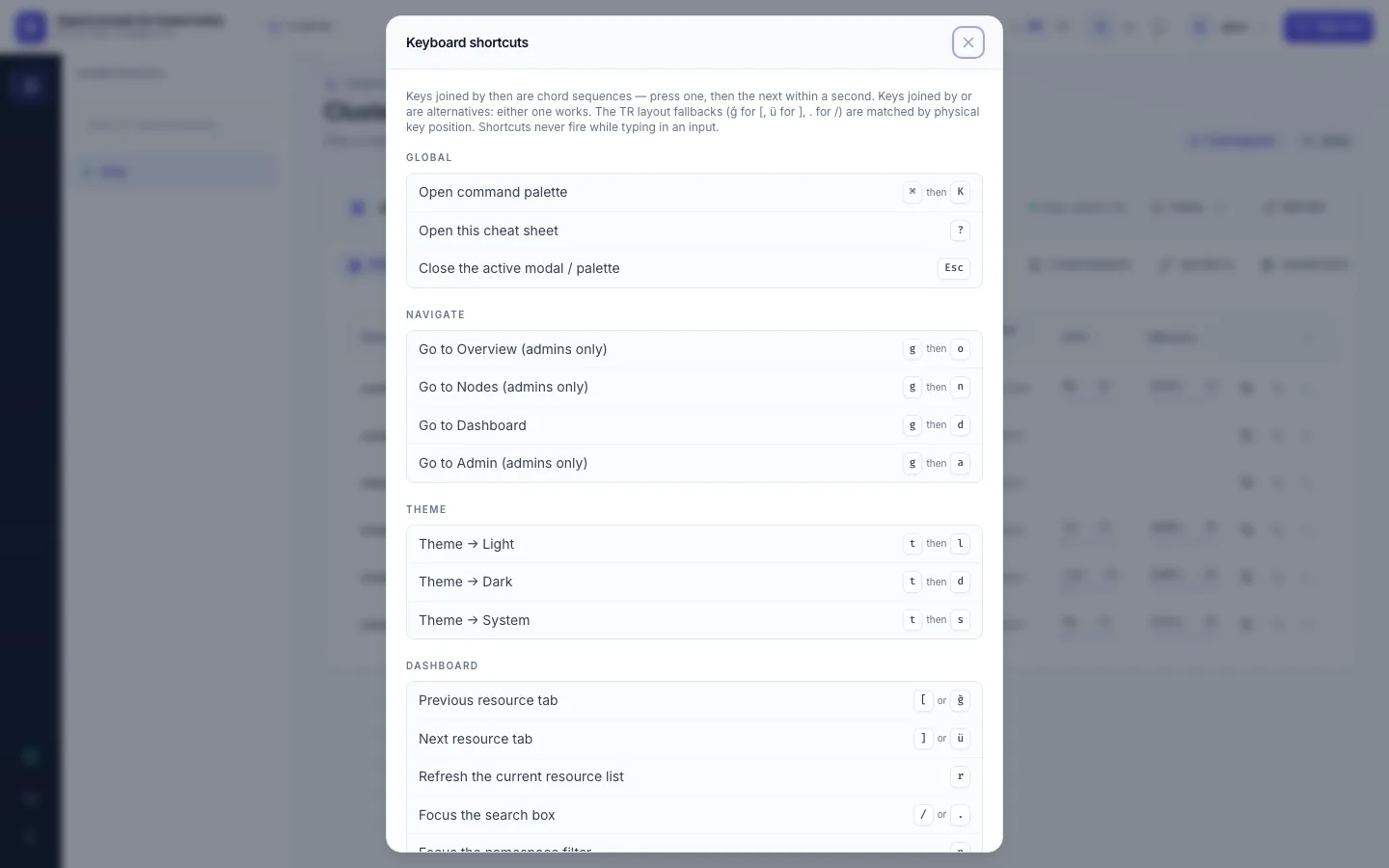
? opens the full list in the app; ⌘K (Mac) or Ctrl+K opens the command palette, which finds pages, themes and
namespaces by typing.
"g then o" means: press g, then o within a second. Shortcuts never fire while you type in a text field (in 2.23.0 the YAML editor is the exception: typing e there
opens Live Events instead).
The most used ones:
| Keys | Does |
|---|---|
⌘K / Ctrl+K | command palette |
g then d / o / n / a | Dashboard / Overview / Nodes / Admin |
[ and ] | previous / next tab (Dashboard) or section (Admin) |
/, n | focus the search box, the namespace filter |
e, c, v | Live Events, cluster switcher, saved views |
j / k, Enter | move in a table, open the row |
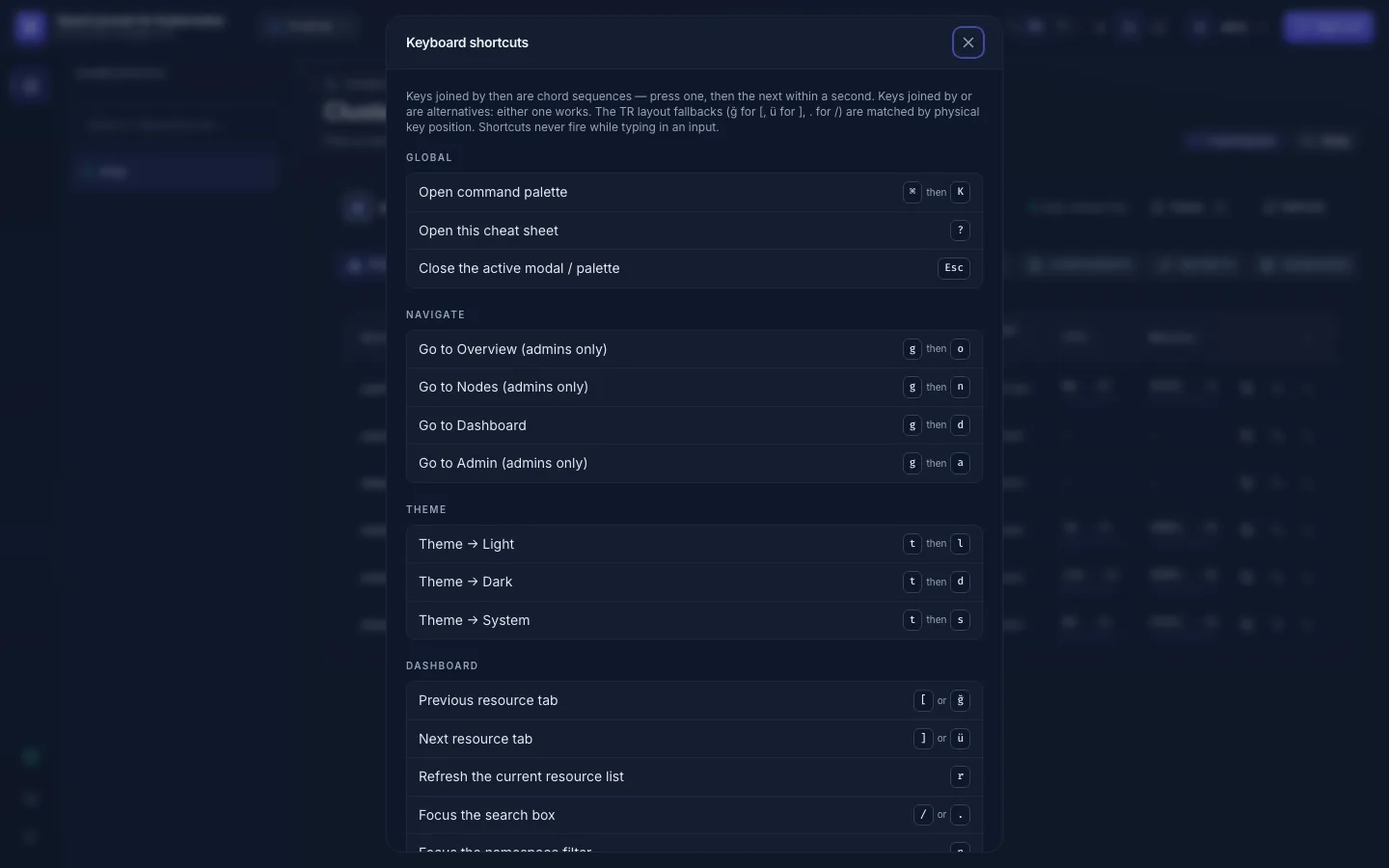
Every shortcut, as the app lists it under ?: Keyboard shortcuts reference.
Turkish Q keyboard: the shortcuts follow the key's position, not its letter, so [ ] / are the keys ğ ü
. on a Turkish layout, and they work without switching layouts.