Logs
You want to: read what a container is printing, or what it printed before it crashed.
Open it from a pod row (Logs), from a pod's drawer, or from a Deployment / Job (its pods together, up to 20).
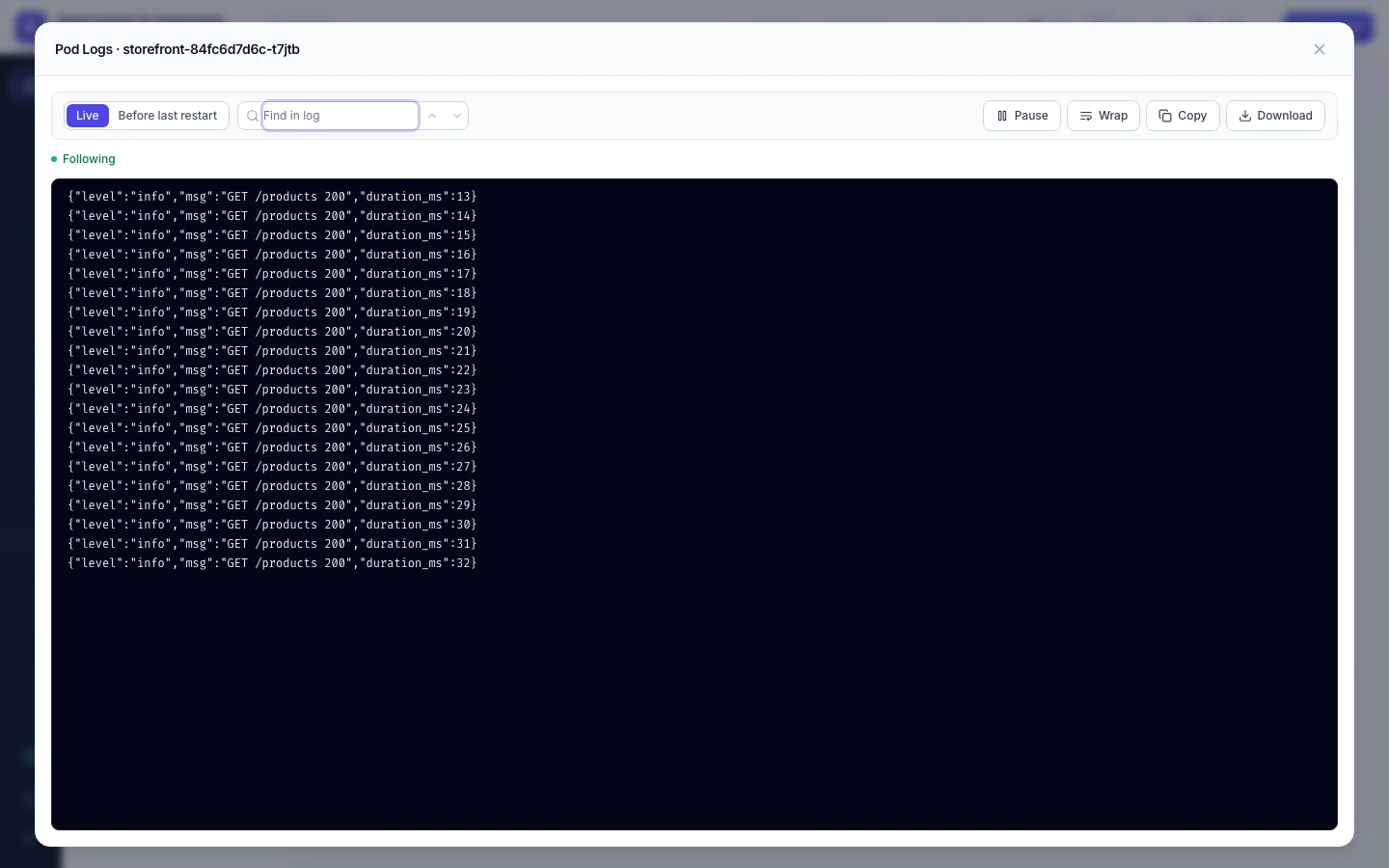
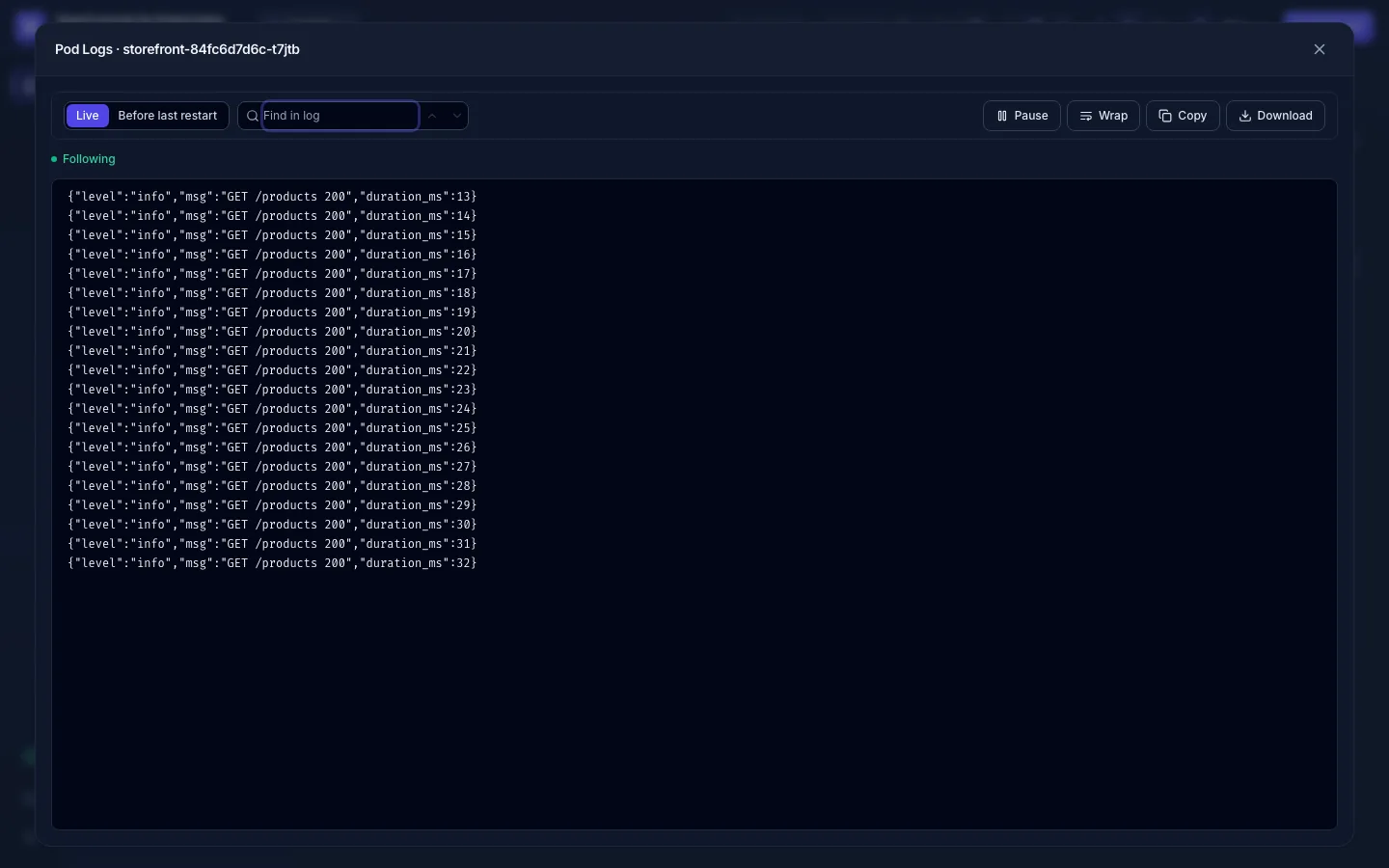
Live
The log follows the container as it writes. It keeps going across a container restart and, if the connection drops (a proxy, a laptop going to sleep), reconnects and continues where it stopped, without missing or repeating lines. Pause stops scrolling while new lines are still collected.
The window keeps the last 10,000 lines; older ones drop off the top. For more, use Download or your log platform.
Which container
A pod with several containers opens on its main one: the container named in the
kubectl.kubernetes.io/default-container annotation, else the one named after the workload, so a sidecar listed
first is not picked by mistake. The container menu switches; init containers are in it too.
Before the last restart
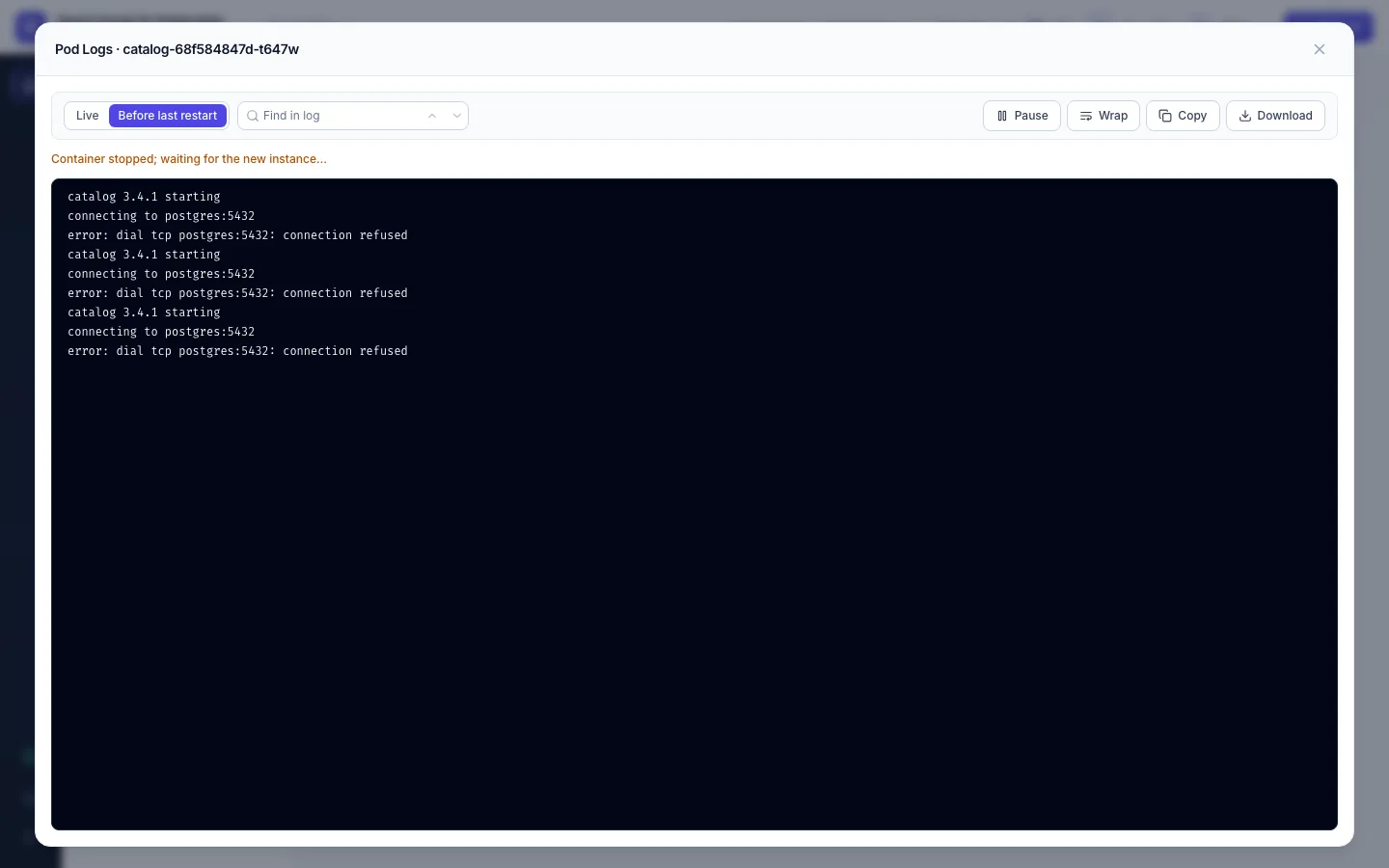
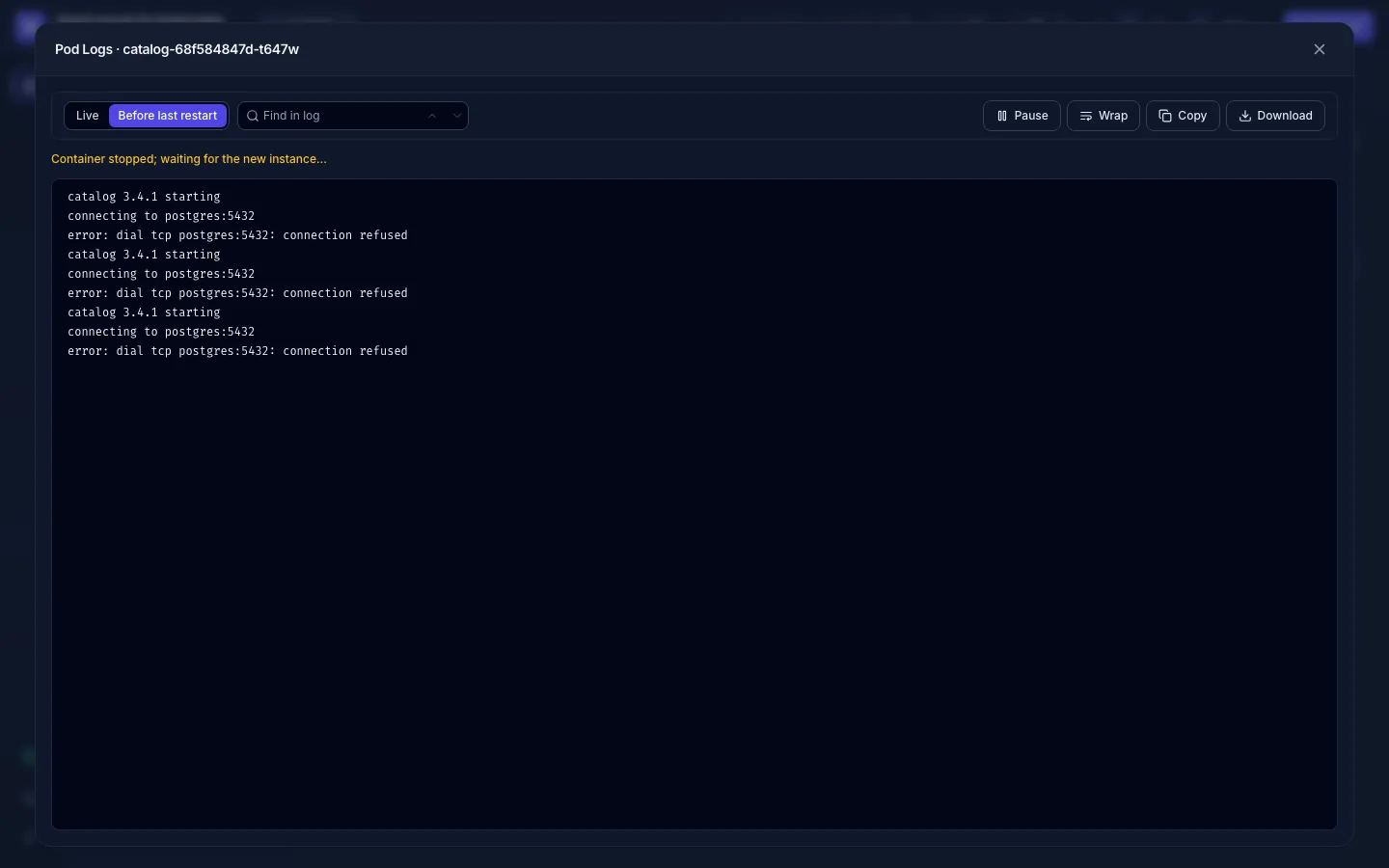
Before last restart shows the log of the container instance that exited: the one with the error. It is
kubectl logs --previous, and it is what you want for a CrashLoopBackOff:
Find, wrap, copy, download
- Find in log highlights matches; the arrows (or
Enter/Shift+Enter) jump between them. - Wrap breaks long lines instead of scrolling sideways.
- Copy copies what the window holds; Download saves it as a text file.
Limits
- Ten log streams may be opened at once per user, then one more per second; past that, wait a moment.
- A Deployment or Job log follows at most 20 pods, ready ones first; the window then says Limited: following 20 of 60 pods (ready ones first). Open a pod's own log for the others.
- Every log you open is written to the audit log (
pod.logs,previous: truefor the log before a restart).
- No Logs button (on rows, in drawers): you don't hold
pods:logsin this namespace. Ask forpods:logs; reading the list (pods:list) is a separate permission. - "unable to retrieve container logs" before a restart: the container died too quickly for the runtime to keep its log.
- The stream stops after a minute of silence behind your company proxy: ask your admin about the proxy's WebSocket idle timeout (Install on Kubernetes).