Pod shell
You want to: run a command inside a running container, like kubectl exec -it … -- sh.
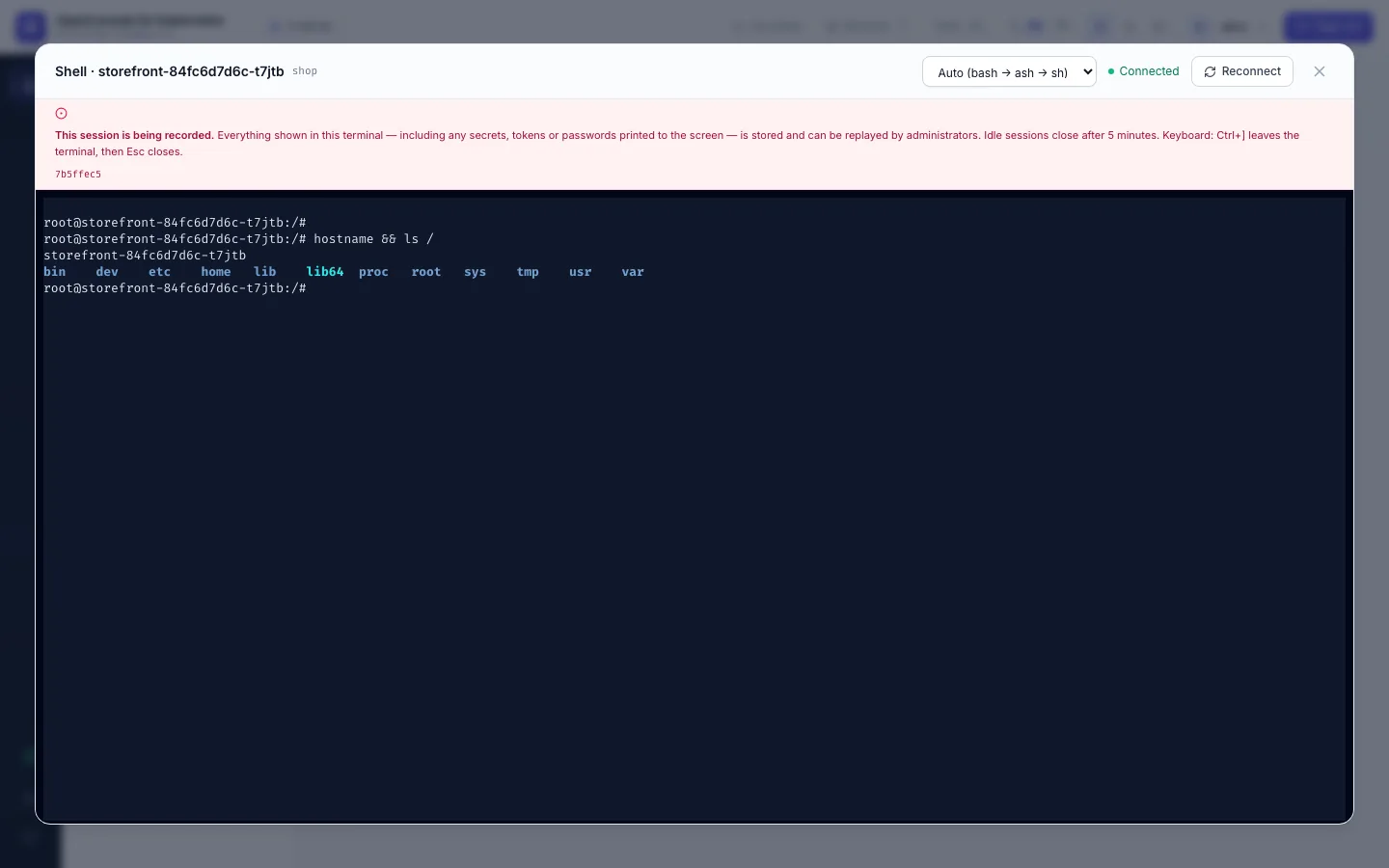
Click Shell on a pod row, a pod card or in the pod's drawer.
Which container and which shell
- A pod with several containers first asks which one. The main container is on top and focused (
Enteropens it); containers that aren't running are greyed out. The terminal can still switch container later. - The menu at the top right picks the shell: Auto tries
bash, thenash, thensh. Minimal images (distroless, scratch) have no shell at all; then nothing can be opened. Picking another shell or container starts a new session. - Reconnect starts a new session in the same container.
Keyboard
Every key you type goes to the shell, Tab and Esc included (completion, vim). Ctrl+] (Ctrl+Ü on a Turkish Q
keyboard) leaves the terminal for the menus above it; there Esc closes the window and the focus goes back to the
button you opened it from. Tab from the menus returns to the terminal. The banner above the terminal says the same.
It is recorded
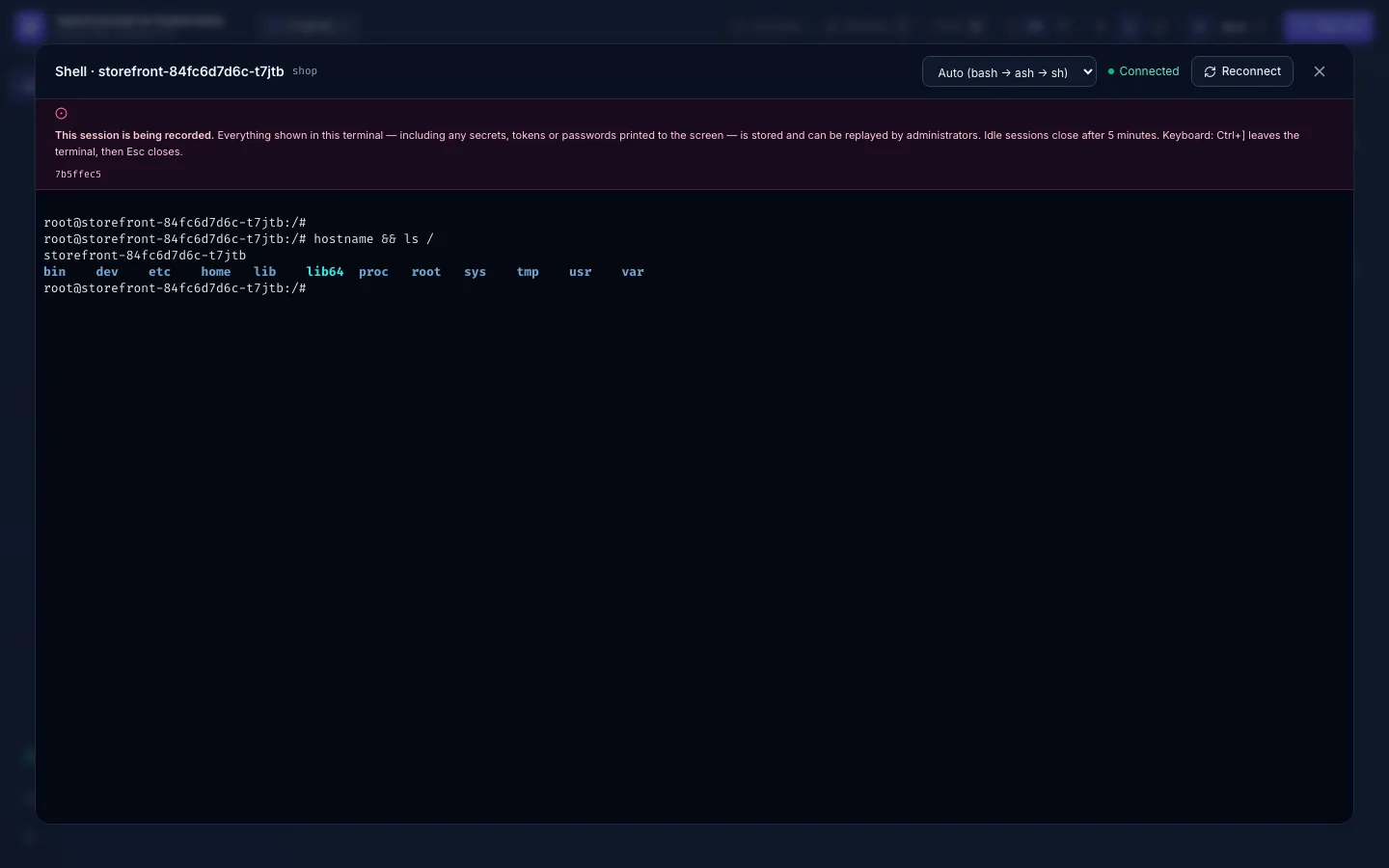
The red banner means the session is being recorded: everything the terminal shows, including anything secret you print, is stored and can be replayed by admins. It appears only when the server confirms the recording. What you type is recorded only as far as the shell echoes it back (password prompts don't echo).
Limits
- A shell with no input for 5 minutes closes (your admin may set another time).
- You can have 3 shells open at once; a fourth is refused until you close one.
- Each session is in the audit log twice:
pod.execwithphase: start(container, command) andphase: end(exit code, bytes in and out, duration).exit_codeis-1when the session was cut (idle timeout, closed tab, network). A shell that ends with a non-zero status, e.g. after a failed last command, is a normal end (outcomesuccess).
Treat the shell as what it is: you act inside a production container, as the container's user.
- No Shell button: you don't hold
pods:execin this namespace, or your admin turned shells off for everyone. - "too many open shells": close one of your other three.
- The shell closes after a minute of silence: a proxy in front of OpenConsole times out idle connections; ask your admin (Install on Kubernetes).
- 403 from Kubernetes: the cluster connection itself may not exec; ask your admin.