Restart and scale
Restart a Deployment
You want to: restart every pod of a Deployment, e.g. to pick up a changed Secret or ConfigMap.
Restart on the Deployment's row or in its drawer asks first:
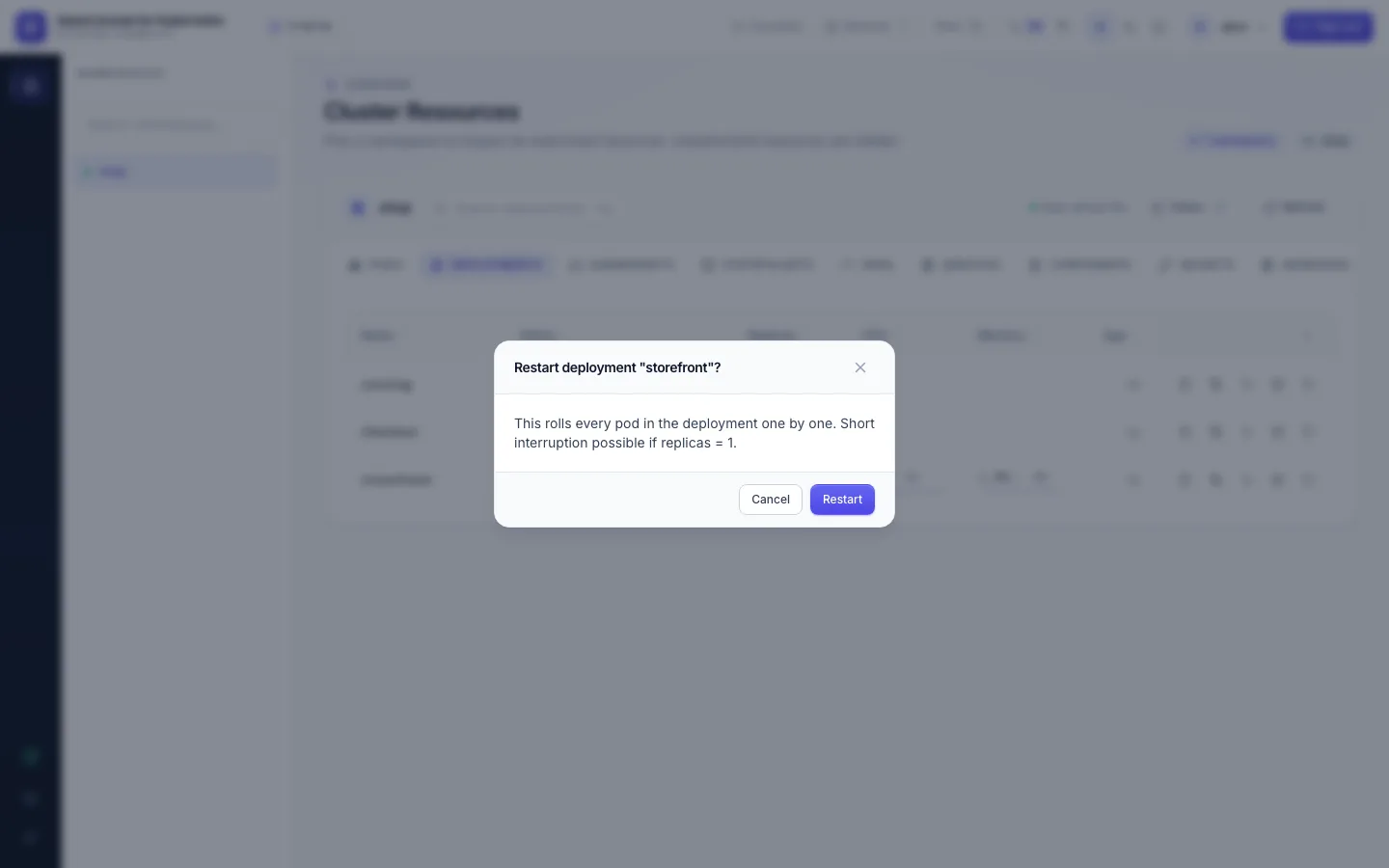
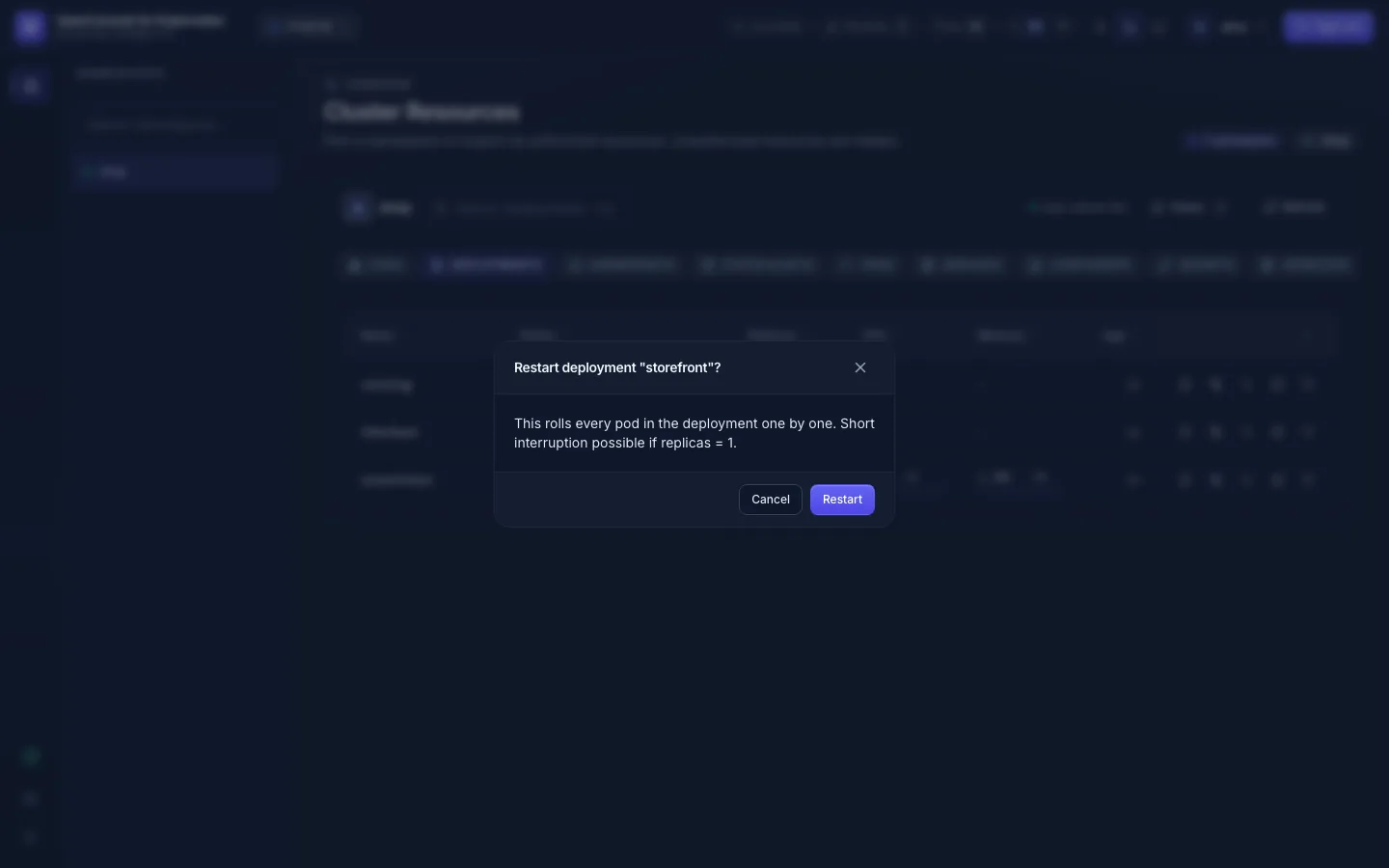
It does what kubectl rollout restart does: the pod template gets a new timestamp and Kubernetes replaces the pods
one by one, following the Deployment's strategy. With one replica there may be a short interruption.
Scale
You want to: run more or fewer pods of a Deployment or StatefulSet.
Scale in the workload's drawer shows the current count and a target:
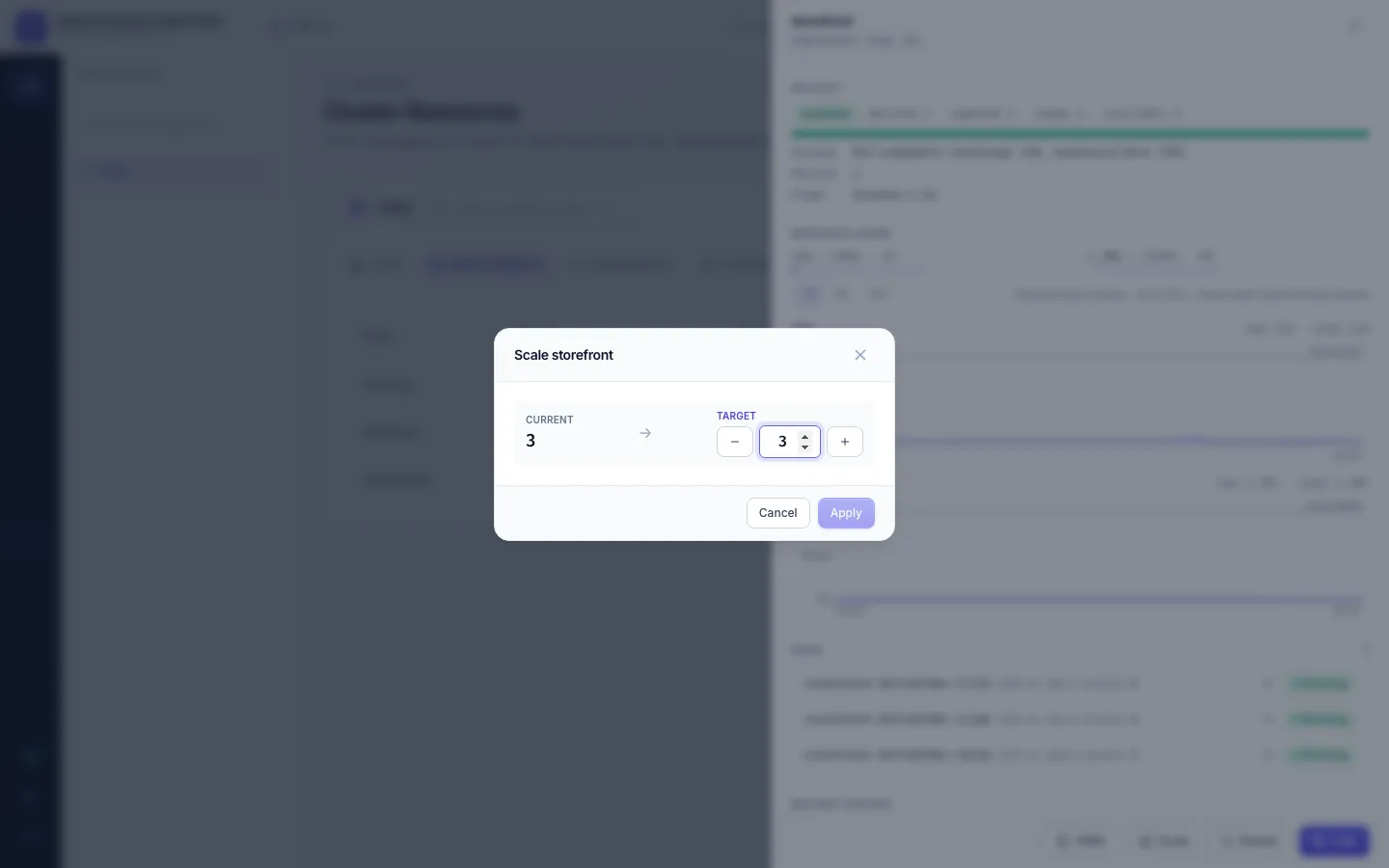
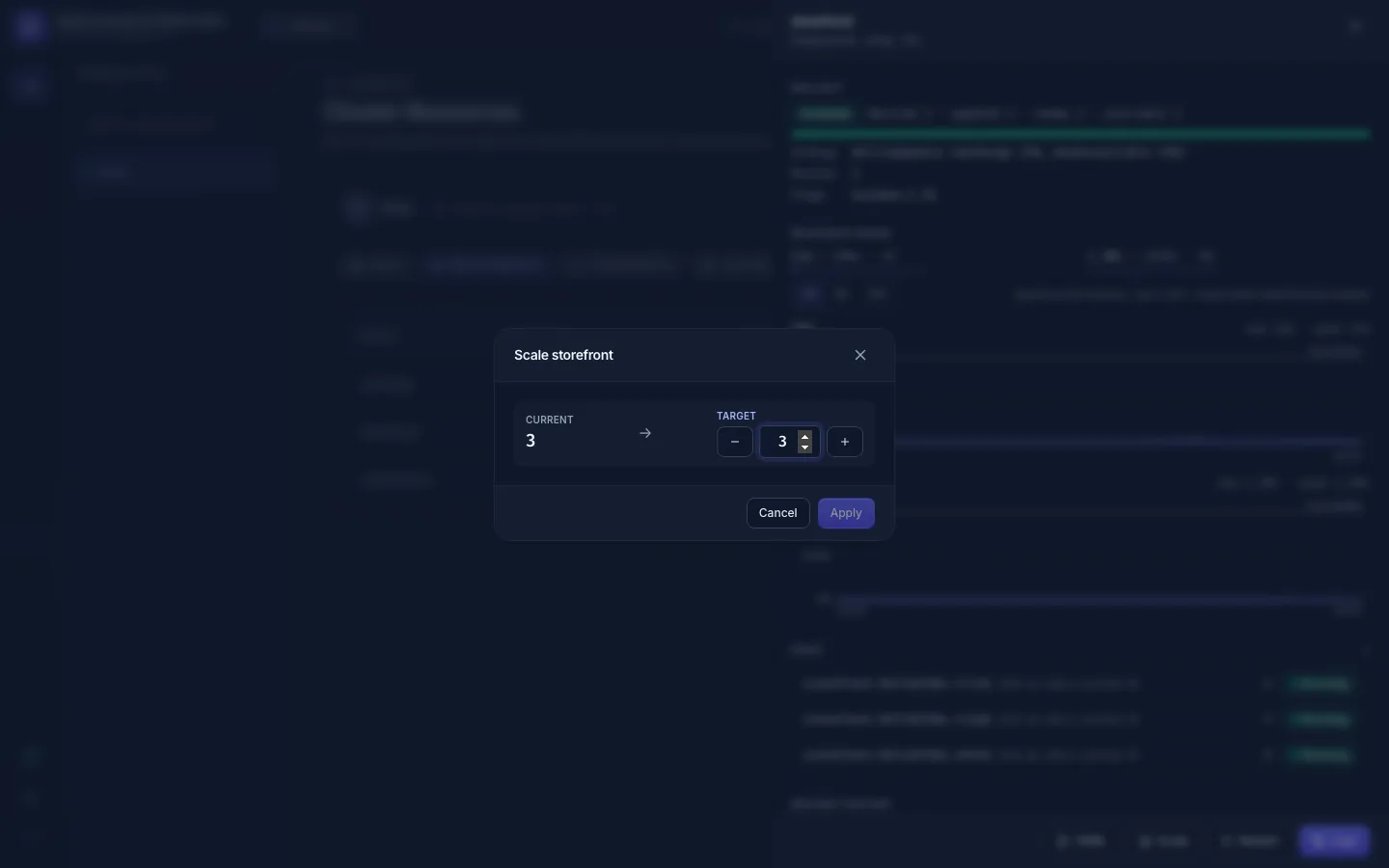
The target can be 0 (stops all pods) up to 100 by default (your admin sets the maximum). If an HPA manages the workload, it will change the count again on its own.
Permissions and audit
| Action | Permission | Audit event |
|---|---|---|
| Restart a Deployment | deployments:restart | deployment.restart, with restarted_at |
| Scale a Deployment | deployments:scale | deployment.scale, with replicas_from and replicas_to |
| Scale a StatefulSet | statefulsets:scale | statefulset.scale, with replicas_from and replicas_to |
A refused attempt is recorded too, with outcome denied. You can do 5 restarts or scales in a row, then one every
6 seconds; past that OpenConsole answers too many requests.
- No Restart / Scale button: you lack the permission above in this namespace on this cluster. A role may allow it on staging and not on production.
- The buttons are gone for everyone: the admin switched workload actions off (
FEATURE_WORKLOAD_ACTIONS=false). - Kubernetes refused it (403): the cluster connection is read-only; ask your admin.
- DaemonSets have no restart button here; use their YAML if you may edit them.