Secrets
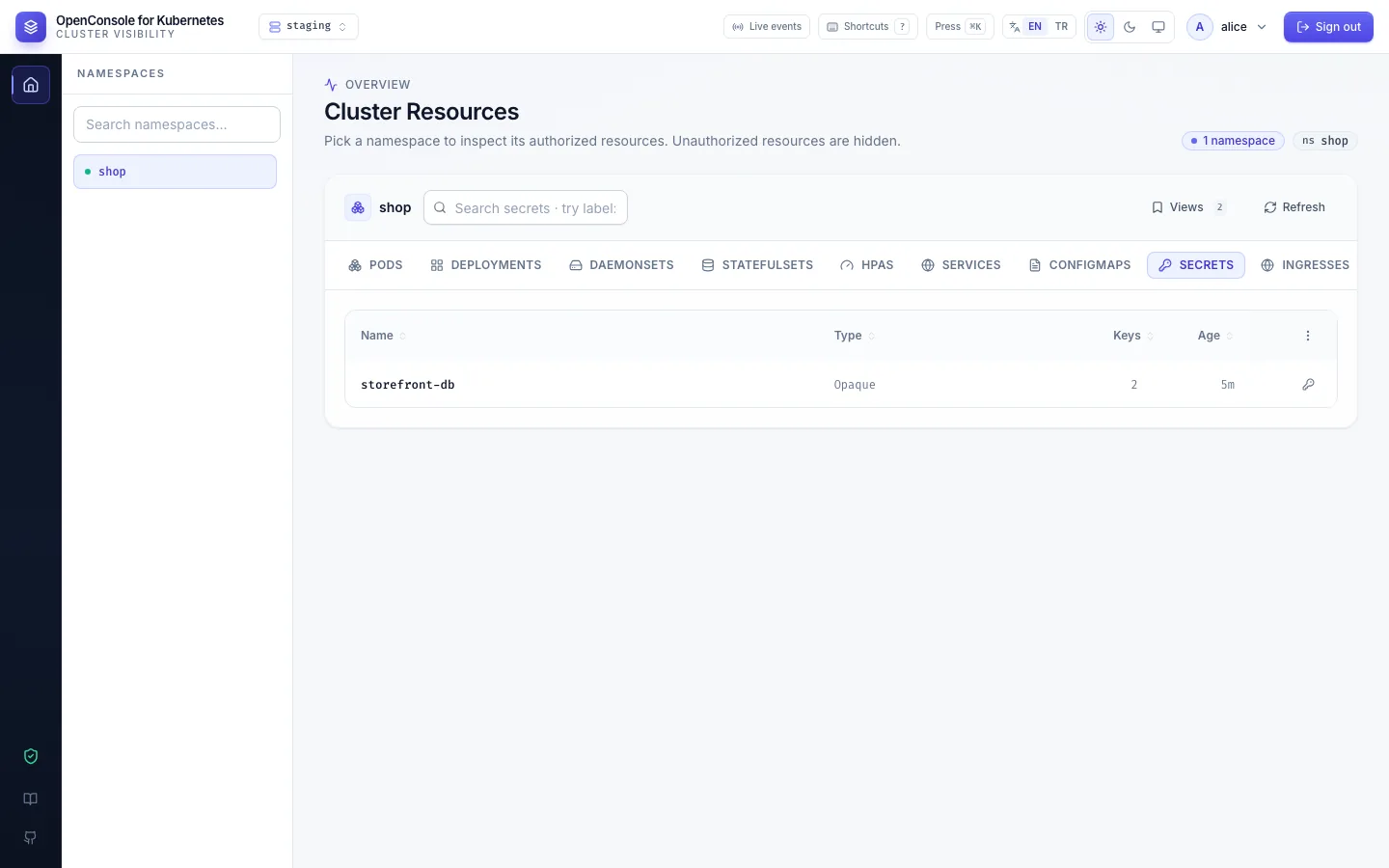
You want to: check that a Secret exists and has the right keys, read one value, or change it.
Seeing that a Secret exists, reading a value and changing it are separate permissions:
| Permission | What you get |
|---|---|
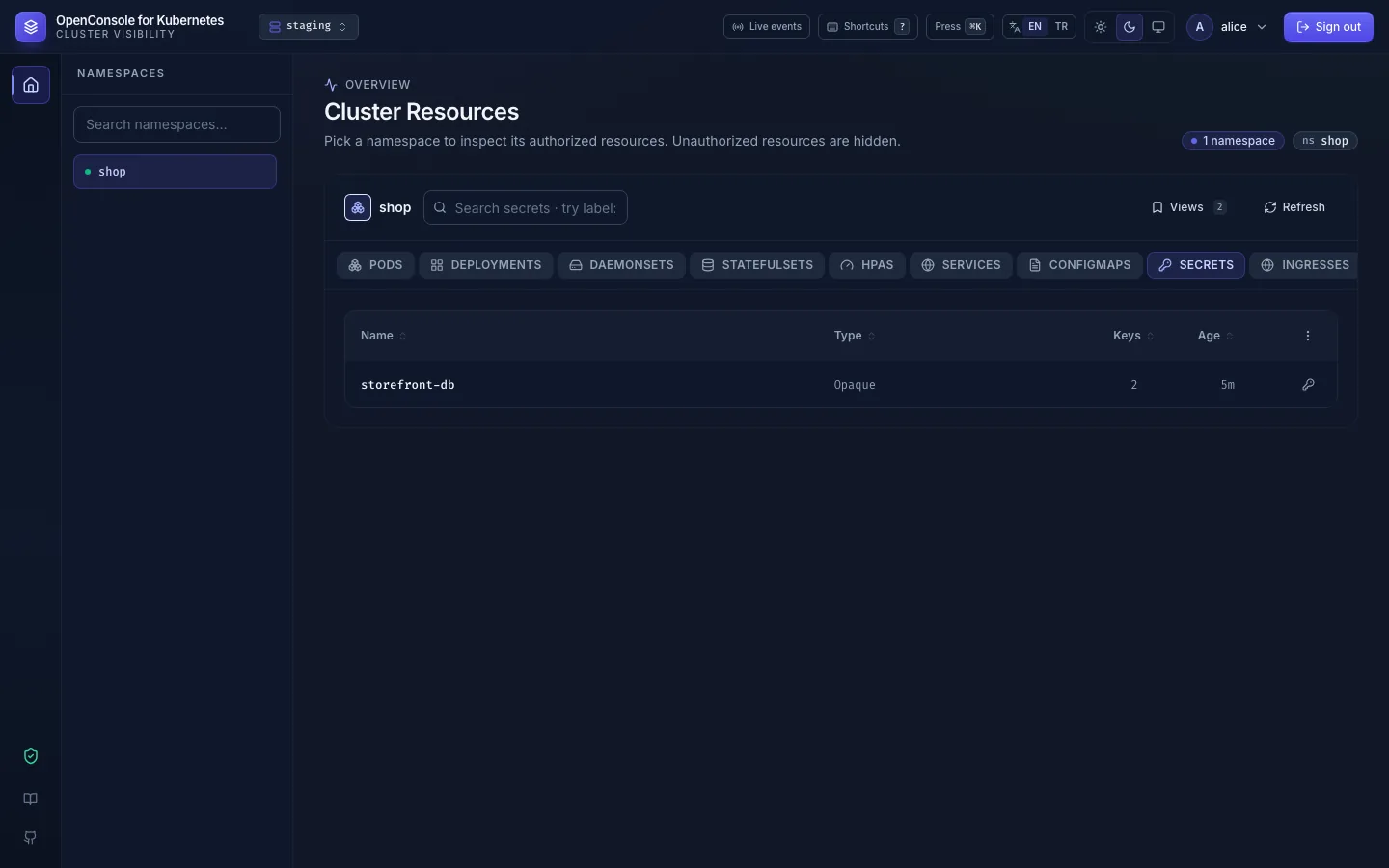
secrets:list | the Secrets tab: name, type, number of keys, age |
secrets:get | Keys: type, immutable flag, labels, annotations, key names and sizes, no values |
secrets:reveal | Show on one key: that key's value, with copy and hide |
secrets:edit | YAML: the whole Secret in the editor, values included |
Read one value
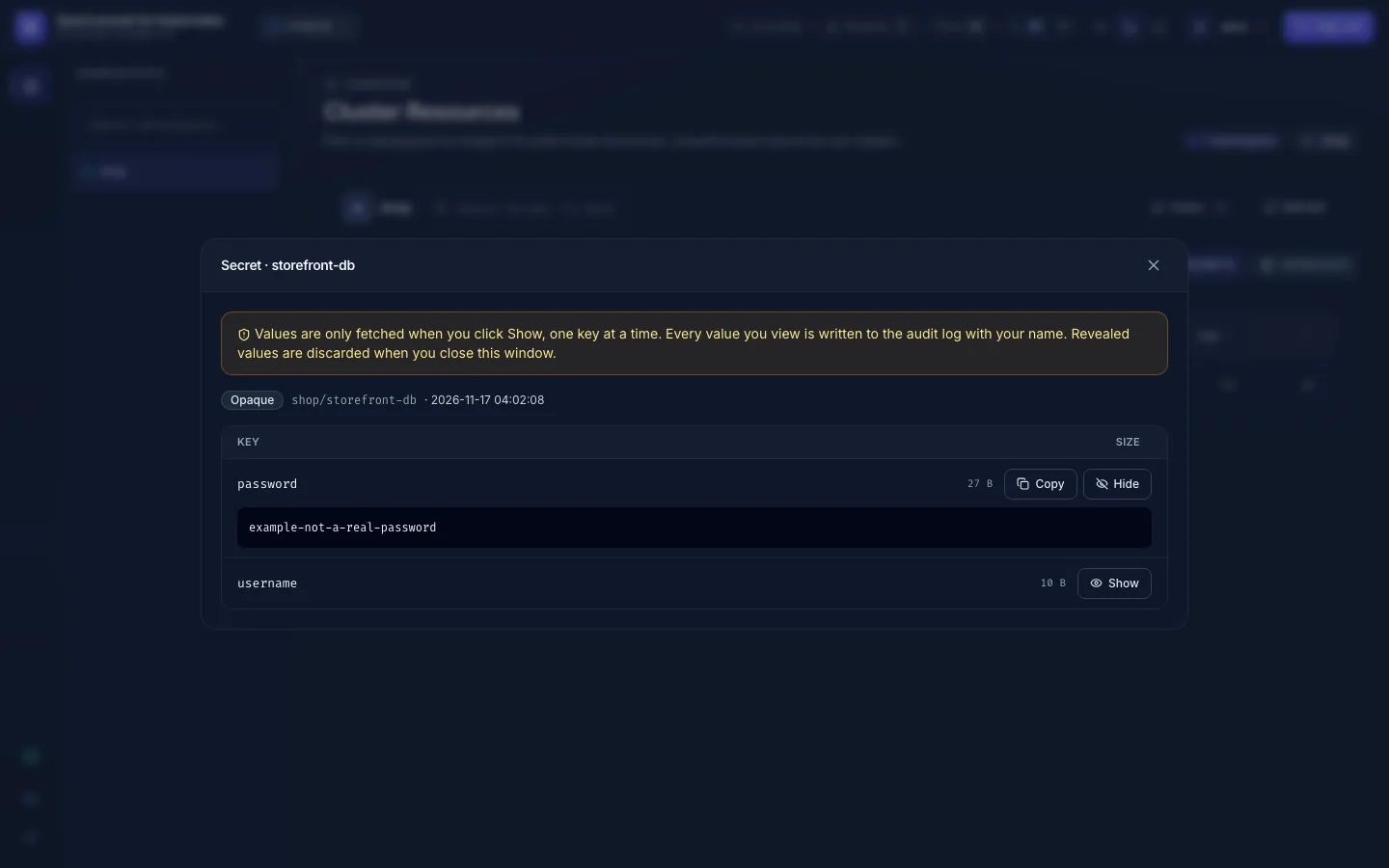
Keys opens the Secret without its values. Show next to a key fetches that one value; Hide or closing the window forgets it.
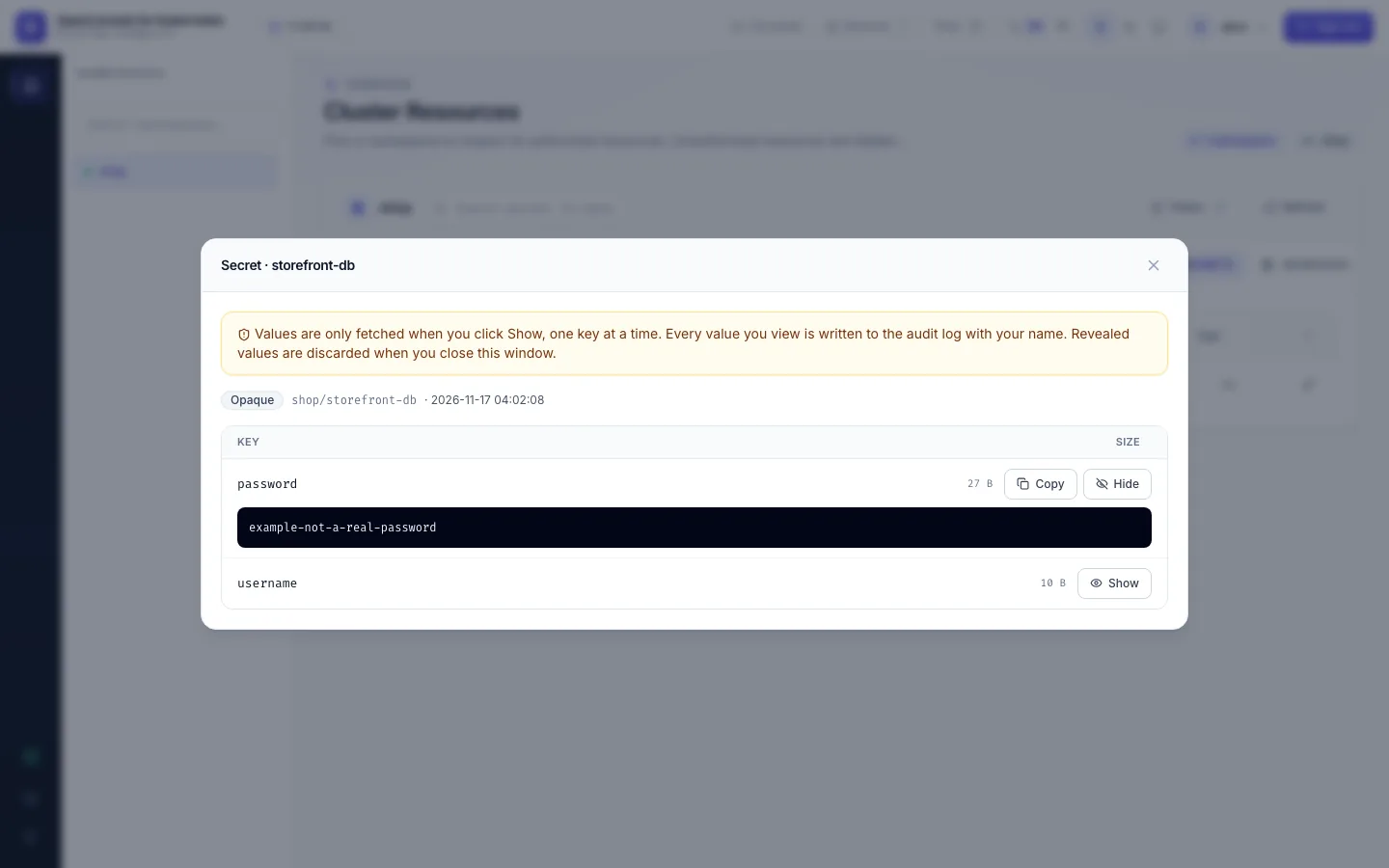
Every value you show is written to the audit log (secret.reveal, with the key's name, never its value). Values
never travel with the list or with Keys; the kubectl.kubernetes.io/last-applied-configuration annotation, which
embeds the data, is dropped too. A shown value is sent with Cache-Control: no-store; a binary value comes
base64-encoded and labelled as such.
Change it
With secrets:edit, YAML opens the editor (YAML view and edit). Text values appear readable
under stringData, so you edit plain text instead of base64; binary values stay base64 under data. On apply Kubernetes
merges stringData into data. Removing a key from the YAML deletes it. The dry-run result comes back in the same
shape, so the diff compares like with like. Opening the YAML is audited (secret.view_yaml), and so is applying it (secret.apply).
- No Secrets tab: you don't hold
secrets:listhere, or the admin switched Secrets off for everyone. - No Show button: you hold
secrets:getbut notsecrets:reveal. - No YAML button on a Secret: opening it needs
secrets:edit;getorrevealis not enough, because the YAML holds every value. - "OpenConsole's account on this cluster may not read this": the cluster connection can't read Secrets; ask your admin.