Signing in
You want to: open OpenConsole and start working.
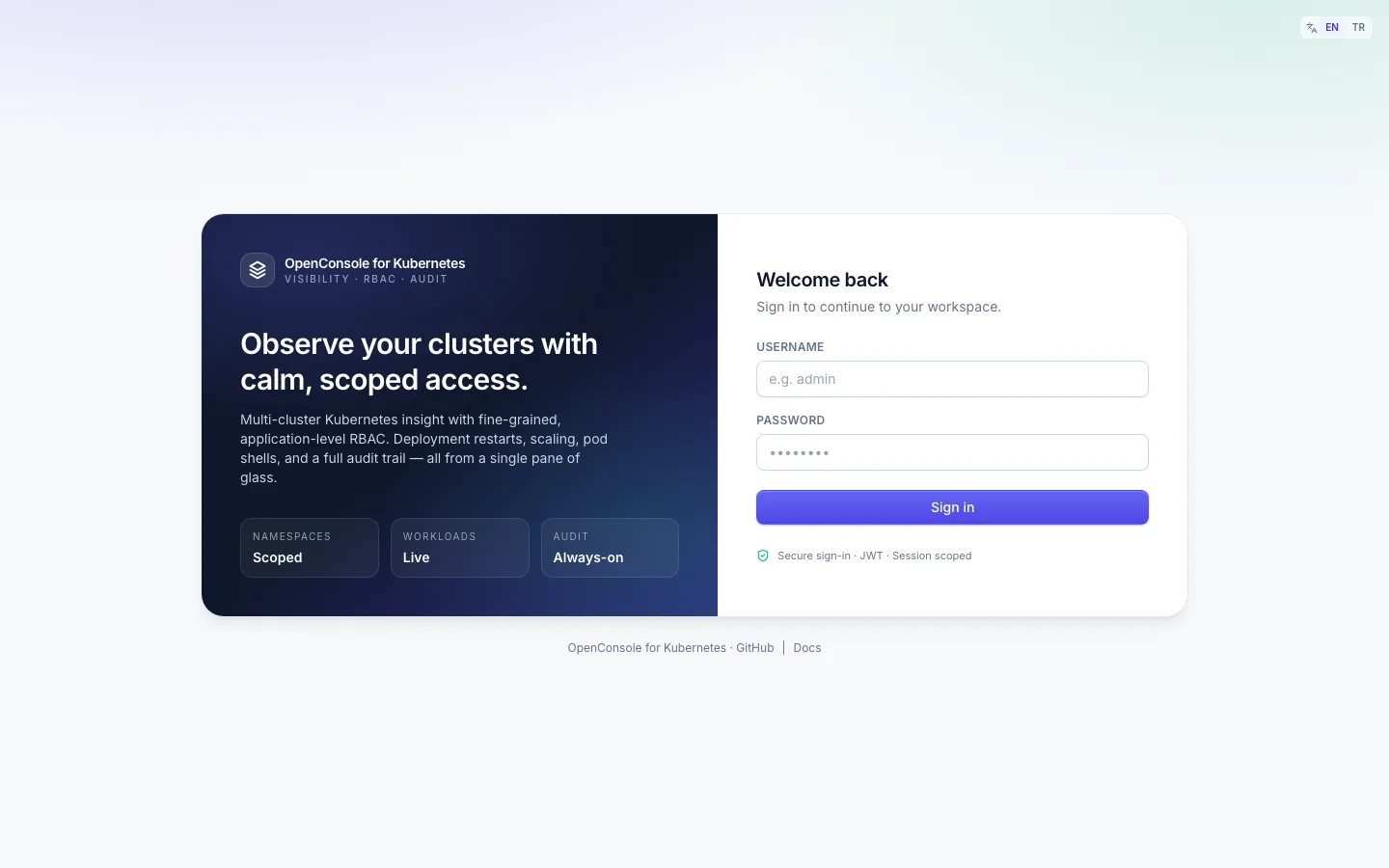
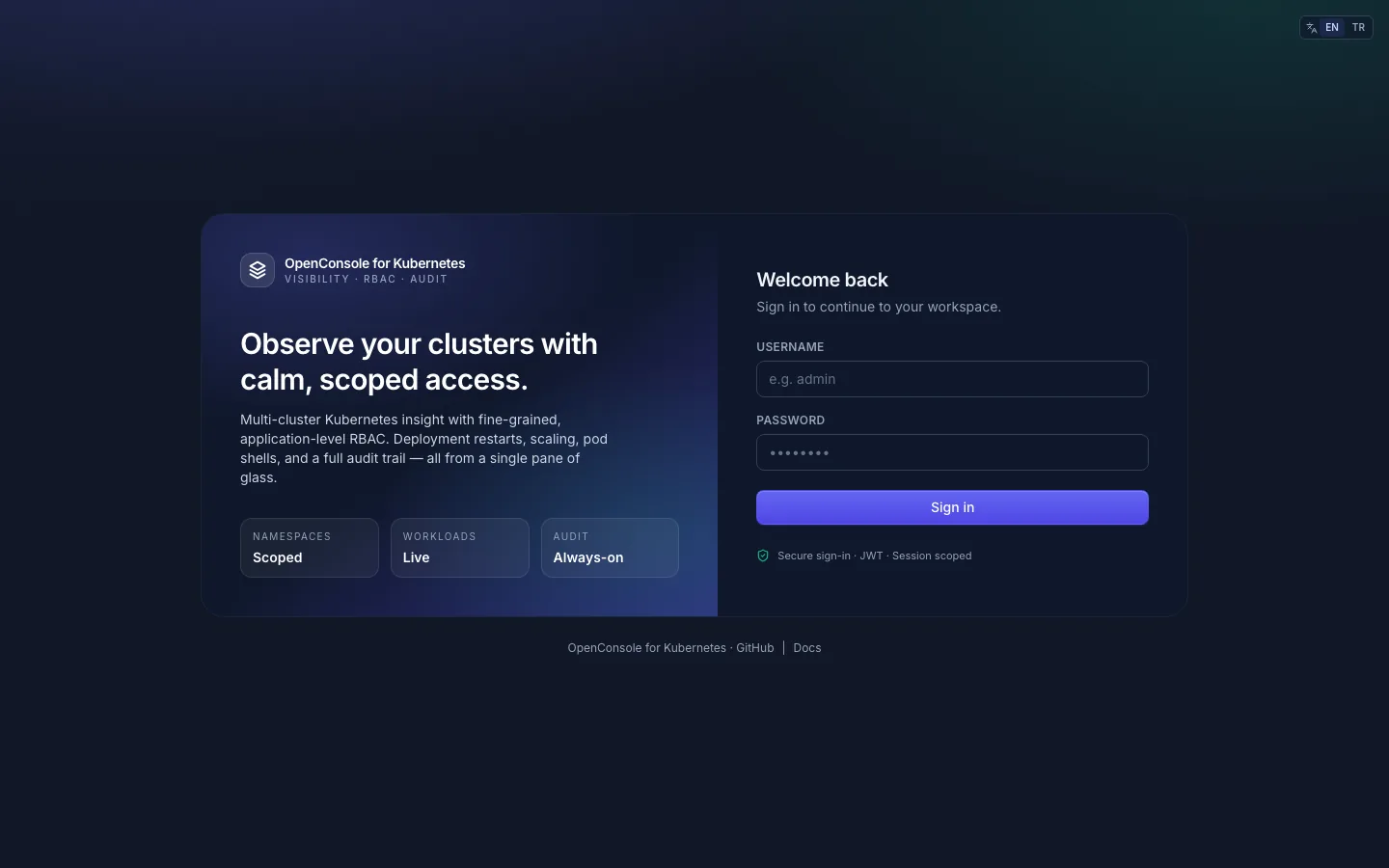
Which account
Your admin tells you how you sign in. The sign-in page is the same for all three:
| Your account | How you sign in |
|---|---|
| Local | username and password, both set up in OpenConsole |
| LDAP / Active Directory | your directory username and password, typed into the same form; OpenConsole checks them against the directory |
| Azure AD (Entra ID) | the Sign in with Microsoft button, shown when your admin has turned it on |
A failed sign-in always says the same thing, whatever the reason. Five failures in a row for one account from one address lock it for five minutes.
Your password
- If your admin set or reset your password, change it to one only you know (account menu, below). After a reset OpenConsole usually asks for this itself. After a password change you are signed out; sign in again with the new one.
- Change it later from the account menu (your name, top right). This signs you out everywhere else too.
- Passwords are at least 8 characters (your admin may require more).
- LDAP and Microsoft accounts change their password in the directory, not here.
How long you stay signed in
A sign-in lasts 60 minutes by default (your admin may set another value). When it ends you are taken back to the sign-in page. Sign out (top right) ends it at once.
Language and theme
- Language: the EN / TR switch in the header, and at the top right of the sign-in page. OpenConsole uses your saved choice (kept in the browser), else your browser's language if it is English or Turkish, else English.
- Theme: the sun / moon / screen buttons in the header for light, dark or your system's setting; or the keys
t l,t d,t s.
Can't sign in?
- Login failed. Please check your credentials. also covers a disabled account and a locked one. Wait five minutes after several failures, then ask your admin to check that your account is active and that you sign in the right way (local, LDAP or Microsoft).
- You sign in but see no namespaces: you are in no group with a role yet. See Choosing a cluster and namespace.