Saved views and Live Events
Saved views
You want to: get back to "the failing pods in shop on staging" with one click, or hand it to your team.
Views next to the search (or v) lists your views and the ones shared with everyone:
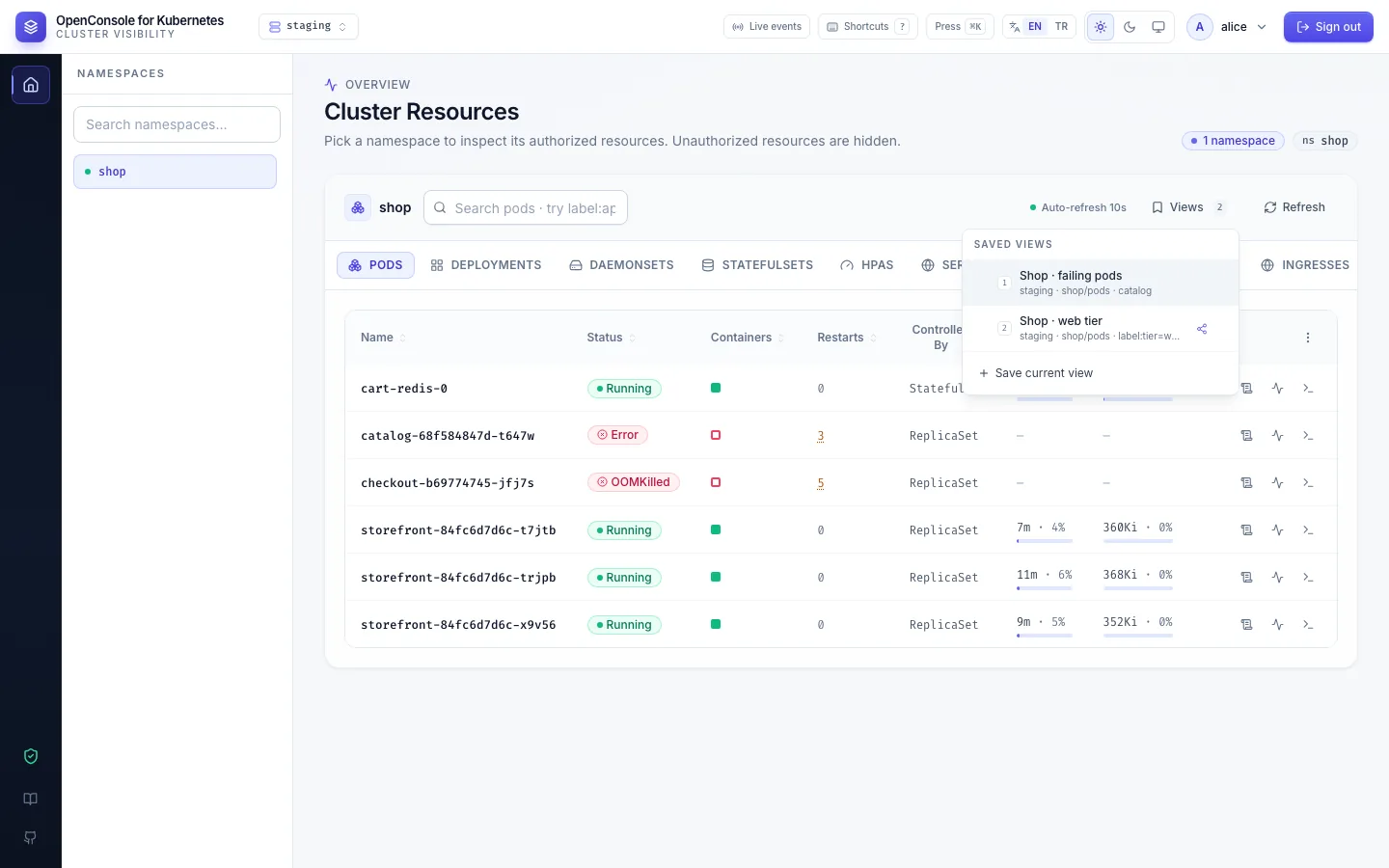
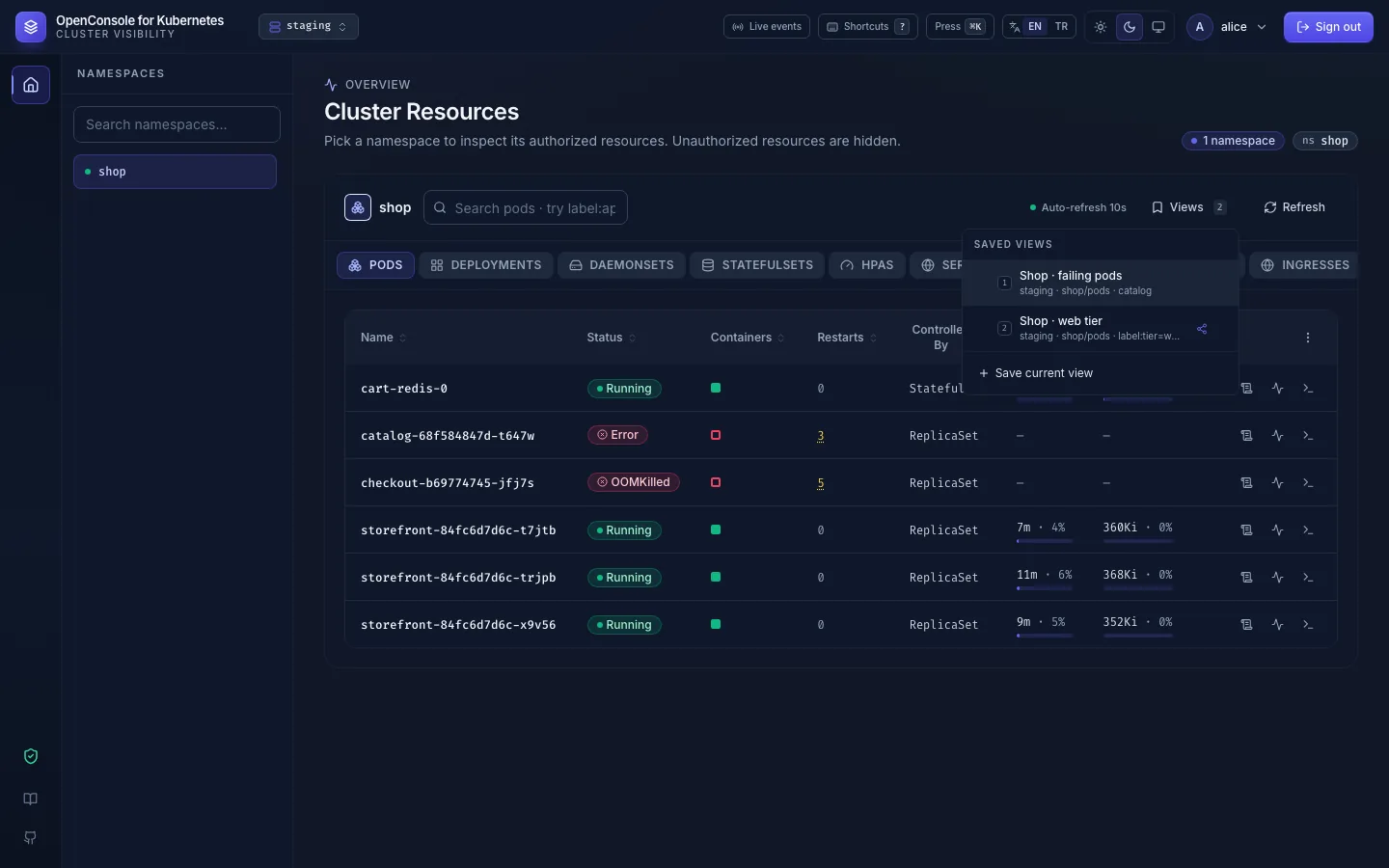
- Save current view stores the cluster, namespace, tab, search and list / card mode under a name.
- A view lives on the server, so it follows you to any browser. Opening a view saved on another cluster switches you to that cluster. Views that versions before 2.14.0 kept in the browser move to the server the first time you open the Dashboard.
- The share icon makes a view visible to every user, marked with your name. Others can use it; only you can rename, unshare or delete it (admins can remove shared views).
- A shared view never grants access: someone without permission in its namespace just sees an empty list.
- With the menu open,
1–9open a view by position.
Live Events
You want to: watch what is happening right now: pods being created and killed, warnings from Kubernetes.
Live events in the header (or e) opens a side panel that streams changes to the objects you may list, plus
Kubernetes Events (each repeat of a recurring one too), newest first:
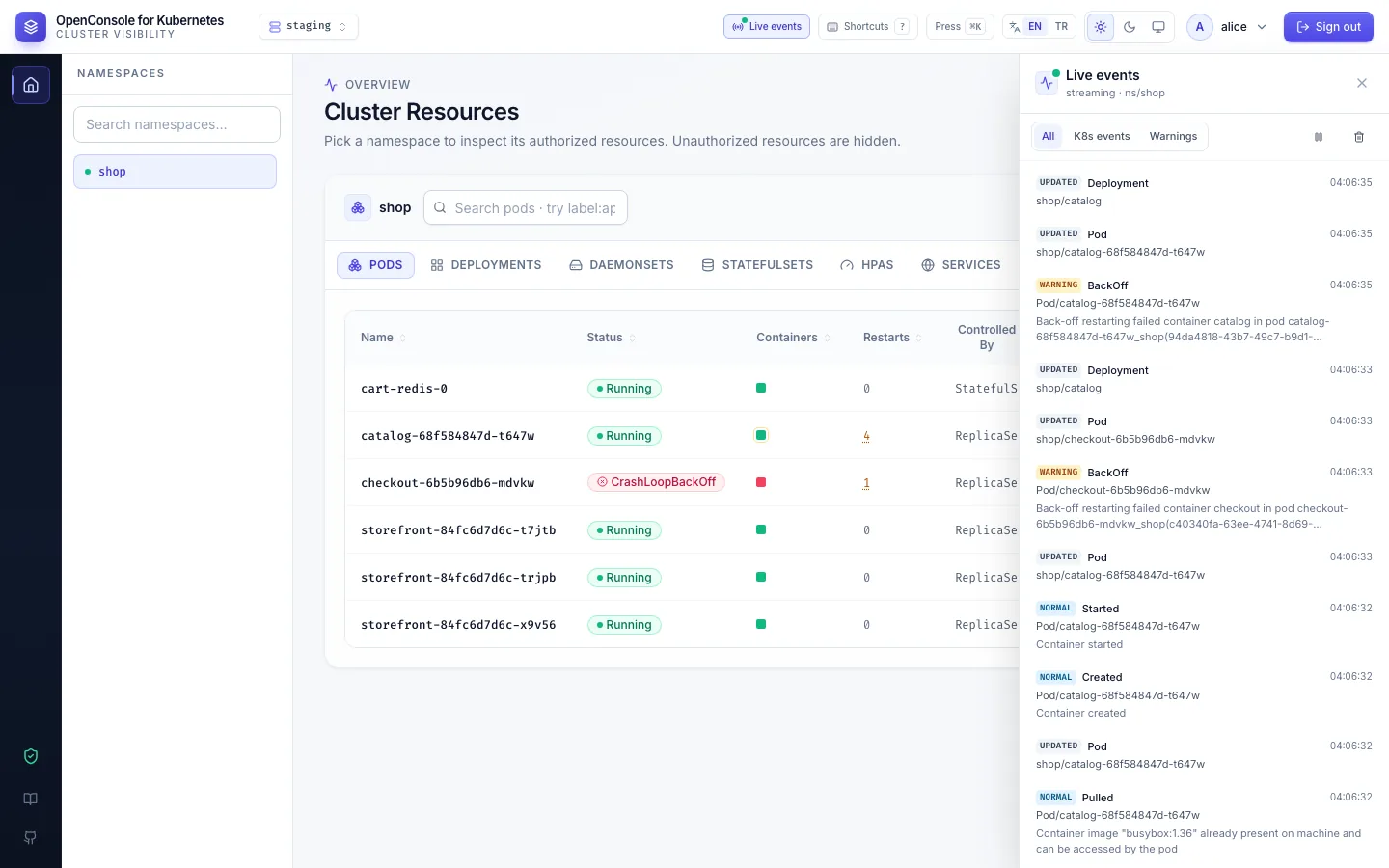
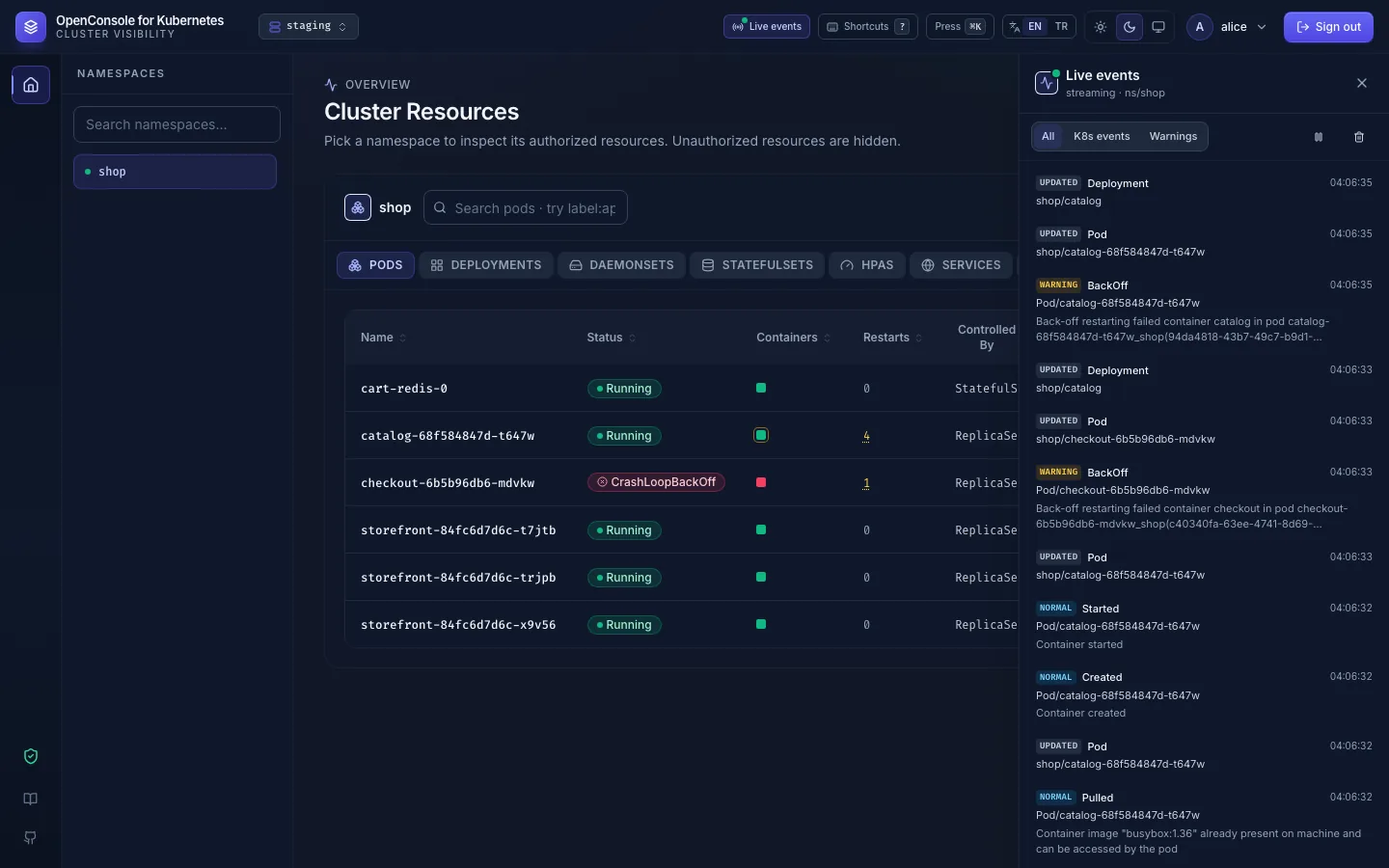
- All, K8s events or Warnings only.
- The panel shows only objects you may list; events are matched to the object they are about.
- Pause and clear are at the top right.
- If the connection drops (a restart of OpenConsole, an admin editing the cluster, the network), the panel reconnects on its own.
Can't see it?
- A shared view shows nothing: you have no permission in its namespace or cluster.
- No events for a namespace: nothing changed there, or you can't list that kind of object. Node and other cluster-wide events are for admins only.