YAML view and edit
You want to: see the full object, or change something that has no button (an environment variable, a limit, a ConfigMap value).
View
YAML on a row or in a drawer opens the object as the cluster stores it, read only:
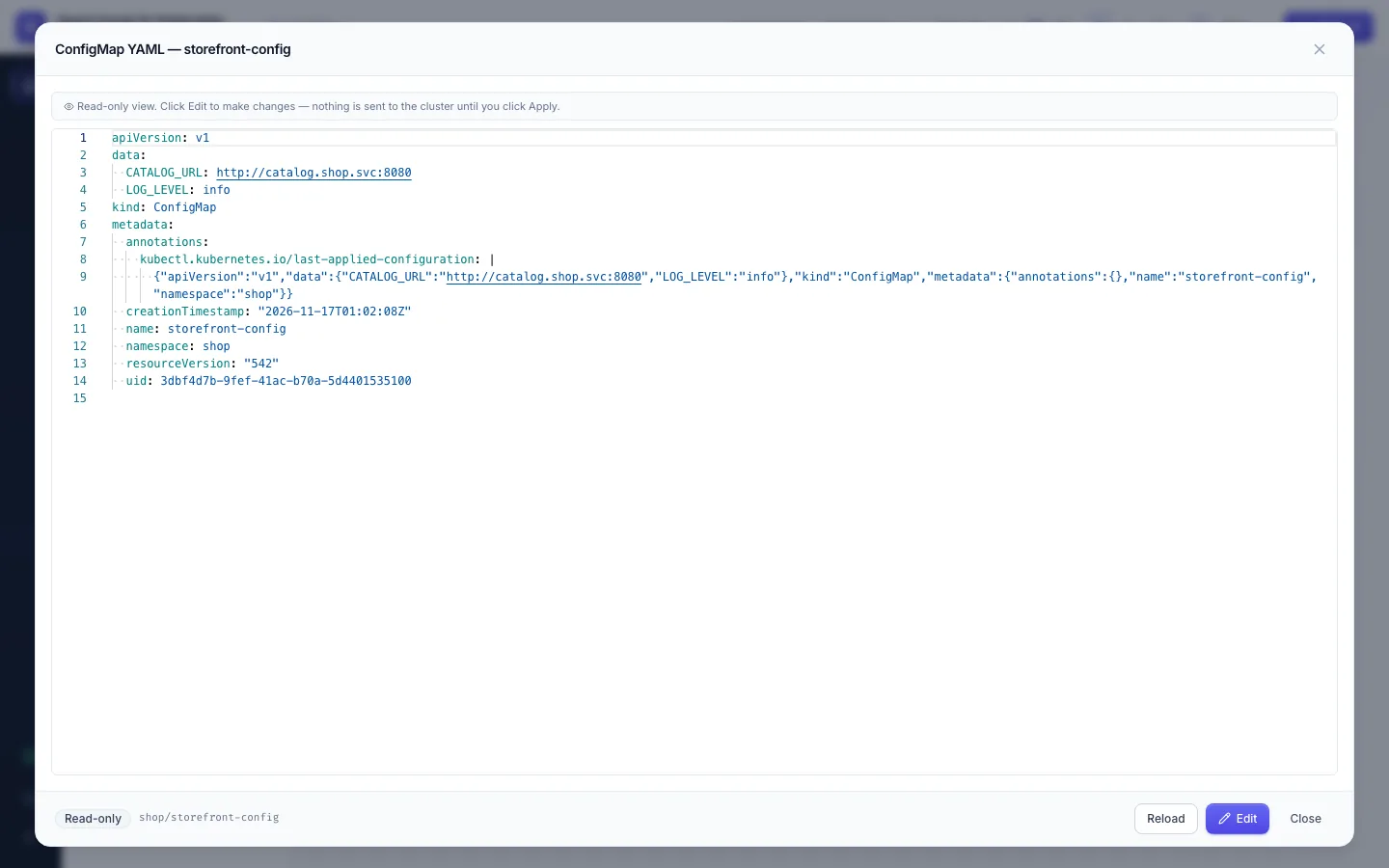
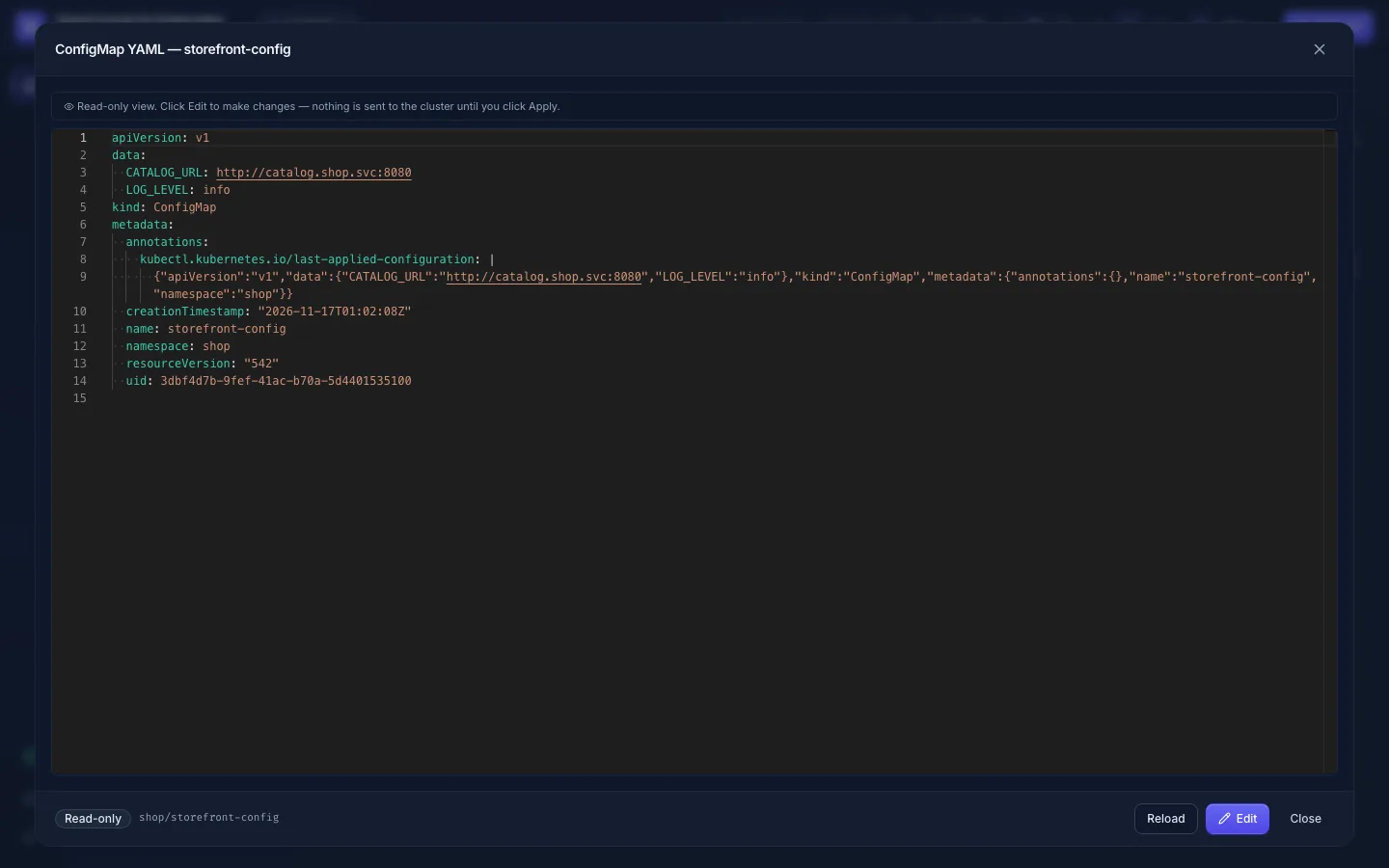
Pods, Deployments, DaemonSets, StatefulSets, HPAs, Services, ConfigMaps, Ingresses, CronJobs and Jobs have it; Secrets
too, but only with secrets:edit (Secrets).
Edit
-
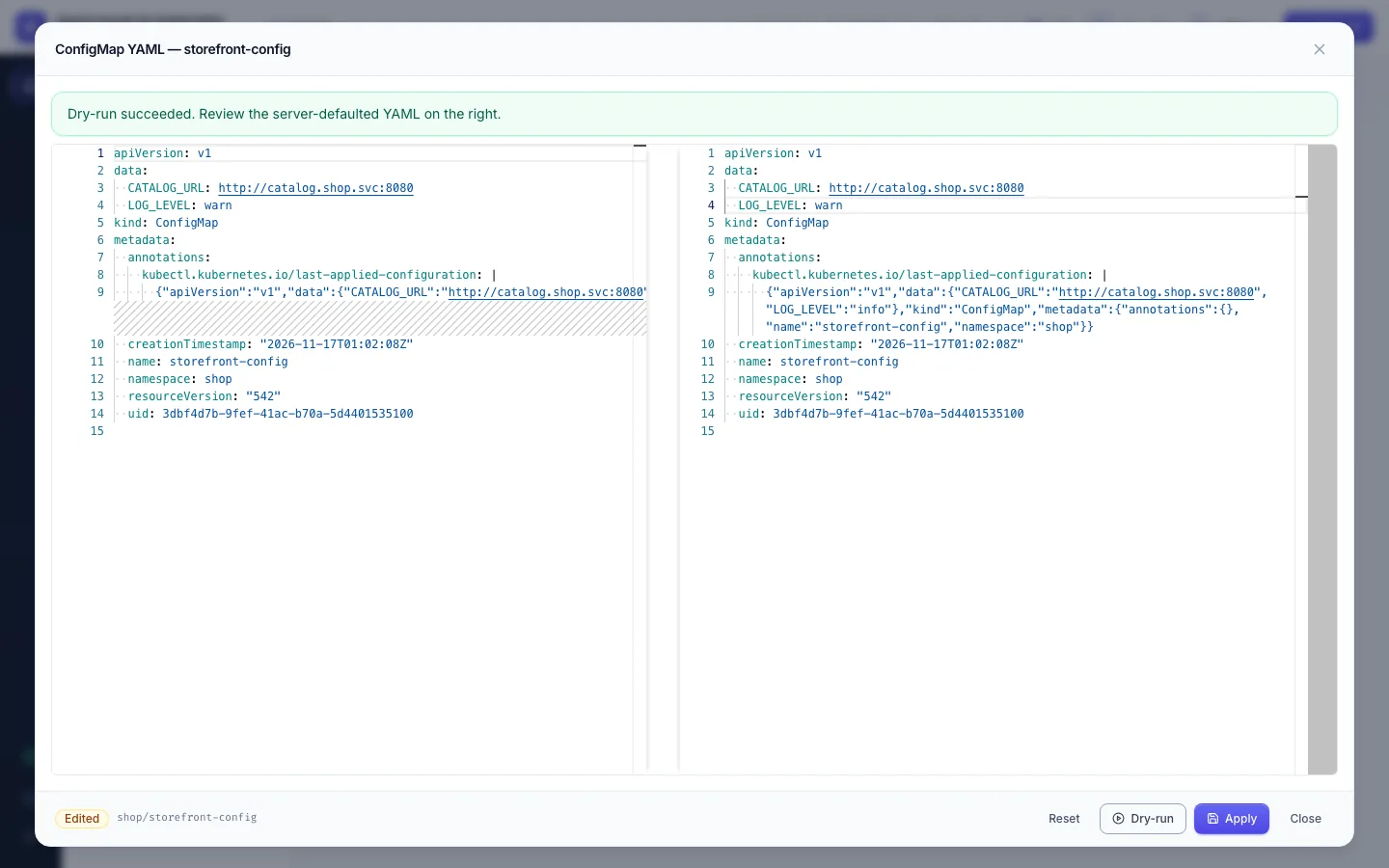
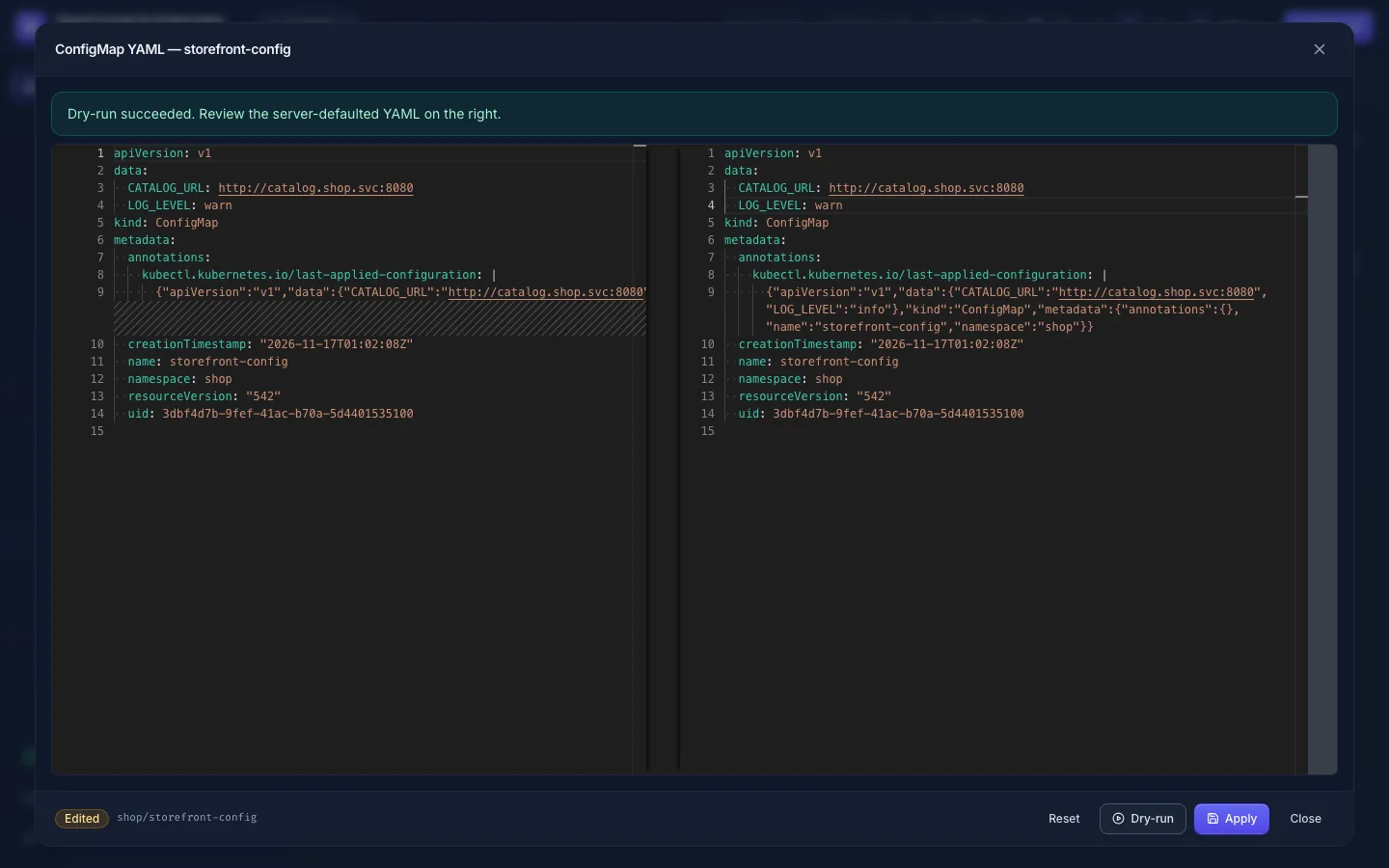
Edit turns the view into an editor: your version on the right, the cluster's on the left.
-
Change what you need.
-
Dry-run sends it to the Kubernetes API server, which checks it and fills in its defaults without storing it. The right side then shows the object as it would be stored, so the diff shows the real change:
-
Apply stores it. Reset throws your changes away.
Opening the YAML is audited as a read (<kind>.get, e.g. deployment.get). Every apply is in the audit log
(<kind>.apply, with dry_run and short hashes of the YAML before and after,
never the YAML itself).
"Conflict": someone changed it first
The YAML carries the object's resourceVersion. If the object changed in the cluster after you opened it (another
user, a controller, a deploy pipeline), Apply answers 409 Conflict instead of overwriting their change.
Copy your edit somewhere, Reload, make the change again on the fresh YAML and apply.
An edit here is a direct change. If the object is managed by Helm, Argo CD or Flux, the next sync may undo it; make the change in Git too.
- No Edit button: you hold
<kind>:getbut not<kind>:edit(e.g.configmaps:edit) in this namespace. - Edit is missing for everyone: the admin switched YAML editing off (
FEATURE_YAML_EDIT=false). - Dry-run fails with a Kubernetes message (
invalid,forbidden): read it; the API server rejected the YAML, or the cluster connection may not update this kind.